Manual Page 115
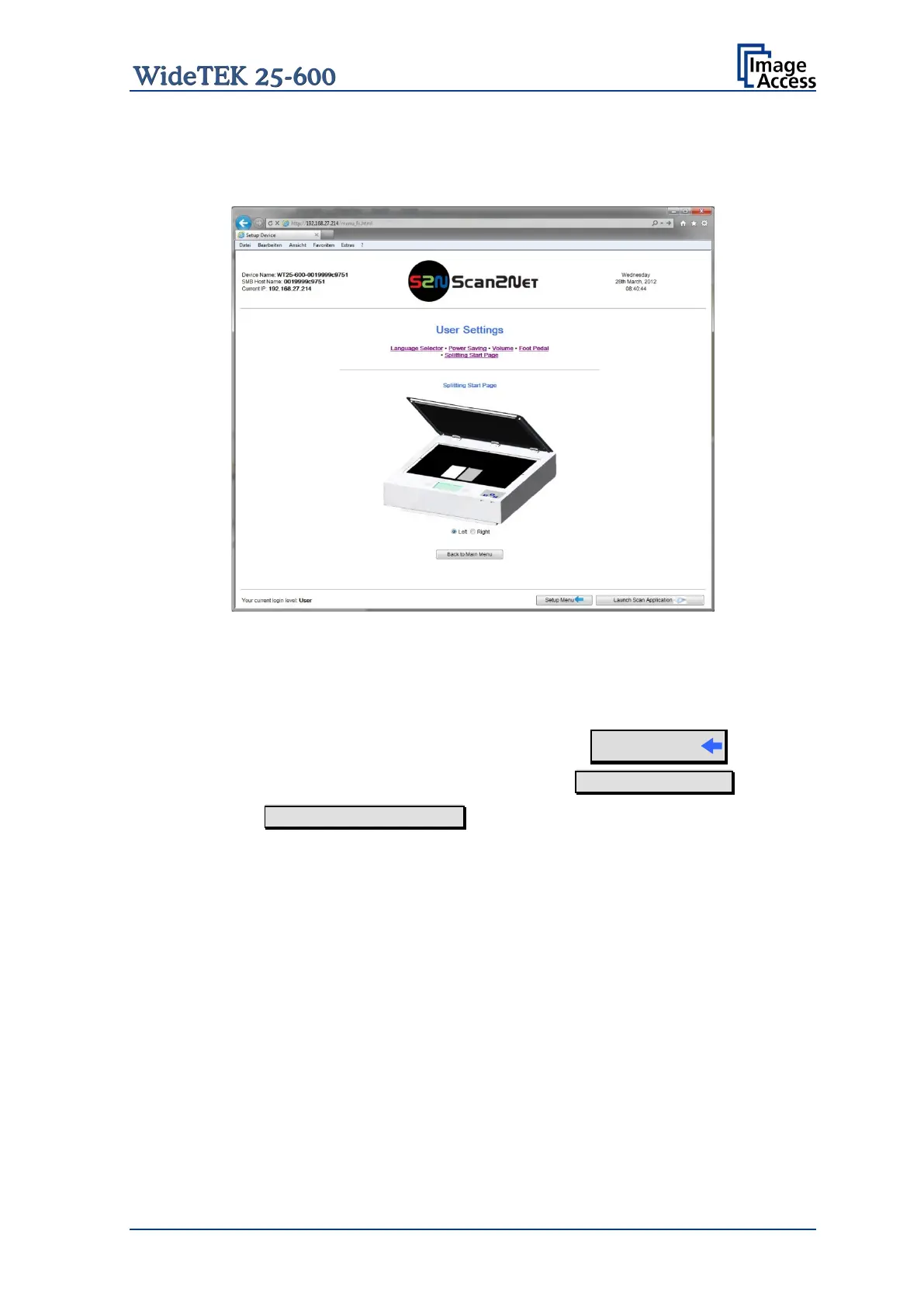
C.5.2.3.5 Splitting Start Page
Click the button Splitting Start Page and select either the left page or the right page as
start page.
Picture 108: Splitting start page
In some cases it is necessary to start splitting the documents image in reverse order, i.e.
starting with the right side followed by the left side in the second step.
Login screen (Picture 98) click the button
Setup Menu
To return to the USER screen (Picture 99) click the button Back to Main Menu .
Click the button Launch Scan Application to switch directly to the main screen of the
integrated S2N user interface.










 To Next Page