Manual Page 85
C.3.5 Output Option Copy
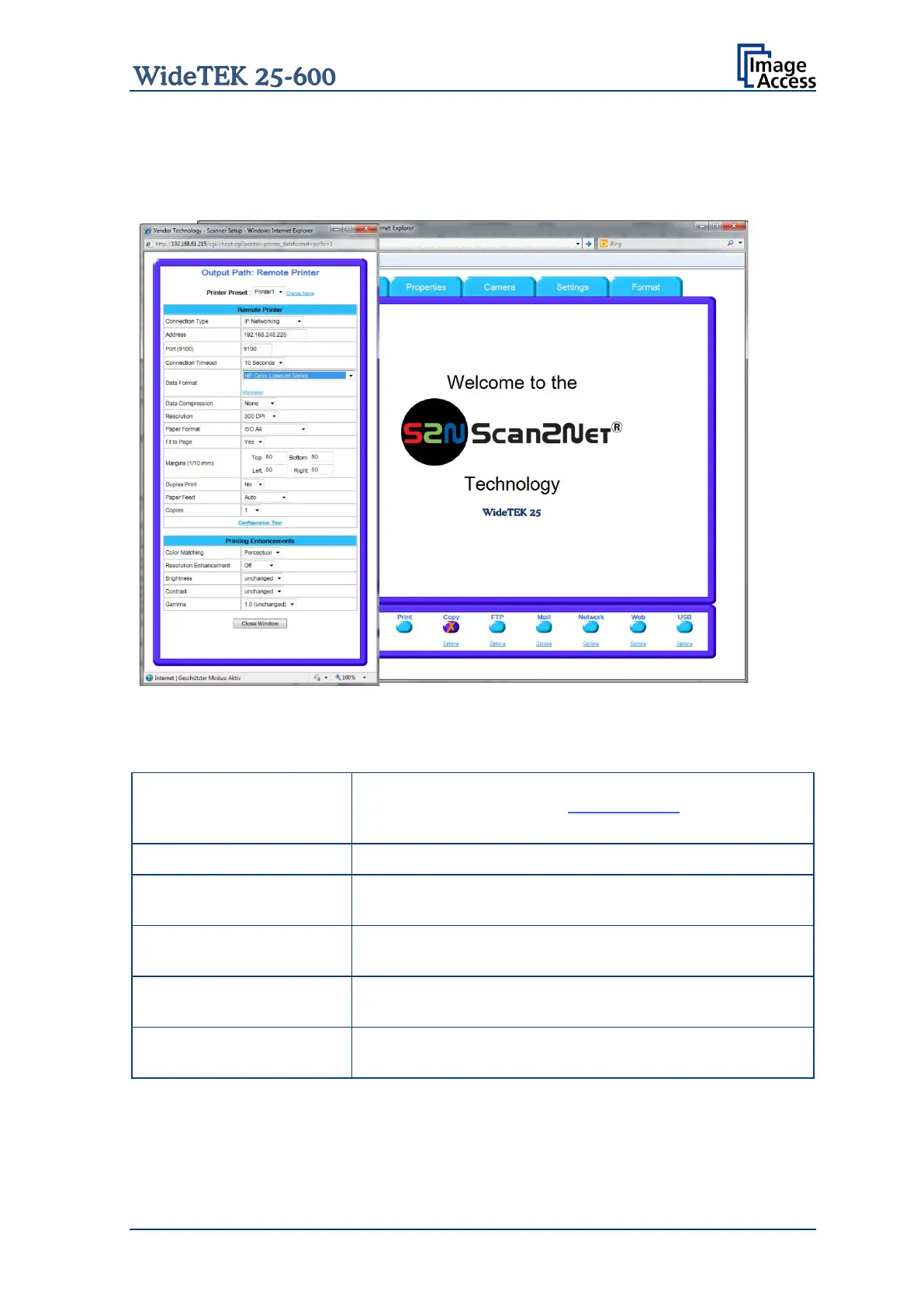
This output option prints directly to a previously installed network printer. The Option key
is used to configure the remotely connected printer.
Picture 87: Output Option Copy
C.3.5.1 Remote Printer
Parameter Description
Choose a printer configuration out of five possible sets of
parameters. If you click on Change Name
the name of this set.
Choose between IP Networking and SMB Printer Queue.
(with IP Networking only)
Enter the IP address of the printer.
(with IP Networking only)
Enter the IP port of the remote printer. Default is port 9100.
(with IP Networking only)
Choose the timeout for connecting to the remote printer
before the connection is aborted.
(with SMB Printer Queue only)
Enter the IP port of the remote printer. Default is port 139.
Note: Each change of an entry field is transferred to the scanner immediately.










 To Next Page