Page 44 Manual
B.4.2.2 TIFF
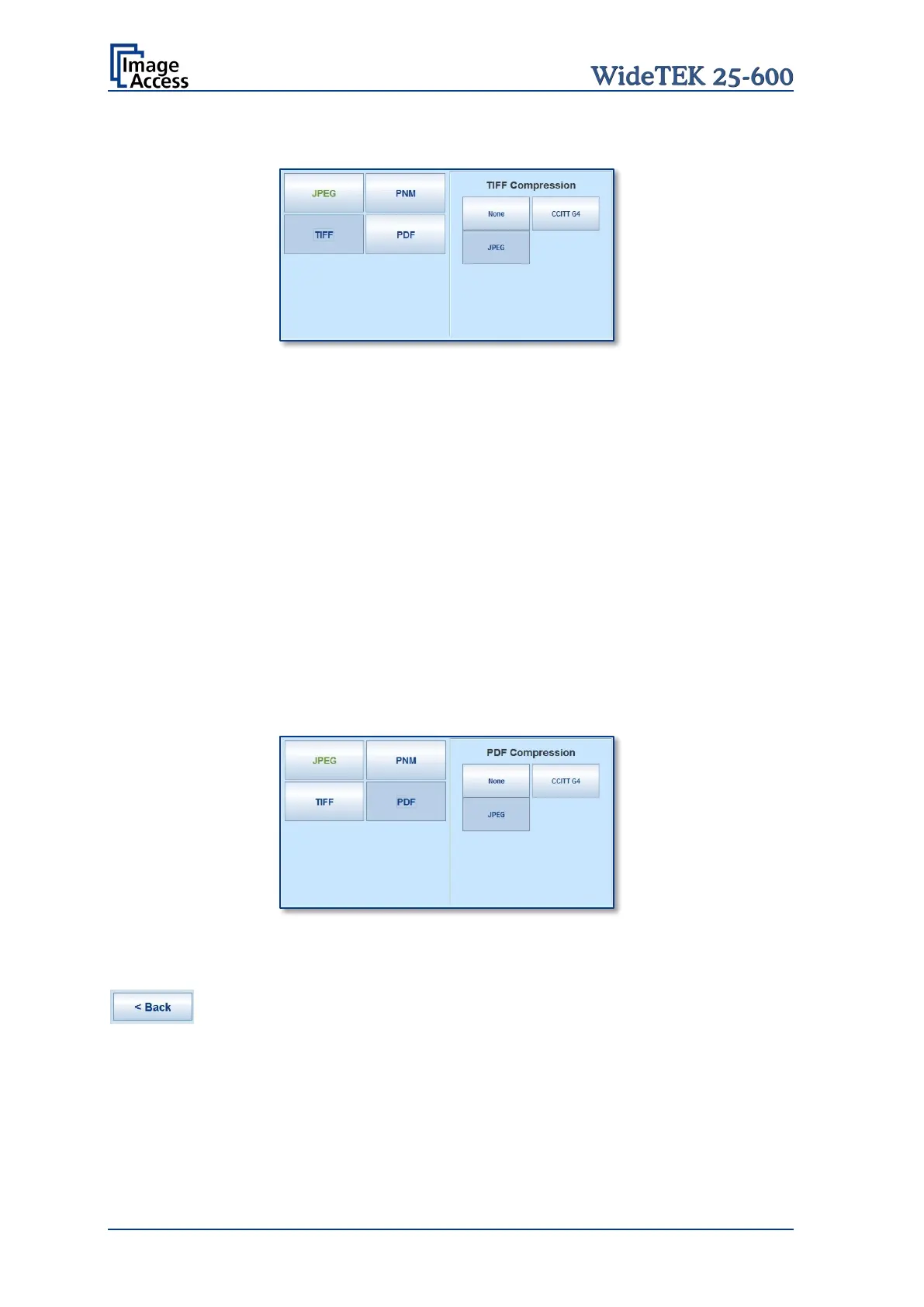
Picture 32: Submenu File Format TIFF
With the TIFF file format, the compression method of the file can be selected with the
TIFF Compression buttons.
CCITT G4 Recommended with color mode Binary.
JPEG Recommended for all other color modes.
None Disables the data compression.
B.4.2.3 PNM
With the PNM file format, no additional parameters are available.
B.4.2.4 PDF
With the PDF file format, the same compression methods are available as with the TIFF
format (see picture above).
Picture 33: Submenu File Format PDF
Press this button to return from a submenu to the main menu.










 To Next Page