Page 80 Manual
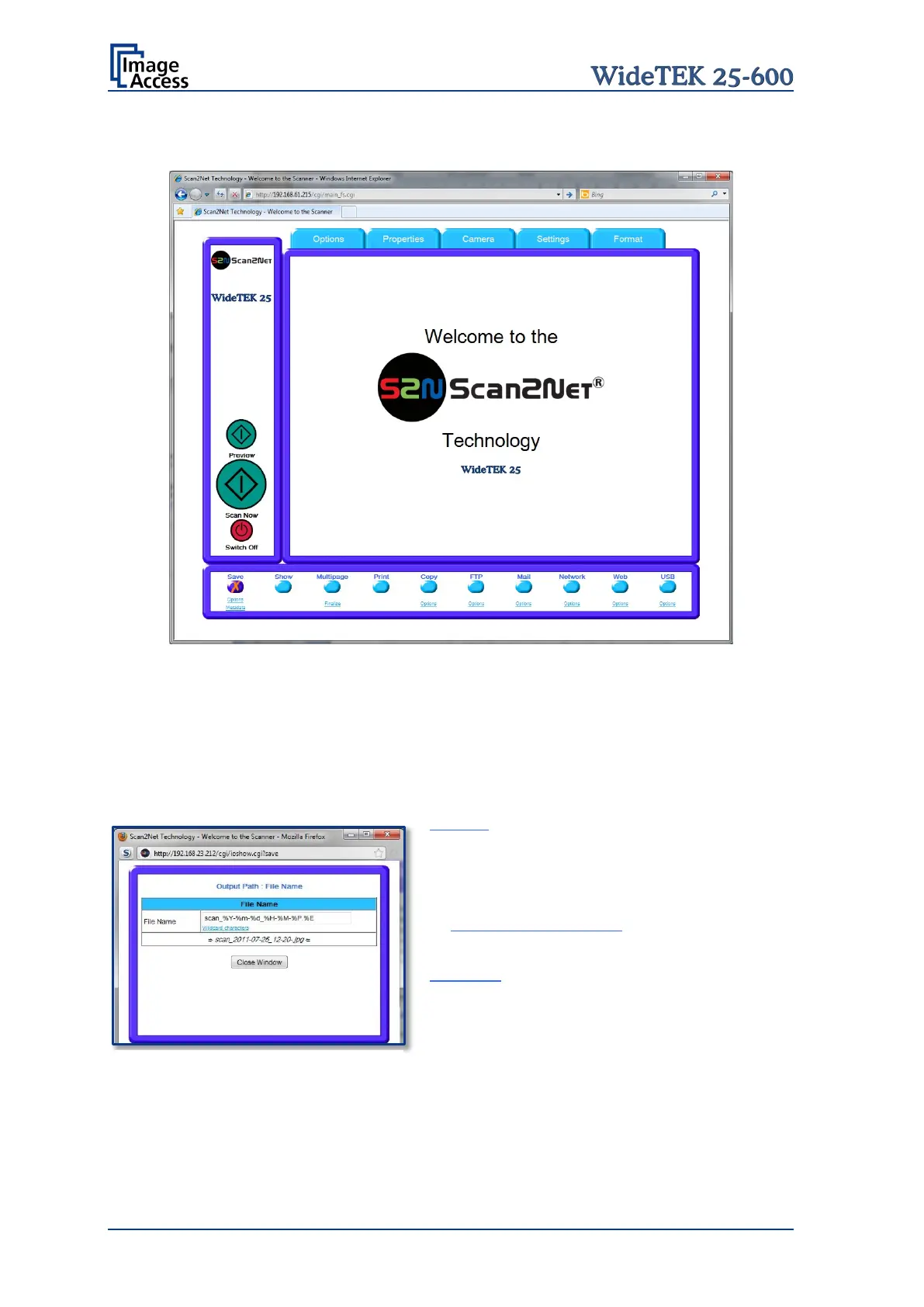
C.3.1 Output Option Save
Picture 79: Output Option Save
Select the output mode by clicking with the mouse on the button Save.
When the output option Save is selected a preview window will not open.
This output option scans to a local or network disk drive. After the scan is performed, a
window opens where the default file name is shown. This window allows to select the
directory where the image should be stored and to change the file name.
Options Click on this link to define the file
name. An additional window will open. Enter
the desired file name. When defining the file
name, variables can be used.
To learn more about the variables click on
Wildcard characters in the window
Output Path: File name.
Metadata Click on this link to change the meta
data stored with the image. An additional
window will open. Enter the meta data here.
Picture 80: Mask to enter the file name










 To Next Page