Manual Page 101
Parameter Description
(only with WebDAV)
Enter the name of the directory where the files should be
stored.
(only with Google Docs)
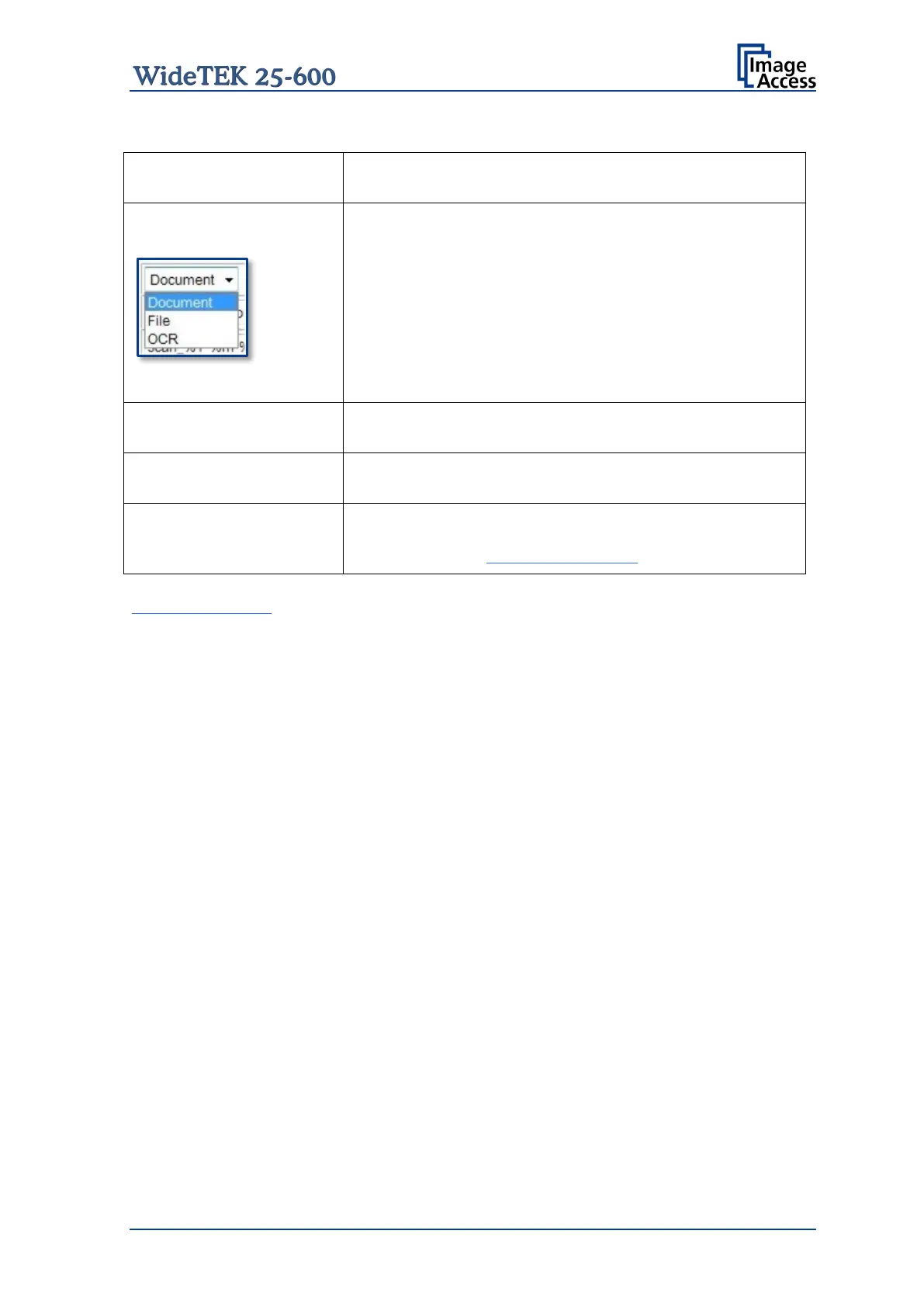
Select the data format. Currently the file size for the data
format “Document” and “File” is limited to 1 MB.
If Document
is selected, a new document will be opened
and the image will be imported into the document.
If File is selected, the image will be stored as it is.
If OCR is
selected, the document will be examined by an
OCR algorithm and the result will be saved. This function
is currently in beta stadium.
(only with Google Docs)
Select the subfolder where the images should be stored.
(only with Google Picasa)
Select an album in your Google Picasa account where the
images should be stored.
Enter the desired file name. Variables can be used to
define the file name. To learn more about the available
variables click on Wildcard characters.
Configuration Test: Click on this link to test the settings. A separate window will open
and shows the test results.
Note: Each change to an entry field is transferred to the scanner immediately.










 To Next Page