Manual Page 73
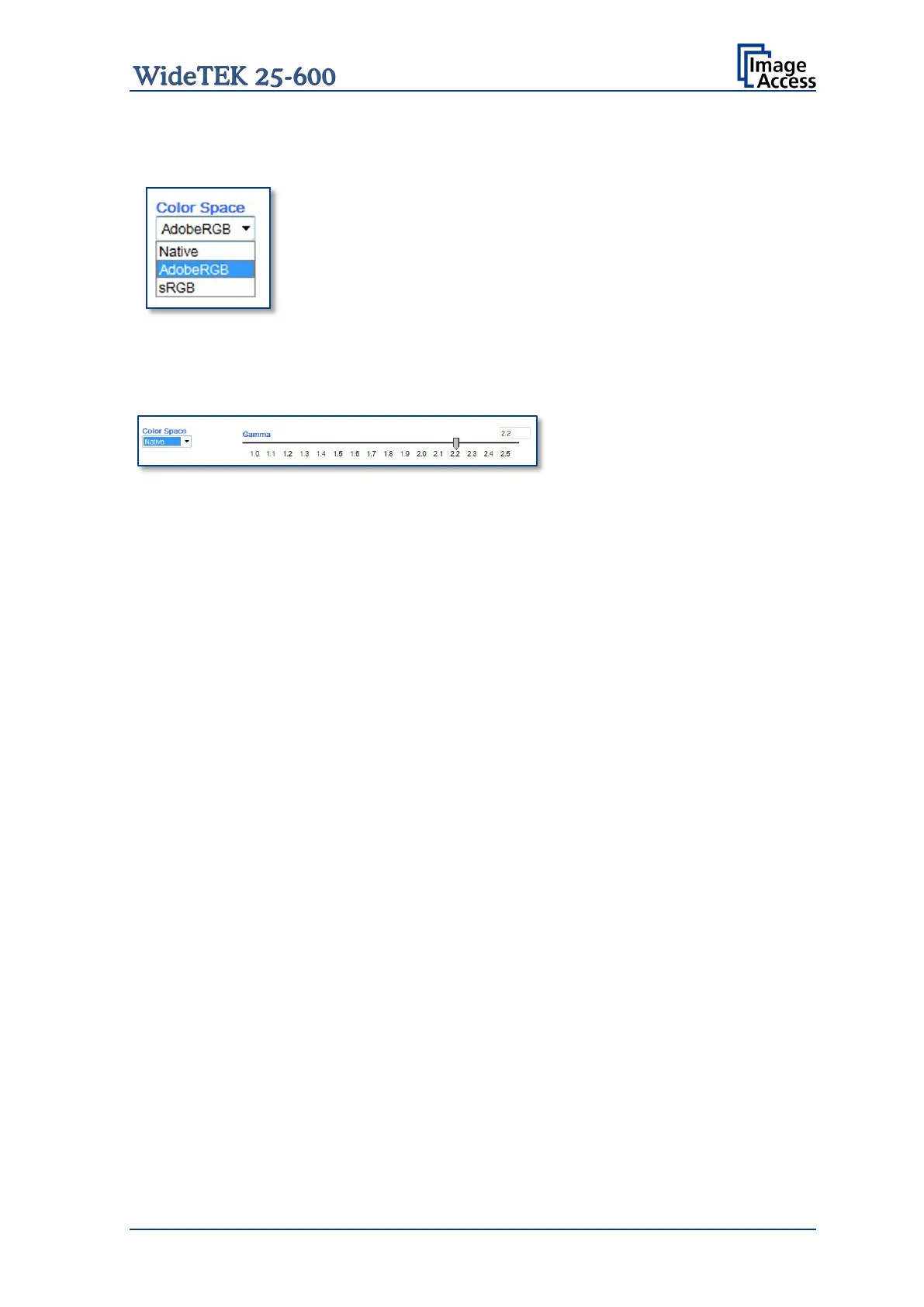
The Color Space selector lists three settings for the color space
used by the scanner when displaying the scanned images.
AdobeRGB Shows the scanned images with the predefined
Gamma setting of the AdobeRGB color space.
sRGB
Shows the scanned images with the predefined
Gamma setting of the sRGB color space.
Native
Shows the scanned images with the native color
space of the scanner. A slider is displayed which
allows modifying the Gamma correction.
Gamma
The Gamma slider defines the setting for the Gamma correction. The gamma correction is
executed directly inside the camera electronics.
Color Gain
The Color Gain drop down list sets the gain on a specific channel. This function is used to
eliminate any color shift or tints from the background.










 To Next Page