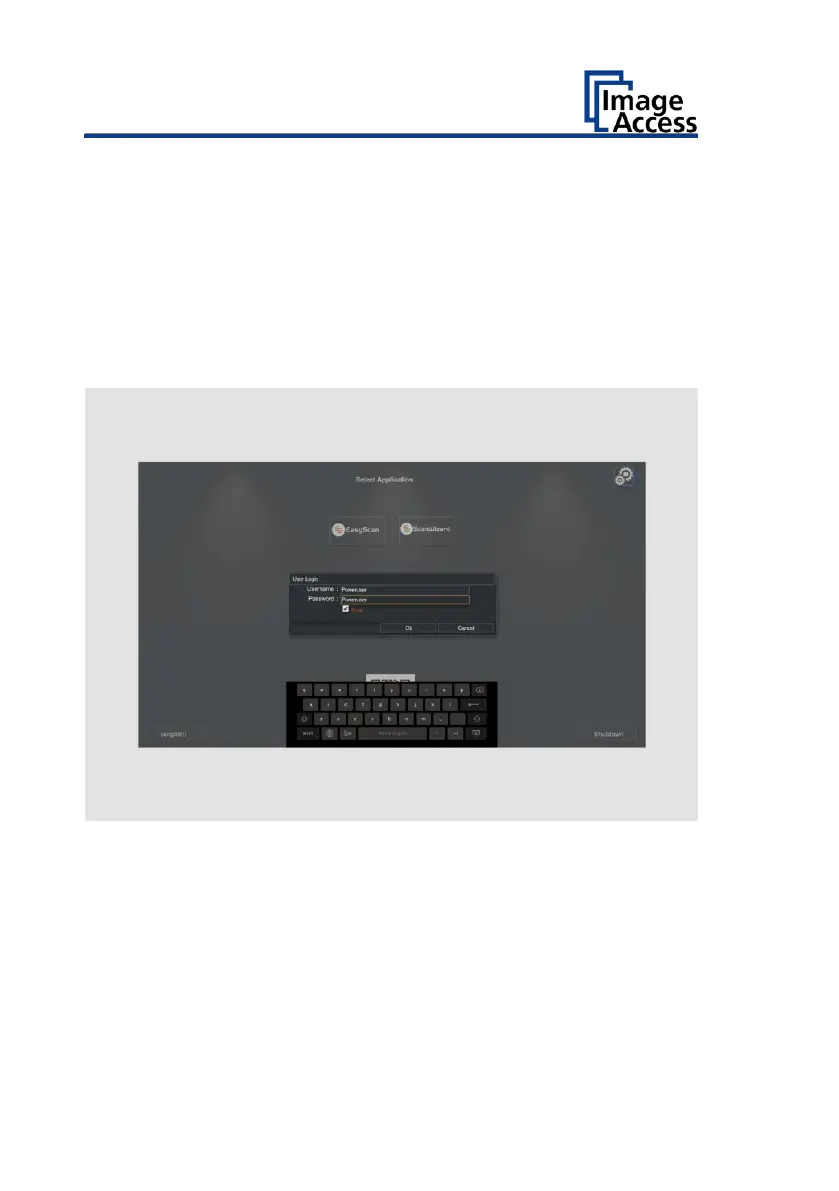
The login window appears.
➢ In the login window, enter the login credentials.
➢ Tap on the "Username" input field.
The screen keyboard is displayed.
➢ Enter the word "Poweruser".
➢ Tap on the "Password" input field.
➢ Enter the word "Poweruser".
➢ Please note that the input is case sensitive in both entry fields.
➢ To complete the log in, press OK.
The "Setup Menu" screen is displayed.


 To Next Page
 Loading...




