Impairment of the scan quality can occur if an improper
test target for the white balance is used.
➢ Make sure that the test target is free from wrinkles,
discolorations, cracks or other damage.
➢ Store the test target for the white balance in a safe place
protected from daylight.
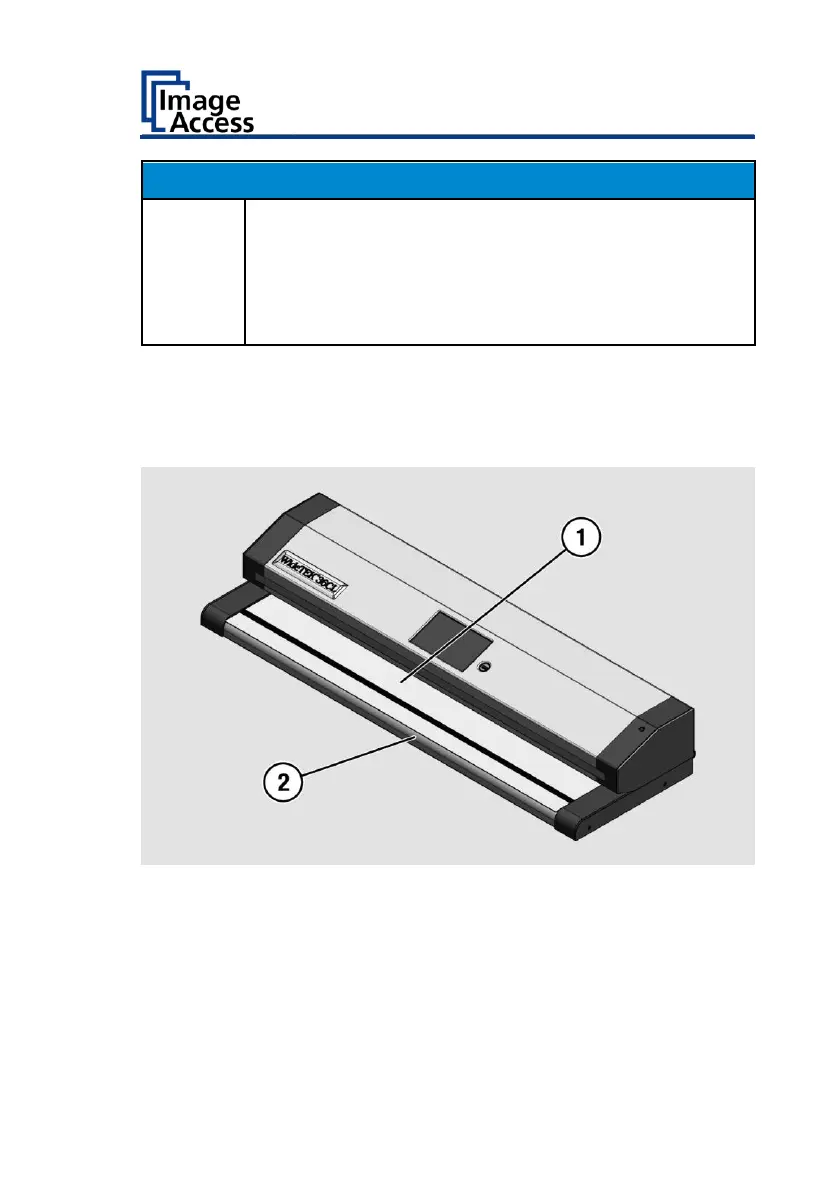
To perform the white balance, proceed as follows:
➢ Position the supplied test target (1) in the document transport as
illustrated below (2).
The test target (1) is pulled into the scanner.










 To Next Page