Set Standby Times
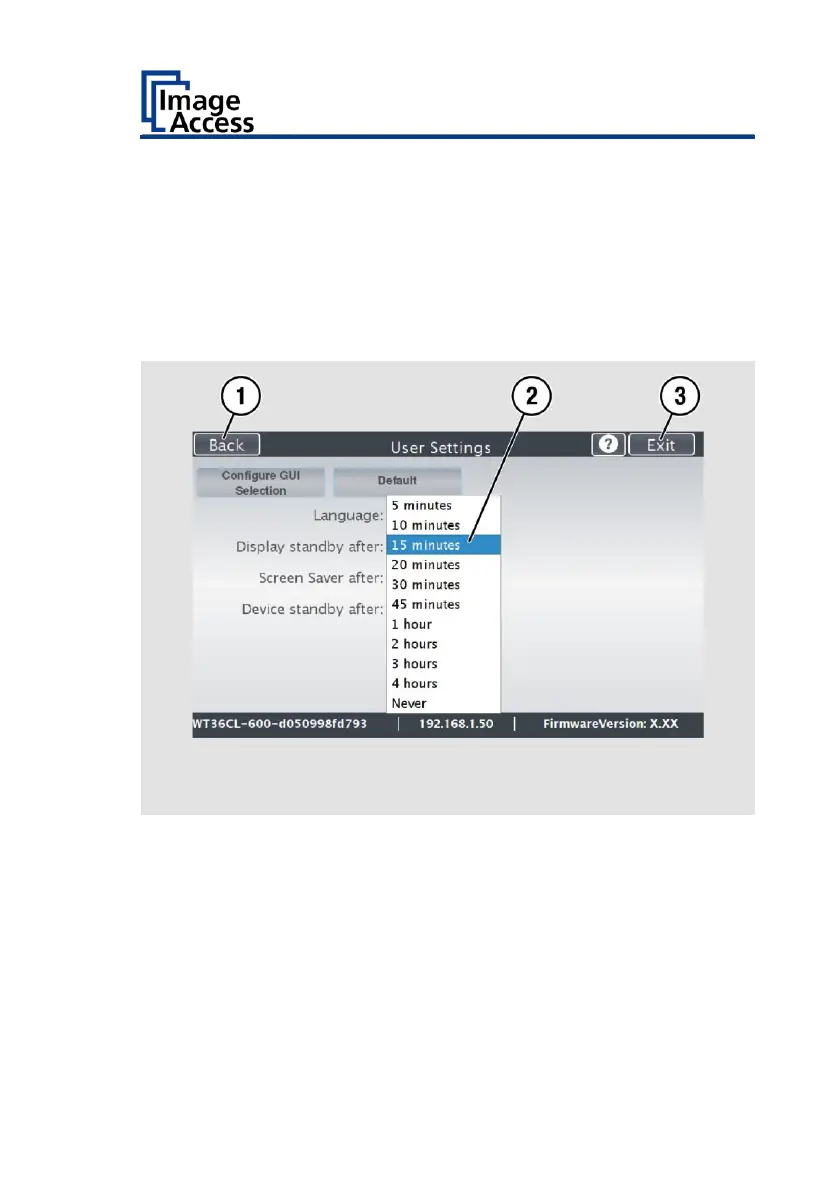
To set the standby times, proceed as follows:
➢ Tap the selection arrow of the selection menu.
➢ Tap on the desired entry (2).
➢ Perform the settings for the screen saver and the device standby in the
same way.
➢ To return to the previous submenu, tap BACK (1).
➢ To return to the "Start screen", tap EXIT (3).










 To Next Page