1. iMac SuperDisk Overview
Imation August 19981-2
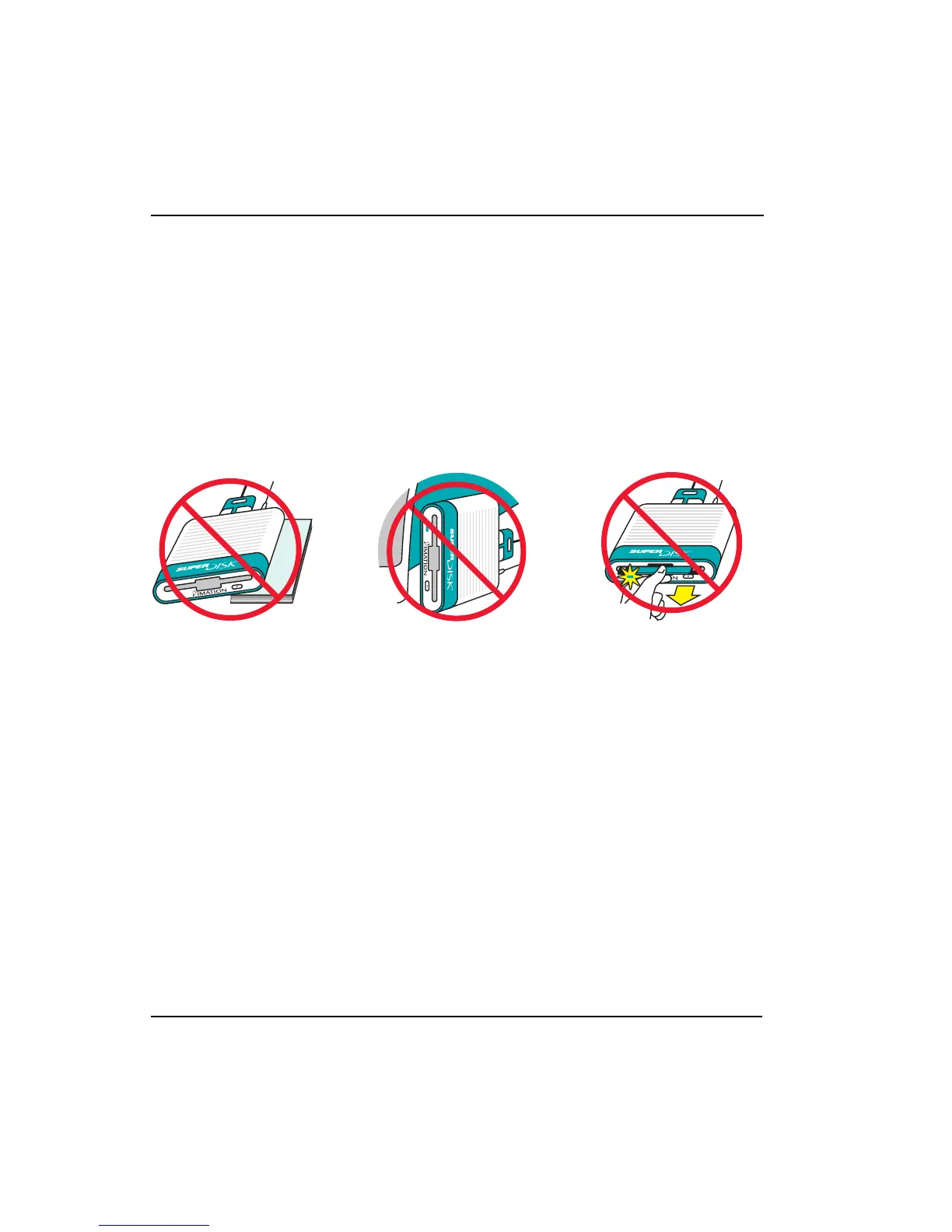
3. To make sure you get the highest performance from your SuperDisk drive:
• Always place your SuperDisk drive on a flat level surface when in use.
• Always use horizontally.
• Never remove a diskette from your SuperDisk drive while the activity
indicator (green LED) is lit or blinking.
• For maximum performance, insist on Imation SuperDisk Diskettes for
Macintosh!
4. To keep up-to-date with product and software news, register your drive on-line by
following the links at:
http://www.imation.com/register/



 To Next Page