2. Installation
Imation August 19982-4
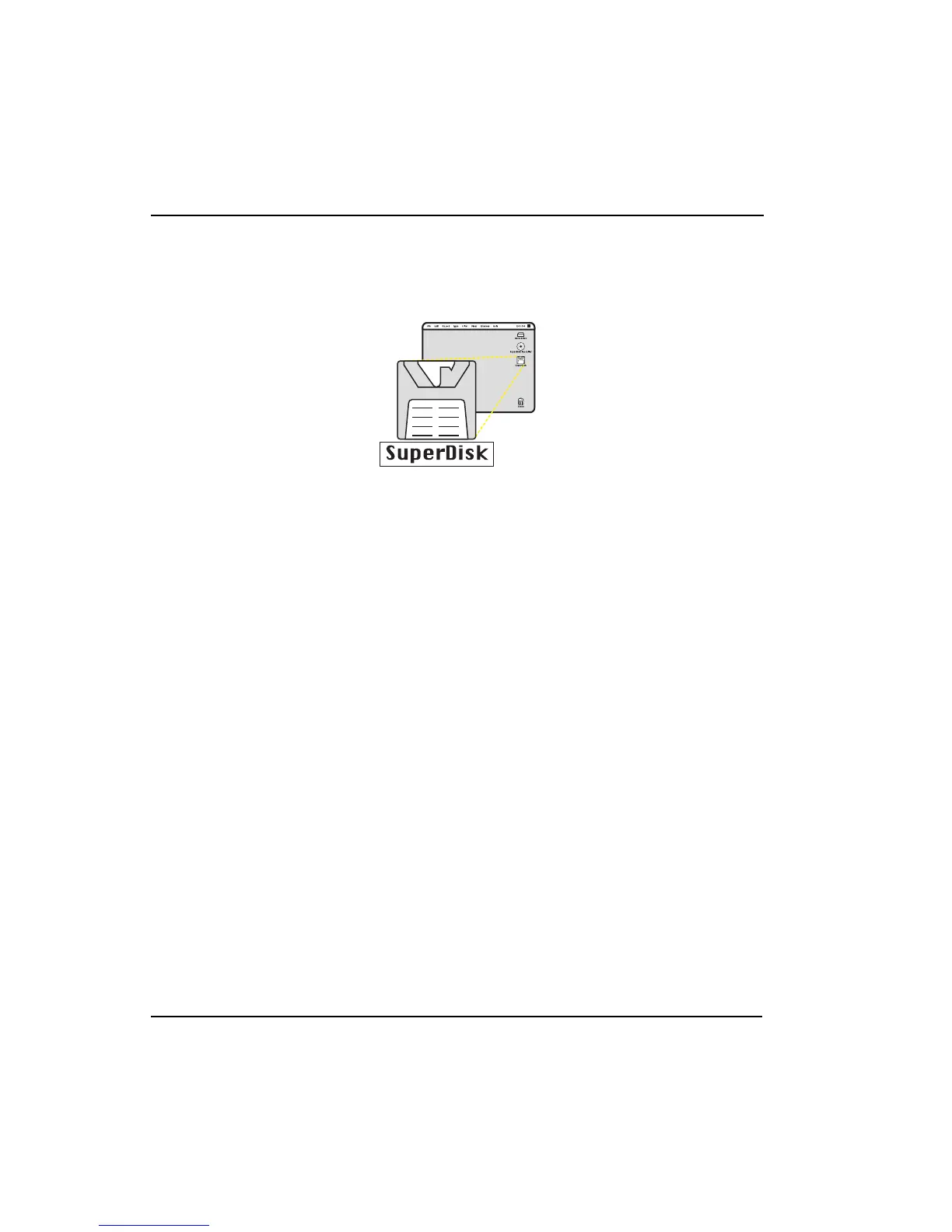
8. Once the diskette is in place, the SuperDisk diskette icon will display on your
desktop.
Installation is complete. You are ready to use your Imation SuperDisk drive.
If you experience problems, refer to the Troubleshooting section (page 5-1), check
the Readme file provided on the CD-ROM or contact Imation Technical Support.



 To Next Page