1. Pre-Installation Check
Imation August 1998 1-1
1. Pre-Installation Check
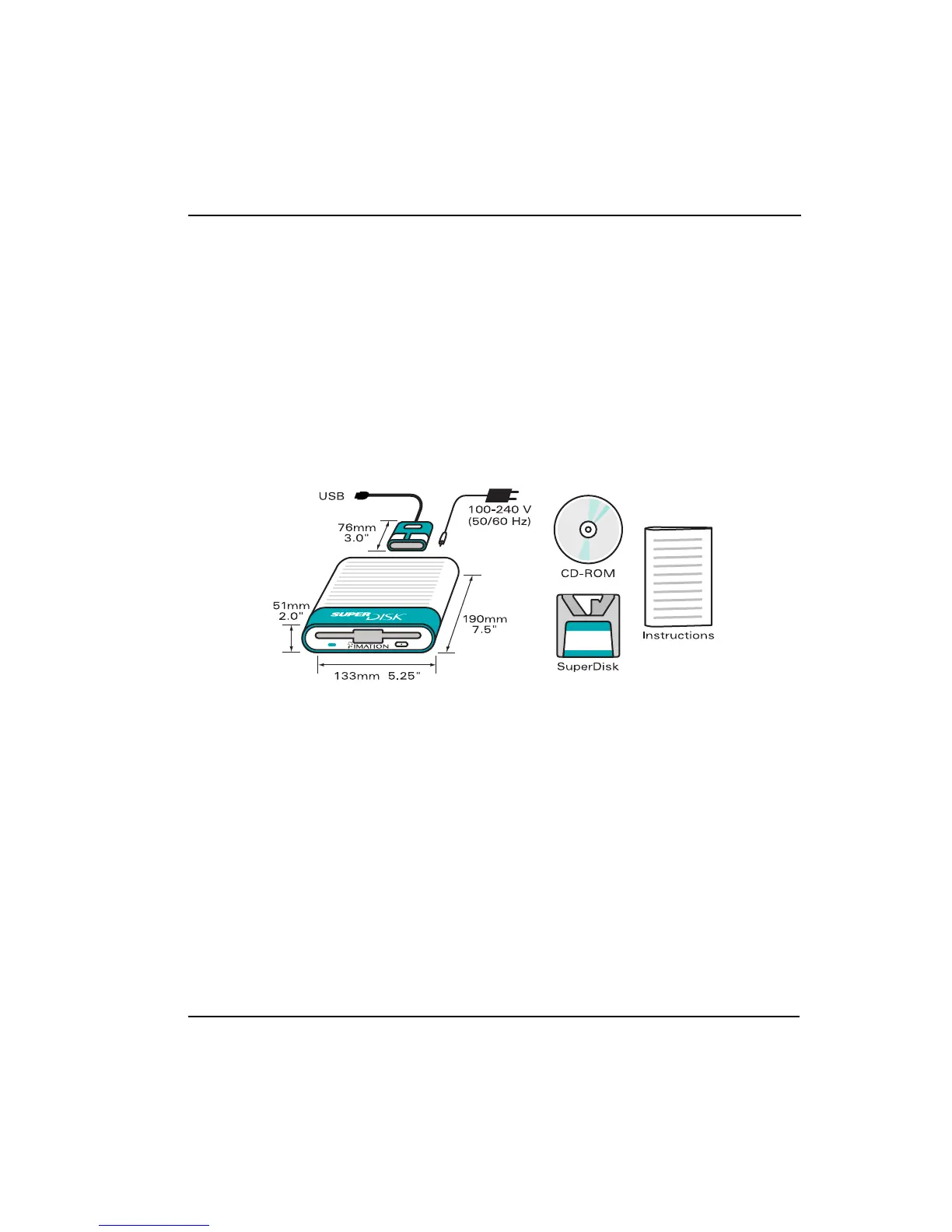
1. The following items are included in the box:
• Imation SuperDisk 120MB USB drive
• Auto switching power supply and cord (100-240V, 50/60 Hz)
• USB interface cable
• Mac OS 8.1 (or higher) installation CD-ROM
• 1 Macintosh format SuperDisk diskette
2. To use this SuperDisk drive you need an iMac or other Macintosh with all of the
following:
• Mac OS 8.1 (or higher) with USB system extensions
• available USB port
• CD-ROM drive
• 16 MB of RAM
• 5 MB of available hard disk space



 To Next Page