2. Installation
Imation August 1998 2-1
2. Installation
This equipment employs a visible Class 1 (7 milliwatts) laser beam. Laser radiation
may be present when the drive operates without panels or covers installed.
Use of controls or adjustments, or performance of procedures other than those
specified herein, may result in eye damage.
If your SuperDisk drive does not work, never remove the case. Covers shall be
removed by authorized service personnel only.
Installation Procedure
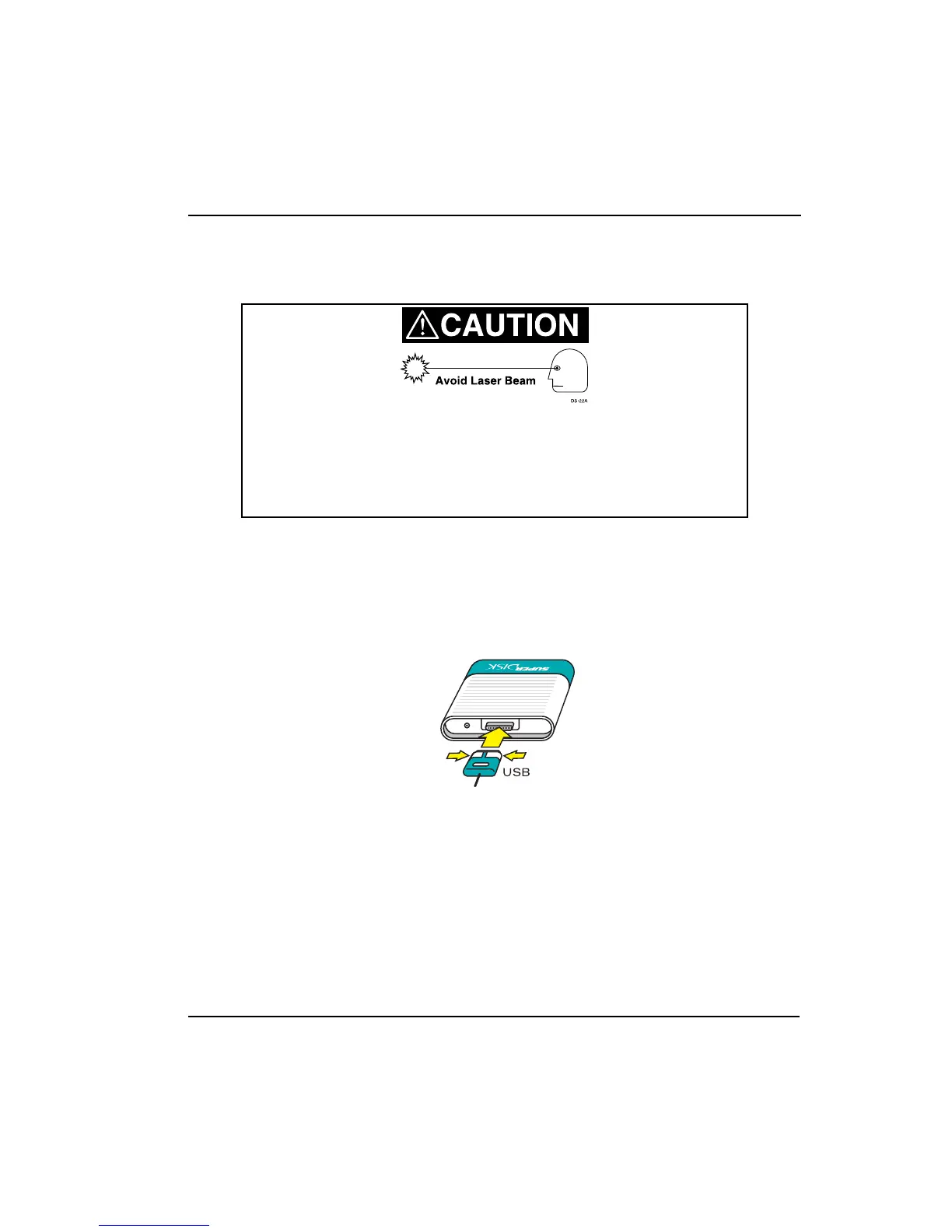
1. Connect the USB cable to rear of drive. Squeeze the cable end together to
separate the prongs. Then push the cable firmly onto the connector on the
drive. Release the sides to lock the cable to the drive.



 To Next Page