2. Installation
Imation August 19982-2
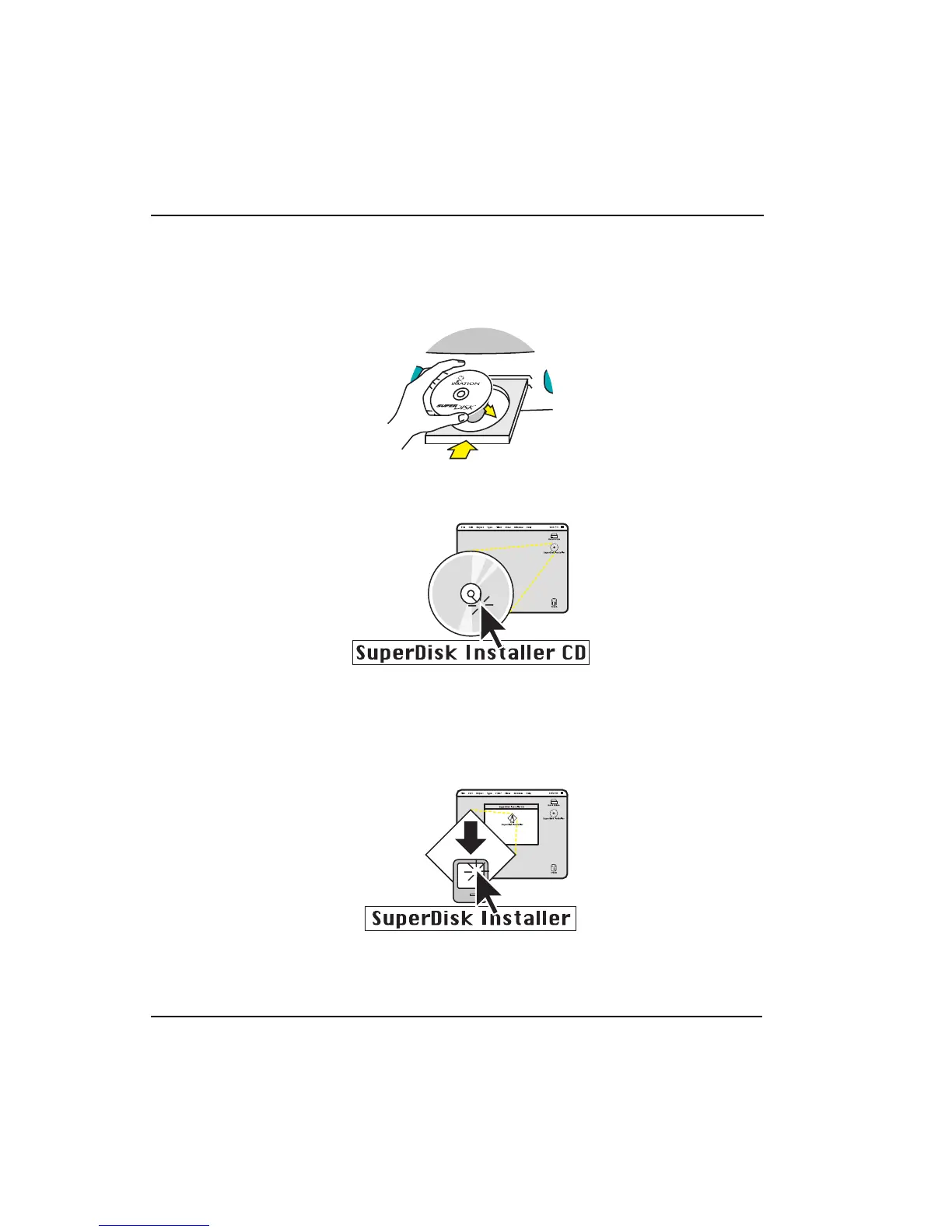
2. Insert the CD-ROM into the drive tray with the printed side up and close the
CD-ROM drive tray.
3. Click on the CD icon and wait for the CD window to open.
4. Double-click on the SuperDisk Installer icon in the CD window, then follow the
instructions on the screen. This copies the drivers and extensions to the
appropriate place in the system folder.



 To Next Page