3. Operating the SuperDisk Drive
Imation August 1998 3-1
3. Operating the SuperDisk Drive
Once you insert a SuperDisk or HD diskette into your drive, the diskette icon on your
desktop operates just like your hard disk icon. You can drag-and-drop files to the
diskette icon to move or copy files or folders. Just double-click on the icon to see the
files and folders on the diskette.
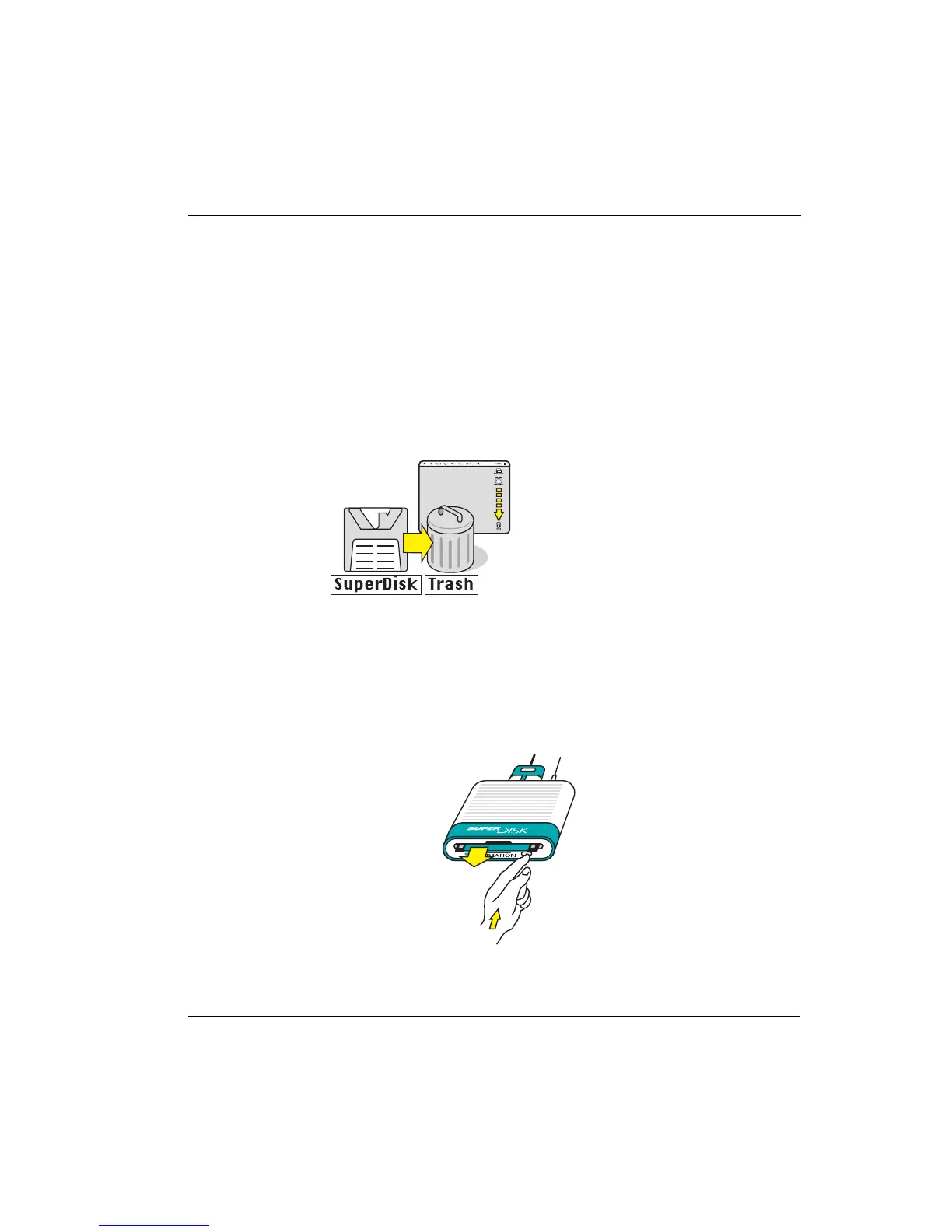
Ejecting Diskettes
• There are two normal ways to eject a diskette:
1. drag the icon to the trash icon
or
2. press the “open apple z” key and “e” at the same time
• If a disk is damaged or defective, or if the diskette icon does not appear when
you have a diskette in the drive, push the eject button on the front of the drive to
eject the diskette. Note: If the icon appears on your desktop, the eject button
will not eject the diskette.



 To Next Page