3. Operating the SuperDisk Drive
Imation August 19983-2
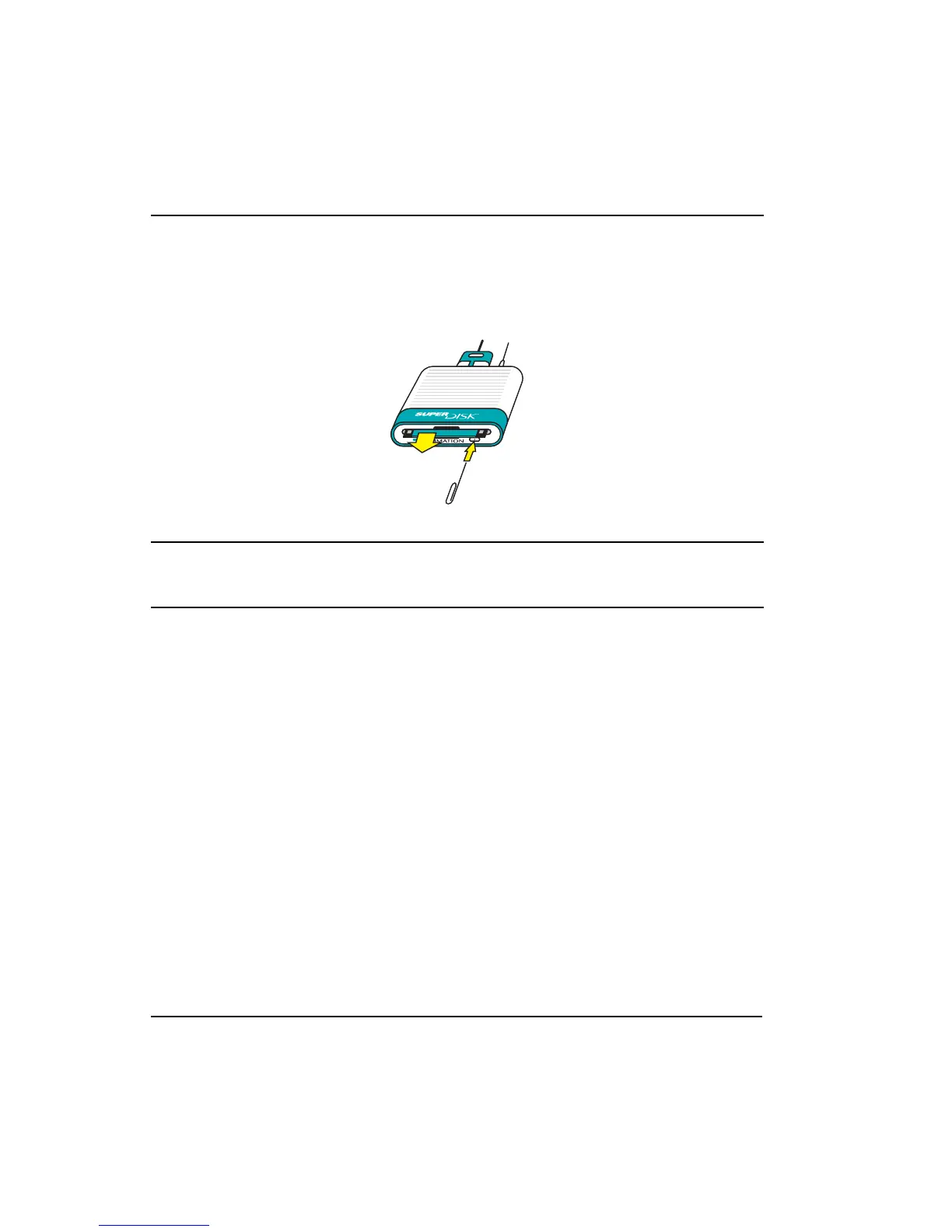
• Emergency - If the diskette appears stuck or the drive does not have power,
straighten out a paper clip, insert it into the small hole in the center of the eject
button, and push it in until the diskette ejects.
√ NOTE
Never attempt to eject a diskette while the green activity light is blinking. This
interrupts data flow and corrupts information.
General Usage Information
The drive uses the latest USB technology and is fully hot-pluggable to the iMac or
other USB-enabled Macintosh. You do not need to turn off or reboot the computer
to attach and use the SuperDisk Drive.



 To Next Page