10/15 10783390 WEB E cod.CE20195A.
5
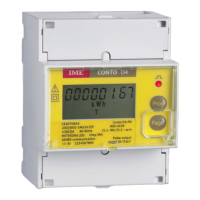
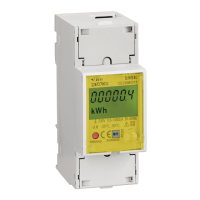
Conto D2
Programmable Parameters
You can access the programming by keeping pressed the key from the total energy display
page.
To program and insert access Password (= 1000) of the KWH meter count start power and
any RS485 address, you have to load a numeric value, whereas for all the other parameters
the choice is made on predetermined fixed steps.
During the setting of the numeric value, the display will show a blinking digit which
automatically will change its position; by pressing the key you will increase the value of
the blinking digit.
In the fixed step settings, by pressing the key you will have the scrolling of the predeter-
mined values.
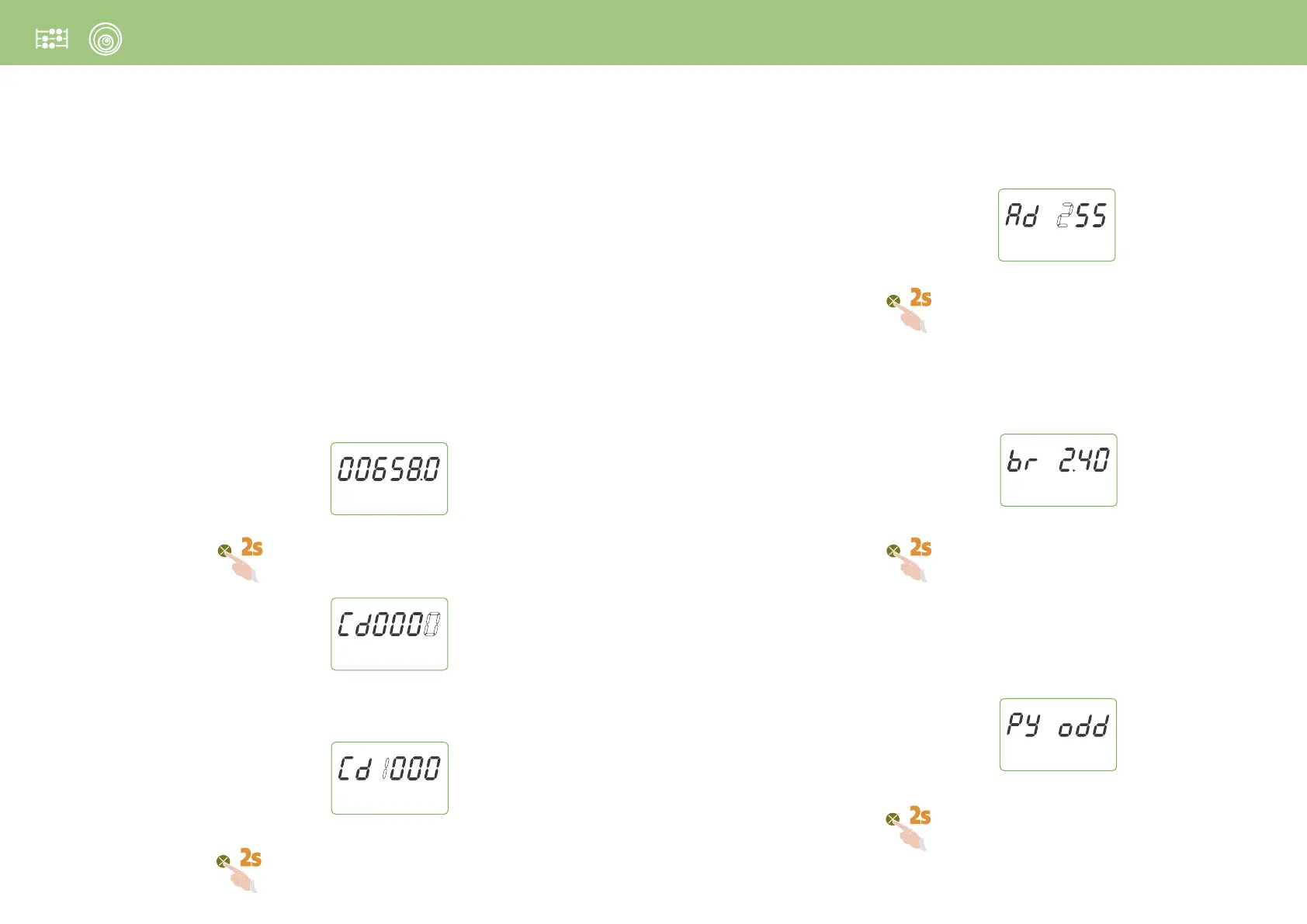
1 Cd
Access Password
Keep pressed the Page key until the page is displayed
Load Password 1000
Keep pressed the Page key until the following page is displayed
2 RS485 communication (for the models designed for CE20195A4)
2.1 Ad
Address number
Selectable values: 1...255
Keep pressed the Page key until the following page is displayed
2.2 br
Transmission speed
Selectable values: 2,40 – 4,80 – 9,60 – 19,2 Kbit/s
Keep pressed the Page key until the following page is displayed
2.3 Py
Parity Bit
Selectable values: EVEn (even) – odd (odd) – nonE (none)
Keep pressed the Page key until the following page is displayed


 To Next Page