10/15 10783390 WEB E cod.CE20195A.
6
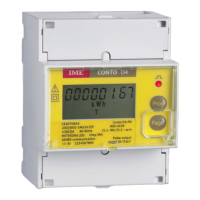
Conto D2
3 Energy pulse output
(for the models designed for CE20195A2)
3.1
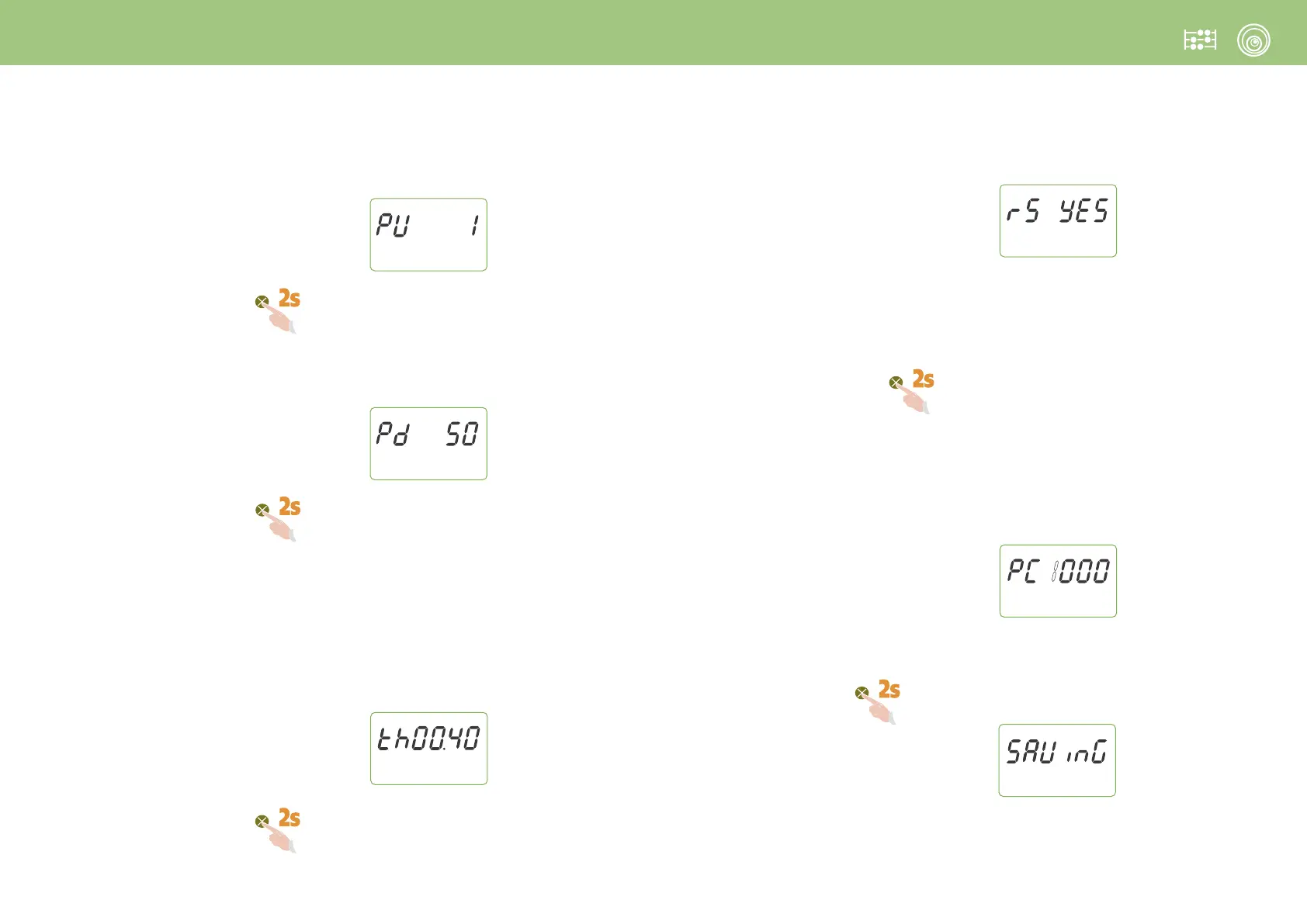
PU
Pulse weight
Selectable values: 1Wh - 10Wh - 100Wh - 1kWh
Keep pressed the Page key until the following page is displayed
3.2
Pd
Width of the pulse
Selectable values: 100 – 150 – 200 – 300 – 400 – 500ms
Keep pressed the Page key until the following page is displayed
4 Run hour meter
4.1
th
Active power threshold to start count
Selectable values: 0,4...50%Pn
Pn = Active power
(referred to 230V 5A = 1150W)
Keep pressed the Page key until the following page is displayed
4.2 rS
Run hour meter count reset mode
Selectable values: YES
(count resettable through key) - no (count not resettable through key)
ATTENTION: by selecting no (count not resettable through keyboard) it is not possible to
reset run hour meter count through keyboard; besides, in the ensuing access to
programming, it will be available just the power threshold selection
(point 4.1),
while is inhibited the possibility to select the reset mode
(p.to 4.2).
Keep pressed the Page key until the following page is displayed
5 PC
Confirm Password
Confirm or modify programming access Password
Selectable values: 1000 (factory settings)...9000
I
f you don’t want to modify the default Password (1000)
.
Keep pressed the Page key until the page is displayed
ATTENTION!
It is essential that you record and store in a safe way the modified Password in order
to access to the programming menu at a future time.


 To Next Page