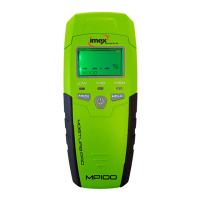
TOOLS COMPONENTS
A.Protection cover
B.Pins
C.LCD screen
D.Mild moisture indication LED
E.Dry indication LED
F.Measuring mode button
G.Power button
H.Excessive moisture indication LED
I.Data hold button, keep pressing this button to close the buzzer sound
J.At the back, it is battery compartment
K.Protection cap for pins


 To Next Page
 Loading...