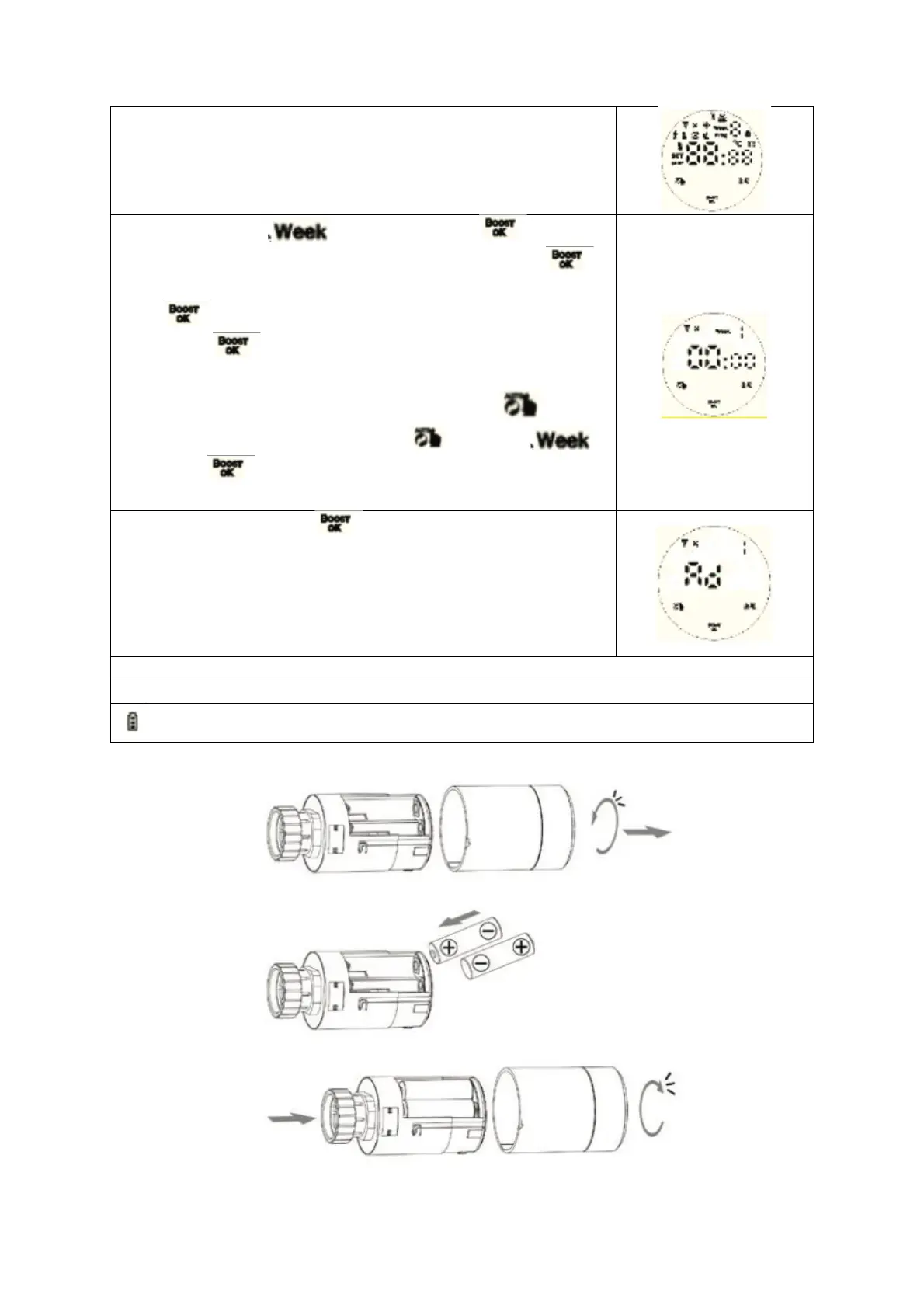
Time setting: when flashing then press enter
hour setting, turn the rotation to adjust the value, press
again enter minute setting, turn the rotation to adjust the value,
press again to set week, turn the rotation to adjust the
value, press to confirm setting and remember time.
Note: after the actuator completes its self-check, under normal
working status, if need to modify time, long press 3s
access to advanced setting. And press to choose ,
short press enter time setting, the same as above
method.
When display „Ad“, press Start system self-check, when
display „1“, this is the first step of system self-check. When
display „2“, this is the second step for self-check, after finish
self-check, if there is no fault prompt, it will enter the normal
working state. If there is a fault prompt, please handle the fault
first, otherwise it will not enter the normal working state.


 To Next Page