ADVANCED OPTIONS
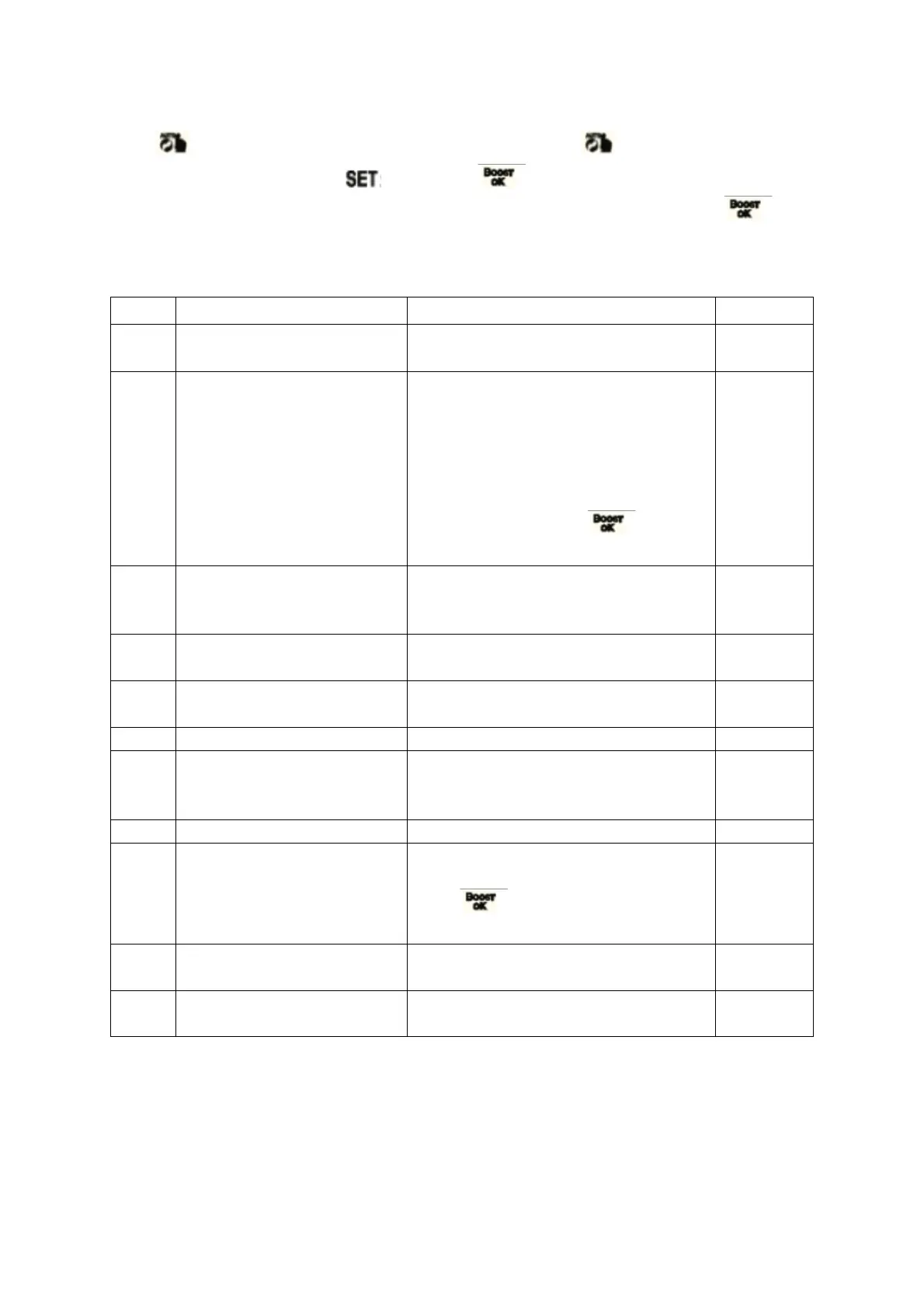
Press for 3-5s to access to advanced setting, short press to select the advanced
option parameter setting icon , short press to enter advanced option parameter
setting, turn the rotation to adjust value, after each parameter is set, short press to
enter the next option setting, all after the setting is completed, the key is not operated for
10 seconds, the parameters are saved and the setting is exited.
Correction of the measured
temperature
-9-+9C (Displayed as the corrected
room temperature value)
Open window function
parameter: temperature
and running time
1: display - - means disable open
window function, rotating the knob
clockwise display 5C means this
function enable (temperature setting
range: 5-25C)
2: Running time: 5-60min (after
enable function, press change
setting)
Automatic lock if no
operation more than 10
minutes
Setting temperature
minimum limit
Setting temperature
maximum limit
100s-900s, Steps of 100 seconds
Start/stop working
temperature difference
setting
Display 88, turn the knob clockwise or
counterclockwise to change to 00,
press to reset, the screen will
be fully displayed for 2 seconds.
0: Soft Seal
1: Hard Seal


 To Next Page