71
INSTALLER
USERMAINTENANCE TECHNICIAN
TECHNICAL DATA
Menu / Information
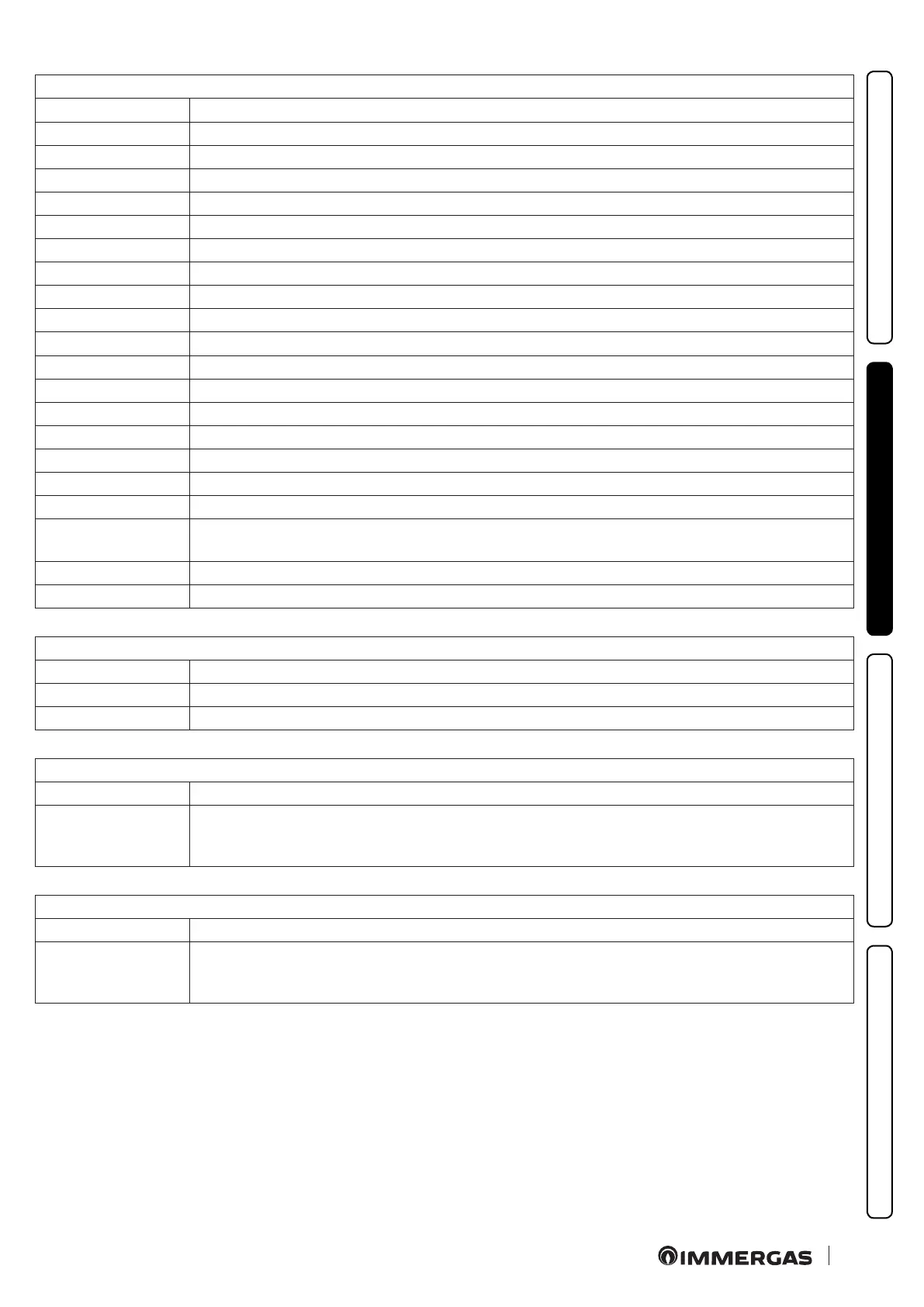
Menu item Description
Gas type Gas type display: NG (Methane), LG (L.P.G.), AP (propane air)
CH temperature Flow temperature display
DHW temperature Displays the DHW outlet temperature
Set CH is displays the set central heating / C.H. temperature set
Set DHW Set DHW (Domestic hot water) temperature display
External temperature View the external temperature, if the external probe is present (optional)
Input DHW temperature Displays the DHW input temperature
CH Return temperature Return temperature display
CH2 temperature Safety ow probe display
Common ow probe Displays the temperature read on the system ow probe (optional)
Duty pump command Displays the pump speed command
Flow pump System ow rate display
Flow rate View the value of the domestic hot water ow rate from the ow meter
Fan speed Fan speed display (rpm)
Boiler exhaust temp. Flue gas temperature display
Solar storage temp. Not used on this model
Solar collector temp. Not used on this model
Maintenance withing
is displays the number of days within which maintenance must be carried out. Aer the days or with the function de-
activated, the line is not displayed
Main board rev. SW Boiler board sw version display
Firmware version Display board sw version display
MENU/Historical alarm code
Menu item Description
Boiler Allows the selection of the boiler anomaly history.
Room probe Allows the selection of the room probe anomaly history (if present).
MENU/Historical alarm code/Boiler
Menu item Description
Show alarm
is displays the boiler anomaly history. e size of the anomaly history is equal to 10 anomalies and they are displayed
in decreasing order of appearance (no.1 is the most recent). e displayed anomalies are accompanied by the time and
date of the anomaly being generated.
MENU/Historical alarm code/Room probe
Menu item Description
Show alarm
Displays the room probe anomaly history (if present). e size of the anomaly history is equal to 10 anomalies and they
are displayed in decreasing order of appearance (no.1 is the most recent). e displayed anomalies are accompanied by
the time and date of the anomaly being generated.





 To Next Page