EasyManua.ls Logo

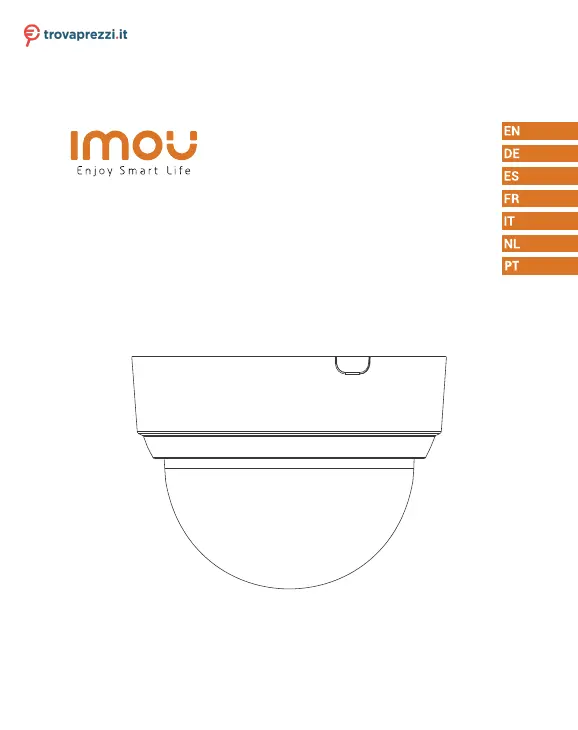
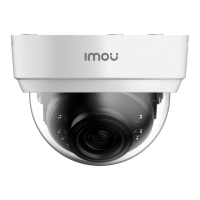
IMOU Dome Lite - User Manual

IMOU Dome Lite
50 pages
Print Icon
To Next Page IconTo Next Page
Loading...
Dome Lite
Dome Lite 4MP
Quick Start Guide
www.imoulife.com
Questo manuale d’istruzione è fornito da trovaprezzi.it. Scopri tutte le offerte per Imou Dome Lite IPC-D42-
IMOU o cerca il tuo prodotto tra le migliori offerte di Videosorveglianza

Questions and Answers

  • P
    ppriceAug 10, 2025
    What to do if the app says "Failed to configure device network" for IMOU Dome Lite Security Camera?
    • T
      Tracy PattonAug 10, 2025
      If the app displays a "Failed to configure device network" message, reset your IMOU Security Camera and try connecting it again. Also, ensure that you are connecting to a 2.4GHz network.
  • T
    Tracy StrongAug 15, 2025
    Why is there no picture/signal on my IMOU Security Camera?
    • M
      Matthew WaltonAug 16, 2025
      If you're not getting a picture or signal from your IMOU Security Camera, make sure the LED indicator is flashing steady green. Also, verify the camera is properly connected to power using the included USB power adapter. Trying repositioning the camera or router can improve signal strength.
  • B
    ballardkatrinaAug 22, 2025
    Why is the picture not clear on my IMOU Dome Lite Security Camera?
    • I
      irosalesAug 23, 2025
      If the picture on your IMOU Security Camera is not clear, check the camera lens for dirt, dust, or spider webs. Clean the lens with a soft, clean cloth. Also, make sure to remove the vinyl cover on the camera lens.
  • J
    Jessica DuncanAug 28, 2025
    How to fix phone not reading QR code for IMOU Dome Lite?
    • G
      greencalebAug 28, 2025
      If your phone is not reading the QR code, clean the camera lens of your smartphone. Ensure that there is enough light on the QR code and don’t hold the QR code too close to the camera.
  • J
    Joseph WallSep 3, 2025
    Why is there no audio on my IMOU Security Camera?
    • L
      Lisa SimmonsSep 3, 2025
      If there is no audio from your IMOU Security Camera, ensure the audio function on the camera is turned on. Also, verify that the audio is turned up on your viewing device.

IMOU Dome Lite Specifications

General IconGeneral
Image Sensor1/2.7" CMOS
Resolution1080p (1920 x 1080)
Video CompressionH.265/H.264
Two-way AudioYes
Built-in Microphone & SpeakerYes
StorageMicro SD card (up to 128GB)
Power SupplyDC 5V 1A
Motion DetectionYes
Lens3.6mm
Pan & TiltPan: 355°; Tilt: 90°
Night VisionUp to 10m
Frame Rate25fps
Digital Zoom16x
Wi-Fi802.11b/g/n
Power Consumption5W
Operating ConditionsIndoor
Operating Temperature-10°C~+45°C

Related product manuals