EasyManua.ls Logo

Imperial Systems CMAXX - User Manual

Imperial Systems CMAXX
28 pages
Print Icon
To Next Page IconTo Next Page
Loading...
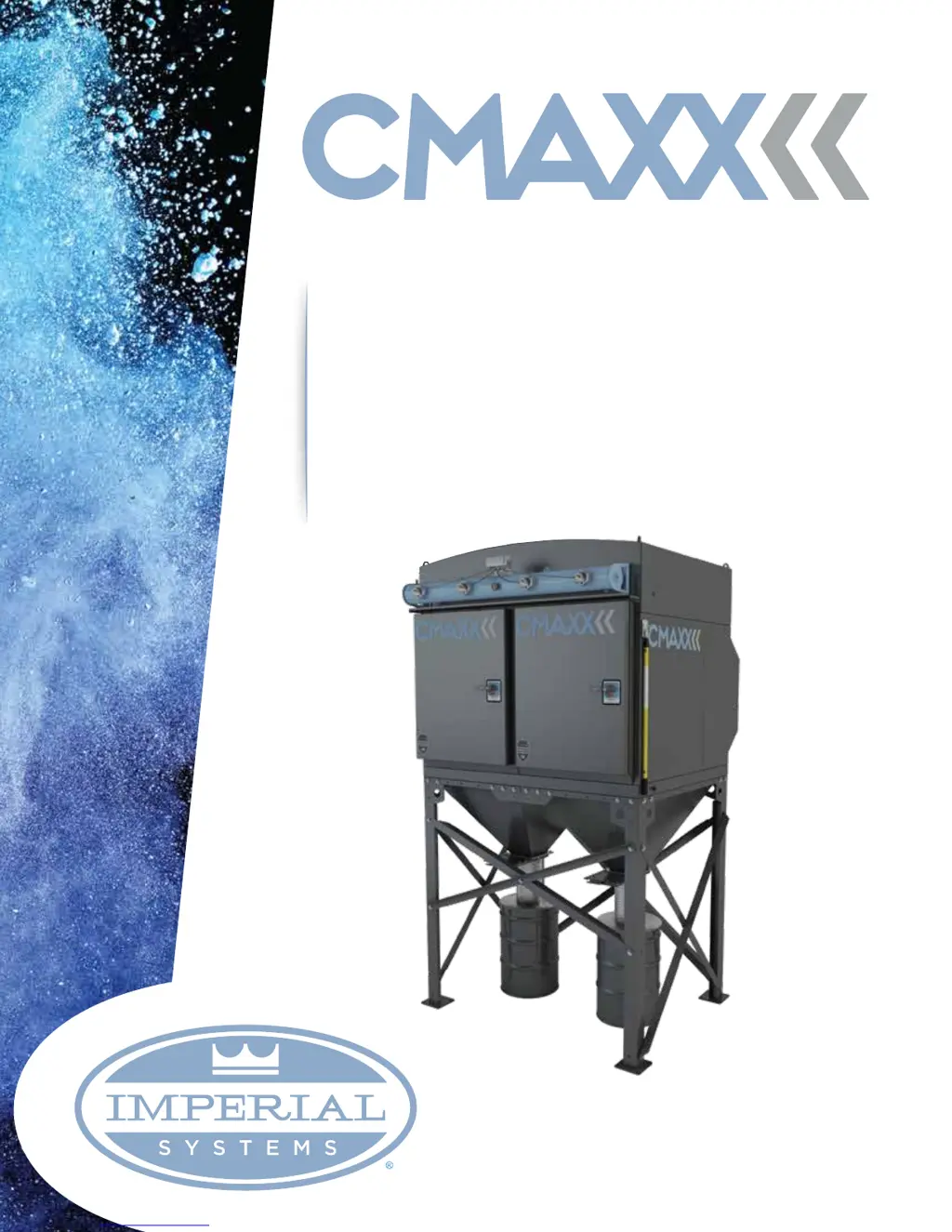
DUST & FUME COLLECTION SYSTEM
Installation,
Operation, &
Maintenance Manual
version - B18
7320 West Market St. Mercer, PA 16137
800.918.3013 | imperialsystemsinc.com

Questions and Answers

  • T
    Tanya HardyAug 17, 2025
    Why is my Imperial Systems Dust Collector blower fan motor not starting?
    • S
      Susan AllenAug 17, 2025
      Several factors can prevent the blower fan motor from starting: * The motor wire size may be incorrect. Rewire using the correct wire gauges as specified by national and local codes. * The motor might not be wired correctly. Refer to the motor manufacturer's wiring diagram and the National Electric Code to check and correct the wiring for the supply voltage present. * The motor may not be wired for the available voltage. Correct the wiring for the supply voltage. * The input circuit could be down. Check the power supply to the motor circuit on all leads. * The electrical supply circuit might be down. Inspect the power supply circuit for proper voltage and check for any fuse or circuit breaker fault. Replace as necessary.
  • R
    Richard DeckerAug 21, 2025
    What to do if my Imperial Systems Dust Collector alarm light is on?
    • R
      Richard TurnerAug 21, 2025
      There are several reasons why the alarm light on your dust collector might be illuminated: * The alarm setpoint may be too low. Adjust it to a higher value. * There might be excess pressure drop. Check the cleaning system and compressed air supply. If the filters do not clean down, replace the filter cartridges. * The pressure tubing could be disconnected or plugged. Inspect the tubing for kinks, breaks, contamination, or loose connections.
  • M
    Michael PottsAug 25, 2025
    How to fix an Imperial Systems Dust Collector that is discharging dust from the clean air outlet?
    • K
      Kevin WrightAug 25, 2025
      If your clean air outlet is discharging dust, it could be due to: * Filter cartridges not installed properly. Check filter installation. * Filter cartridge damage, such as dents in the end caps, gasket damage, or holes in the pleated media. Replace filters as necessary, using only genuine DeltaMAXX replacement filters.
  • M
    Melissa JordanAug 28, 2025
    Why does my Imperial Systems Dust Collector blower fan motor start but not stay running?
    • B
      Brendan FloresAug 28, 2025
      If the blower fan motor starts but doesn't stay running, consider these possibilities: * An incorrect motor-starter might be installed. Check for the proper motor starter and replace it if necessary. * The blower fan damper control may not be adjusted properly. Check airflow in the duct. Adjust the damper control until proper airflow is achieved and the blower motor’s amp draw is within the manufacturer's rated amps. * There could be an electrical circuit overload. Verify that the power supply circuit has sufficient power to run all the equipment.
  • S
    Steven SmithSep 3, 2025
    Why does my Imperial Systems Dust Collector pulse cleaning never stop?
    • B
      berrycraigSep 4, 2025
      If the pulse cleaning on your dust collector never stops, consider these potential causes: * Bypass terminals on the timer board are jumpered. Remove the jumper wire on the solid state timer board bypass terminal. * The high or low setpoint is not adjusted for system conditions. Adjust the setpoint to current conditions. * Pressure tubing is disconnected or plugged. Check the tubing for kinks, breaks, contamination, or loose connections.
  • K
    Katie ColemanSep 7, 2025
    What causes the low alarm light to flash on my Imperial Systems Dust Collector?
    • K
      Kayla HolmesSep 7, 2025
      If the low alarm light is flashing, it may be because it was not set to zero during setup. Set the Low Alarm setting to 0.0 INWC and then hit reset to enable it.
  • D
    David ShermanSep 10, 2025
    Why doesn't the display on Delta P return to zero when at rest on my Imperial Systems Dust Collector?
    • C
      Cheyenne NguyenSep 10, 2025
      Recalibrate DCP pressure module with pressure tubing attached as described in timer controller installation.
  • H
    hmunozNov 14, 2025
    What to do if my Imperial Systems Dust Collector has insufficient airflow?
    • D
      Donald LoveNov 14, 2025
      Several issues can cause insufficient airflow in your dust collector: * The fan rotation may be backwards. Compare the rotation to the blower manufacturer's rotation arrow. * Access doors may be open or not closed tightly. Ensure all access doors are in place and secured. Also, verify that the hopper discharge opening is sealed and any optional attachments are installed correctly. * The exhaust fan exhaust area may be restricted. Check the fan exhaust area for obstructions and remove any material or debris. Adjust the fan outlet damper, if the unit is equipped with one. * The filter cartridges might need replacement. Replace filters as necessary, using only genuine Imperial DeltaMAXX replacement filters. * There may be a lack of compressed air. Ensure a minimum of 75-psig is ava...
  • J
    james70Dec 1, 2025
    What to do if cleaning output lights flash, but Imperial Systems Dust Collector system isn't functioning?
    • S
      Suzanne TorresDec 1, 2025
      If the cleaning output lights are flashing but the system isn't functioning, check the following: * Improper wiring. Check the wiring between the timer control board and the solenoid valve coils. * Defective solenoids. Check all solenoid coils for proper operation. * Timer board not powered. Check the power light on the timer board’s LED display. If it's not illuminated, check the fuse on the timer board and replace it if necessary. * Timer board defective. If the LED is illuminated, observe the output display. Install a temporary jumper across the man override terminal to the COM terminal. Output LEDs should flash in sequence. Check output using a multimeter to measure from SOL COM to a solenoid output. The needle will deflect when the LED flashes for that output. If voltage is p...

Summary

Introduction and Warranty

Introduction

General overview of the product and manual.

Serial Number

Location and importance of the serial number plate.

15 Year Limited Warranty

Details of the limited warranty for structural components and other parts.

IDA In-Line Deflagration Arrester Certification

Information on optional IDA certification and requirements.

Fire Protection And Safety Equipment

Customer responsibilities regarding fire protection and related regulations.

Safety

Safety Alert Symbol And Signal Words

Explanation of safety symbols, signal words (Danger, Warning, Caution, Notice).

Operational Hazards

General warnings about operating the equipment safely.

Emergency Preparedness

Guidelines for emergency preparedness, including equipment and contact information.

Safety Signs and Labels

Instructions for replacing safety signs and importance of labels.

Equipment Operation Hazards

Warnings related to operating, modifying, and using compressed air.

Maintenance Hazards

Safety precautions and requirements for performing maintenance.

Unloading Equipment

Recommended Tools and Equipment

List of tools and equipment needed for unloading.

Rigging Instructions

Guidelines for safely rigging and lifting the equipment.

Assembly And Installation

Assembly

Instructions for assembling the support structure and hoppers.

CMAXX Body Assembly

Further steps for assembling the CMAXX body and securing it to the foundation.

Compressed Air Installation

Steps for connecting the compressed air supply line and regulator.

Differential Pressure Kit Installation

Instructions for installing the differential pressure kit tubing.

Electrical

Power Requirements

Specifications for the controller's universal power supply voltage range.

DCT1000 Terminal Connections

Details on connecting wires to the DCT1000 controller terminal block.

DCT1000 Controller Timer

Programming Overview

Overview of controller menu and initial setup parameters.

Timer Settings

Configuration of solenoid activation times (on and off).

Pressure Limit Settings

Setting pressure thresholds to start cleaning cycles.

Limit and Alarm Settings

Configuration of low/high limits and alarms for pressure module.

Cycle Timing and Reset

Settings for cycle delay, down time cycles, and auto alarm reset.

Maintenance Support and Diagnostics

Features to aid in system diagnostics and verification.

Startup

Maintenance

Filter Handling And Replacement

Procedures and precautions for handling and replacing filters.

Safety Valve Maintenance

Inspection, testing, and maintenance of safety relief valves.

CMAXX Spare Parts

Troubleshooting

Quick Reference Guide

Electrical

Solenoid Schematic

Wiring diagram for solenoid valves.

DCT1000 Schematic

Wiring diagram for the DCT1000 controller and expander modules.

Solenoid Heater Schematic (Optional)

Wiring diagram for an optional solenoid heater.

Integrated Controls Wiring Diagram

Overall wiring diagram for integrated controls.

Imperial Systems CMAXX Specifications

General IconGeneral
BrandImperial Systems
ModelCMAXX
CategoryDust Collector
LanguageEnglish