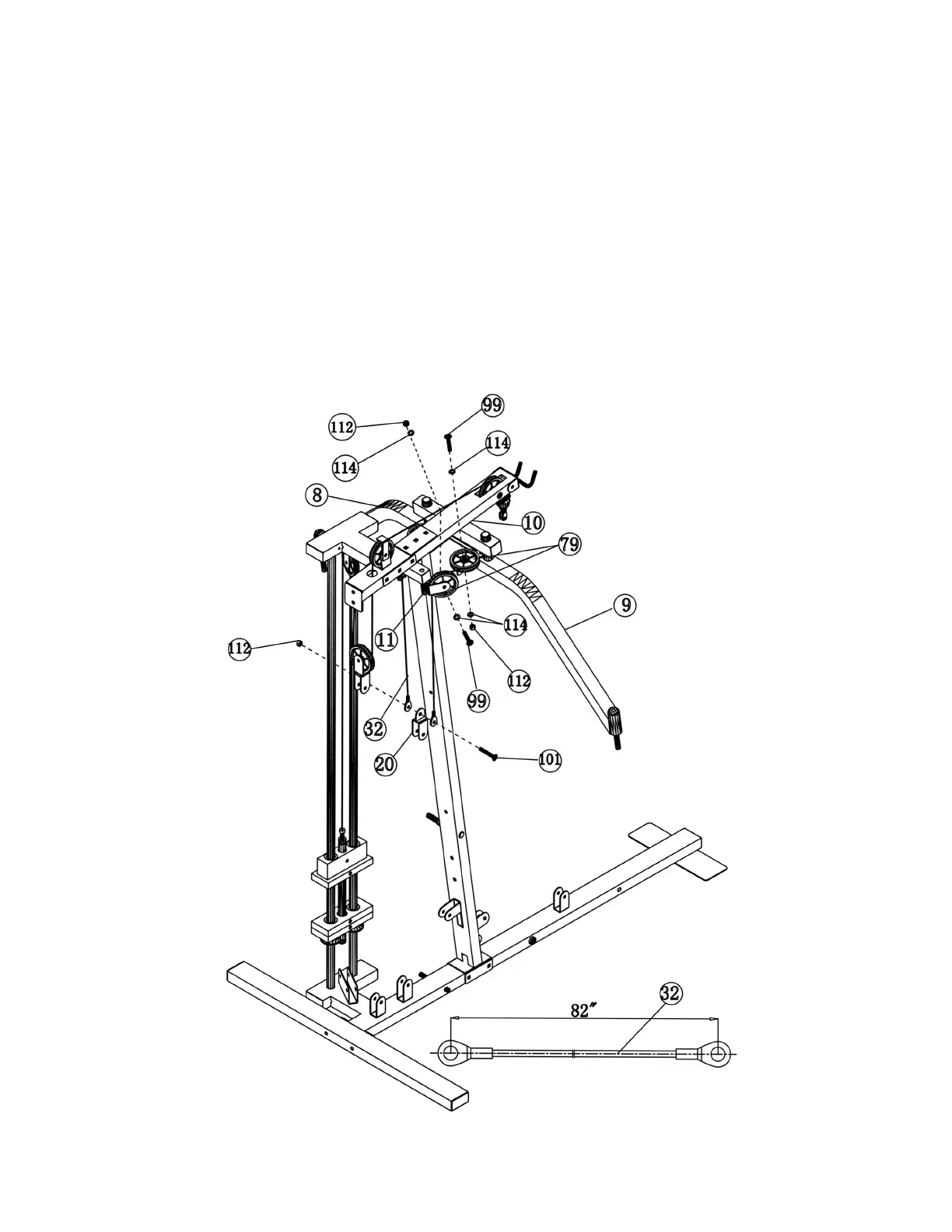
STEP 7 (See Diagram 7 & Cable Loop Diagram)
A.) Attach a Pulley (#79) to the bracket on the Right Butterfly (#9). Secure it with a M10 x 1 ¾”
(#99), two ∅ ¾” Washers (#114), and one M10 Aircraft Nut (#112).
B.) Repeat the step (A) above to install another Pulley to the Left Butterfly.
C.) Attach the 82” Butterfly Cable (#32) to the Butterfly Pulley Bracket (#11). Install a Pulley
(#79) and secure it with a M10 x 1 ¾” Allen Bolt (#99), two ∅ ¾” Washers (#114), and one
M10 Aircraft Nut (#112).
D.) Draw the Cable over the Pulley on the Right Butterfly (#9) towards the Left Butterfly. Then
repeat Step C to install another Pulley on the Butterfly Pulley Bracket (#11) on the left side.
E.) Draw the Cable downward until both ends come together. Install a Single Floating Pulley
Bracket (#20) in between the cable ends. Secure it with a M10 x 1” Allen Bolt (#101) and a
M10 Aircraft Nut (#112). Let the Bracket hanging for now.
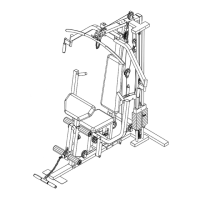
DIAGRAM 7
12




 To Next Page