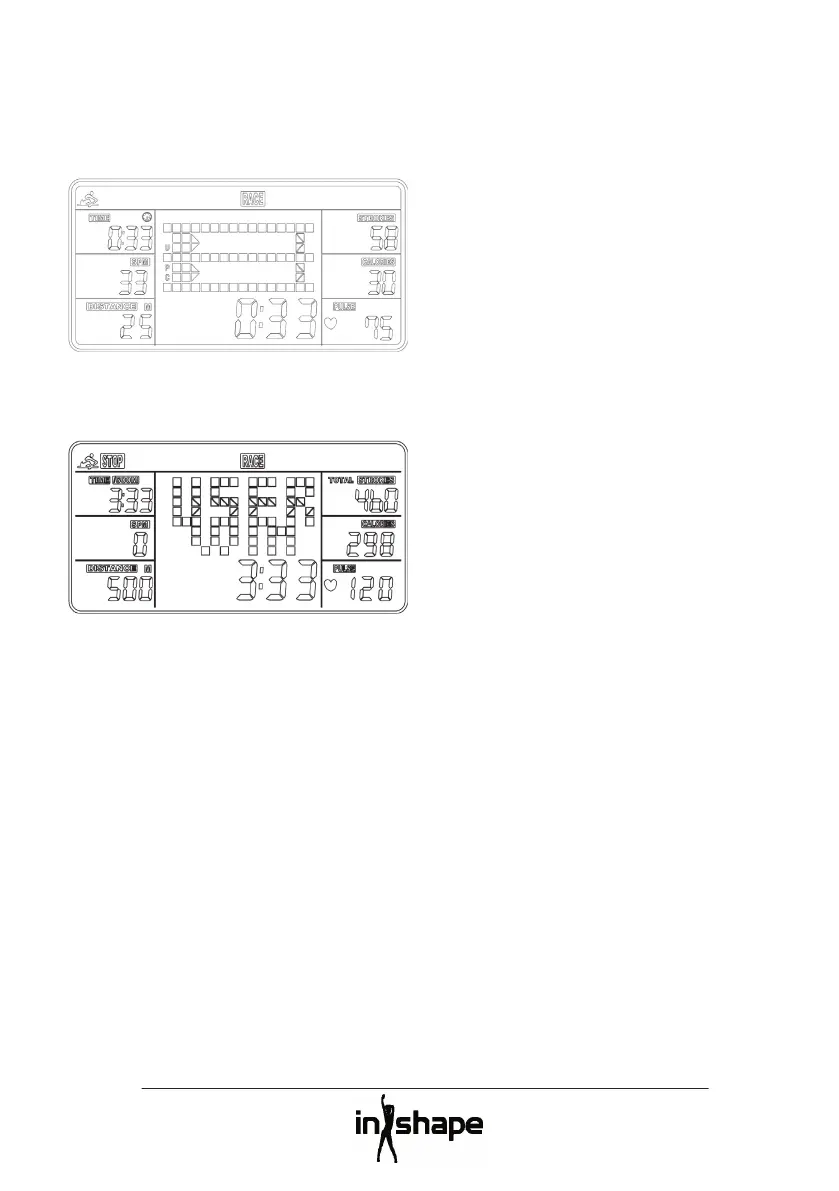
Adjust the distance from 500 to 10,000
metres and press the ENTER button to
Press the START/STOP button to start racing,
as shown graphically on the display.
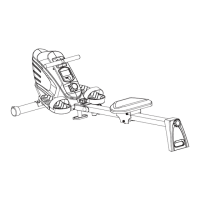
Once you or the computer “reach the
fi nishing line” at the set distance, the race
ends and the winner is shown on the display.
(requires use of a pulse belt)
Immediately after exercising on the
equipment you can test to see how quickly
your pulse rate returns to normal after
exercise. Hold the pulse belt and press the
A 1-minute countdown will be shown on the
display. Your pulse recovery rate will then
be shown by a value from F1 to F6, with F1
being the best and fastest possible pulse
Note! The measurement is for guidance only.
The alarm only sounds if the computer is in
sleep mode, not during training.
Press and hold the RESET to move to
adjusting the time, date and alarm.
The computer automatically goes into sleep
mode when it or the equipment has been
inactive for around 4 minutes.
If the display becomes weak or stops
functioning, replace the batteries with new
ones. All data in the computer will be deleted
when you take the batteries out.
Wipe the rowing machine down regularly
Check the condition of the rowing machine
regularly and tighten any bolts, screws and



 To Next Page