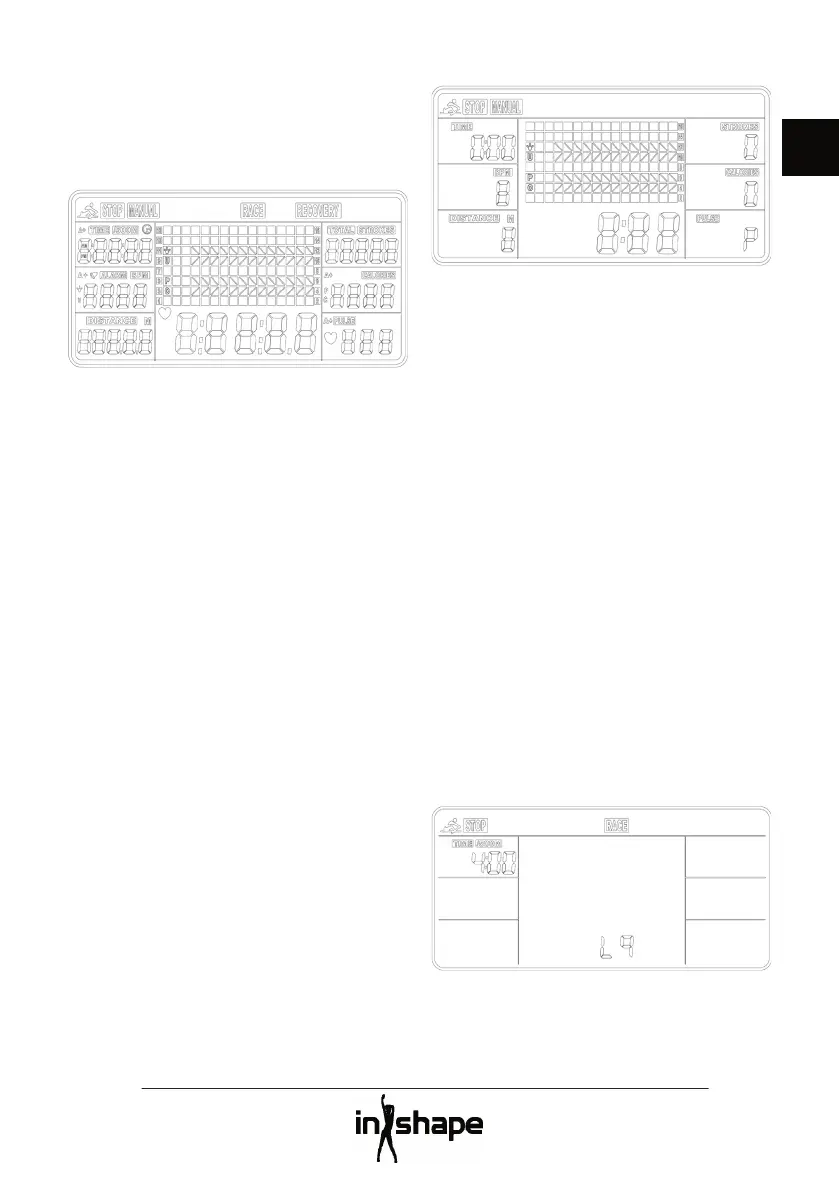
Insert 2 x 1.5 V AA batteries (included) into
the computer. A beep will be heard for 2
seconds and all the segments will be shown
The hour fi gure fl ashes. Press the UP or
DOWN button to set the hour number. Press
the ENTER to confi rm the setting and move
on to the minute number, year number,
month and day. Press the ENTER to confi rm
Once the time and date has been set, the
ALARM symbol fl ashes. Press the ENTER to
not enter an alarm time, or press the UP
button to switch the alarm on. Set the alarm
time in the same way as described above.
Finally press the ENTER button to conclude
your settings and move to the exercise
The MANUAL and RACE buttons fl ash.
Switch between MANUAL and RACE
functions using the UP and DOWN buttons,
and press the ENTER button to confi rm your
If you select MANUAL function, you have two
1. You can set the computer for a particular
exercise time, distance, number of
strokes, number of calories or a target
Restart the training session by pressing
Once the set value is reached, the
computer stops and shows the various
values for your training session.
2. You can also choose to press the START/
STOP button to train without preset
Press the START/STOP button again to
end the training session.
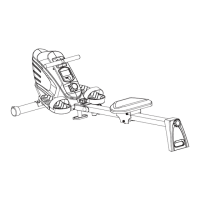
With the RACE function, you are rowing
against the rowing machine’s computer.
Press the UP or DOWN buttons to choose
between races L1 to L15 with times from 8
to 1 minute per 500 metres, and press the



 To Next Page