9
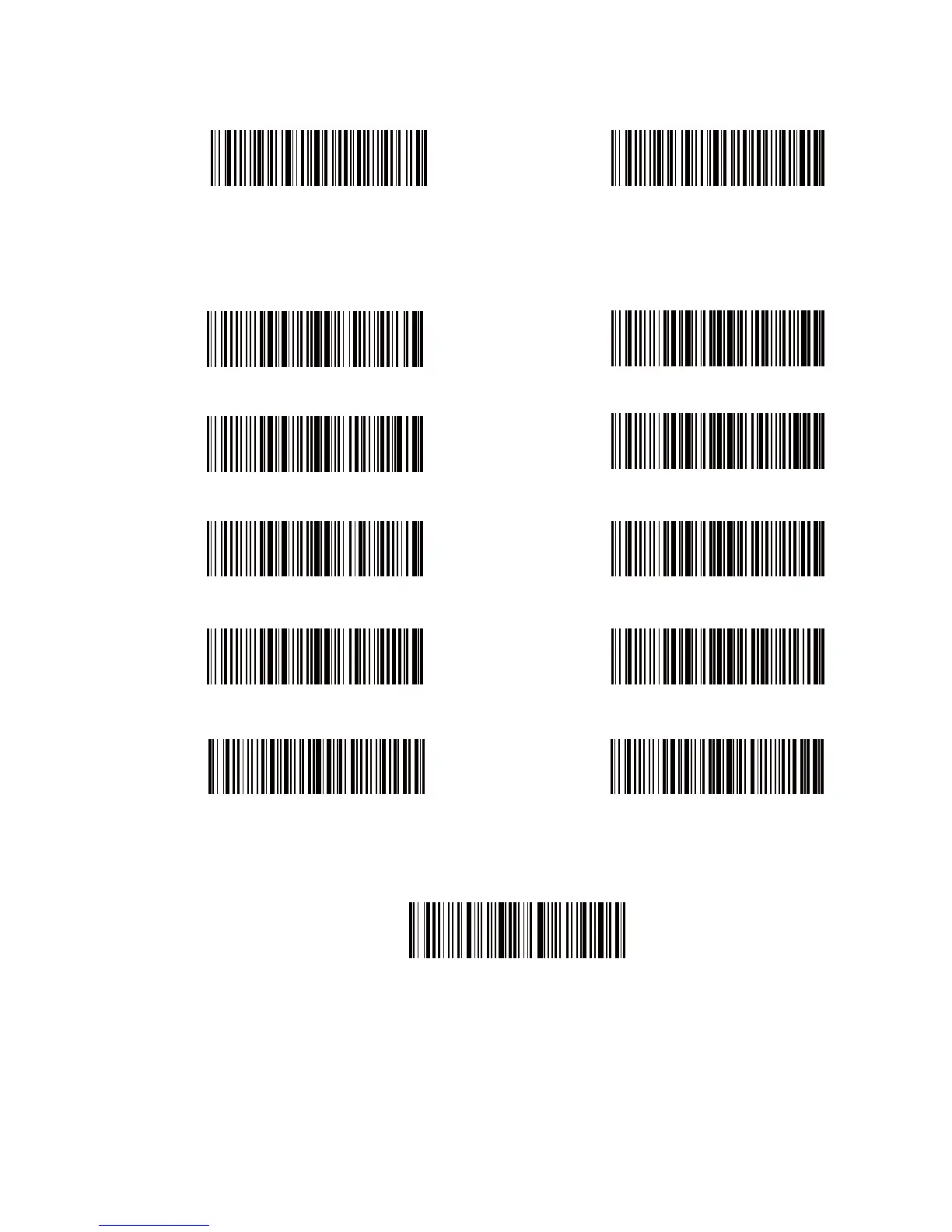
Delete Beginning Character(s)
(*)0 digit
2 digits
4 digits
6 digits
8 digits
Delete Ending Character(s)
1 digit
3 digits
5 digits
7 digits
9 digits
4.Scan “Exit with Save” Barcode to end the setting
Exit with Save
Note: Refer to the setting of “delete 0 digit character” if no character should be
deleted.
2. Scan “Delete Beginning Character(s)” Barcode or “Delete Ending Character(s)”
Barcode
3. Scan the digit(s)barcode to be deleted. If 13 characters need be deleted, please
scan the barcodes of 1 digit and then 3 digits.



 To Next Page