3
4. Open a le on computer and move cursor to the blank where scanning output
should be placed. Scanning results can be displayed on computer then.
Note:
1) Normally BCST-70 can re-connect to previously connected device automatically.
If it fails, please remove the paring history of BCST-70 in the list of host device.
Afterwards, pair them again.
2) HID and SPP are two modes of Bluetooth. The pairing method mentioned above
refers to HID, which is the most commonly used mode. If you want to use BCST-70
under SPP mode, please visit www.inateck.com to download complete instruction
manual for setting, or contact support@inateck.com.
Wired Mode:
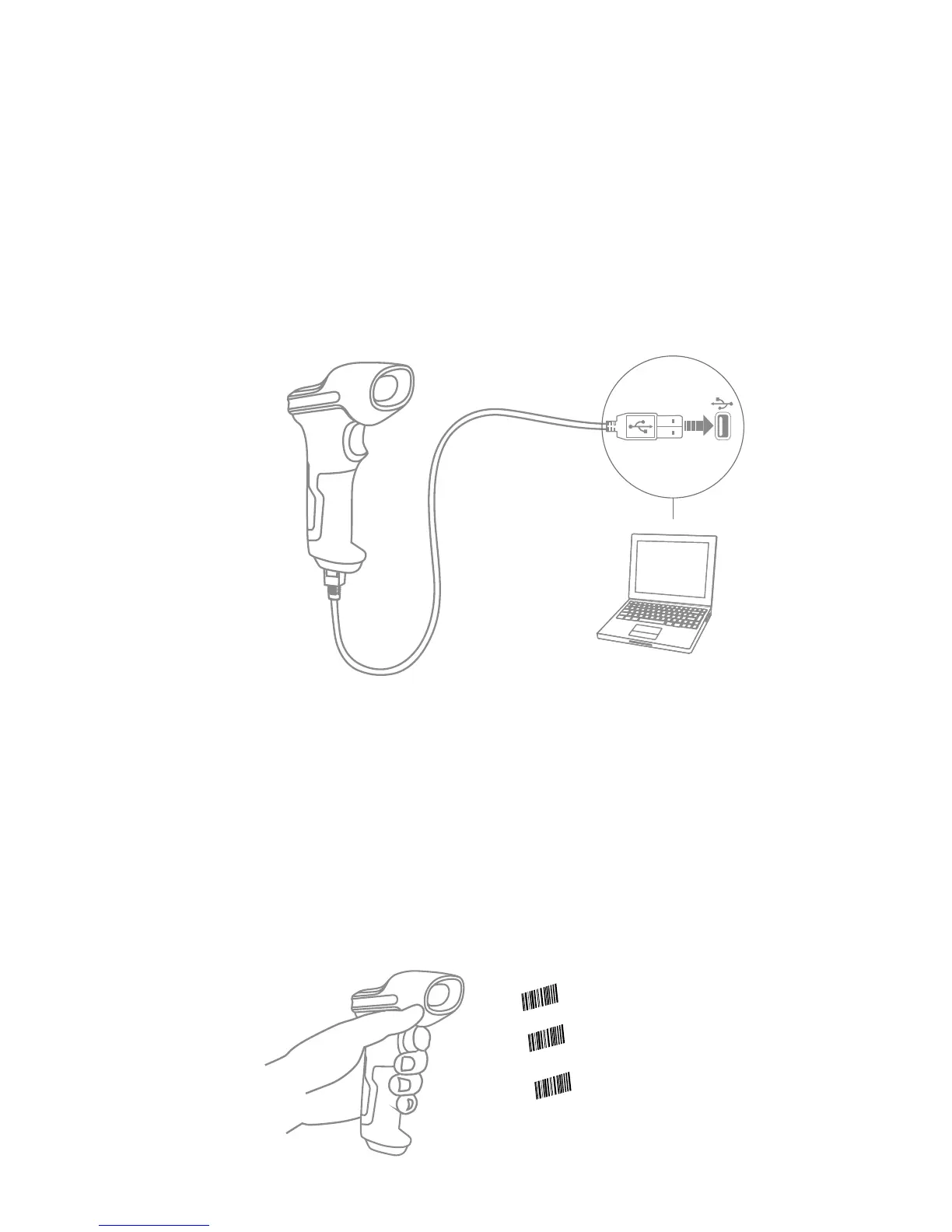
Scan“Enter setup”barcode;
Scan “Exit with save” barcode
to nish the setup.
Change scanner setting by
scanning certain function
setup barcode;
1. Connect Inateck BCST-70 with computer via USB cable
2. Power on Inateck BCST-70 by toggling switch from OFF to ON and short press
the trigger. Inateck BCST-70 will continuously beep. Beep stops after successful
connection.
3. Open a le on computer and move cursor to the blank where scanning output
should be placed. Scanning results can be displayed on computer then.
Function Setup
(Note: The barcode marked by “*”means default setting of Inateck BCST-70.)
Users must read setup barcodes in order to change the default settings in Inateck
BCST-70 Barcode Scanner.



 To Next Page