8
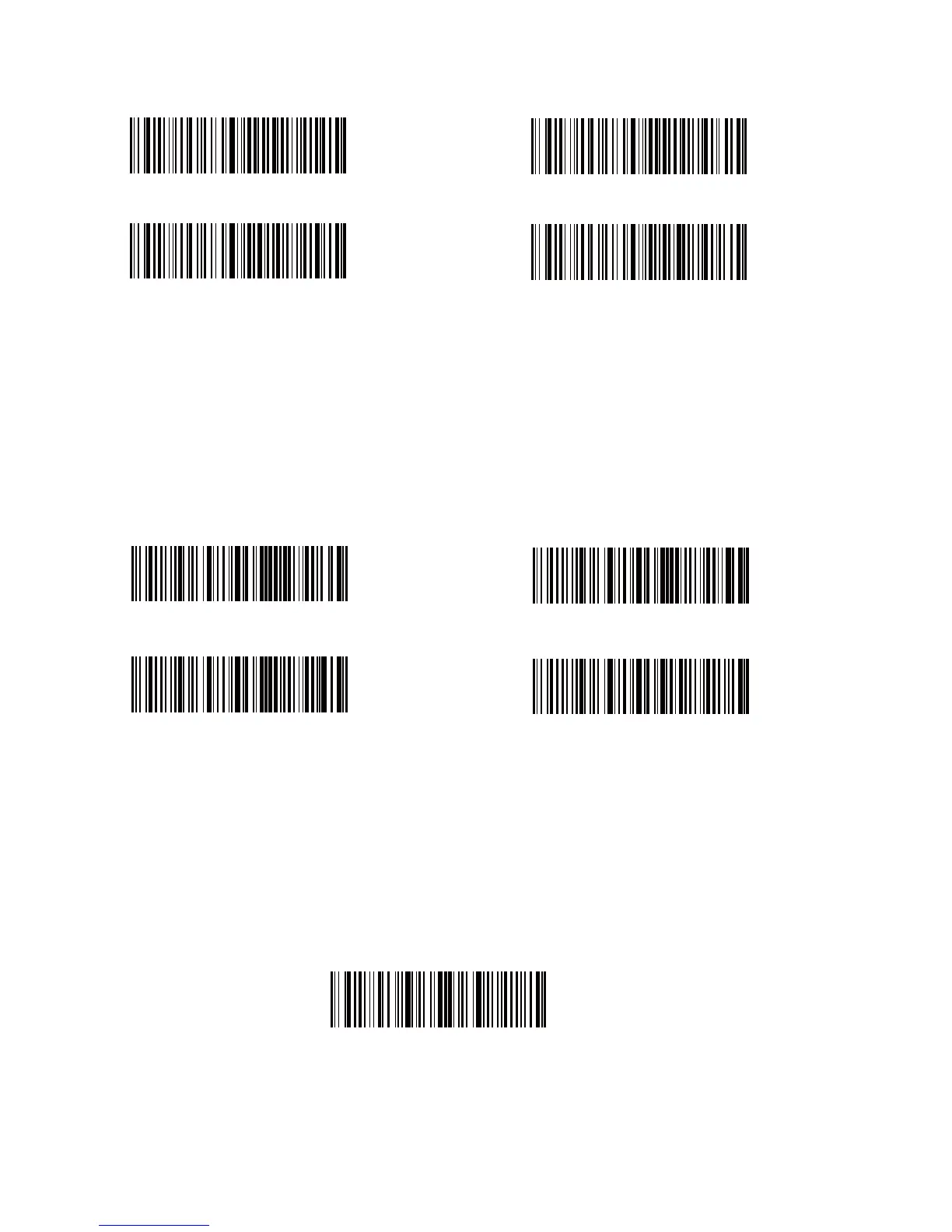
Frequently Used Prex/Sux Barcodes
Note:
1) More prex/sux barcodes are available at www.inateck.com. Users can download
them from the site. For any other questions, please send email to support@inateck.
com.
2) Scanning result will come with prex/sux after the setting. Nevertheless, prex/
sux can be hidden or recovered. To hide prex/sux, scan “Enter Setup” barcode,
“Hide Prex/Sux” barcode, and then “Exit with Save” barcode. To recover prex/
sux, scan “Enter Setup” barcode, “Recover Prex/Sux” barcode, and then “Exit
with Save” barcode.
Enter
Tab
Space
Backspace
(*)Recover Sux
(*)Recover Prex
Hide Sux
Hide Prex
Delete Character(s) on Output Result
Inateck BCST-70 can help users delete character(s) on output result, either beginning
characters or the ending ones. 0 to 99 digits can be deleted. As default setting, no
character, or say 0 digit is deleted as output result. More details are as below.
1. Scan “Enter Setup” Barcode
Enter Setup



 To Next Page