30 31
Others
A. Exterior and Functions
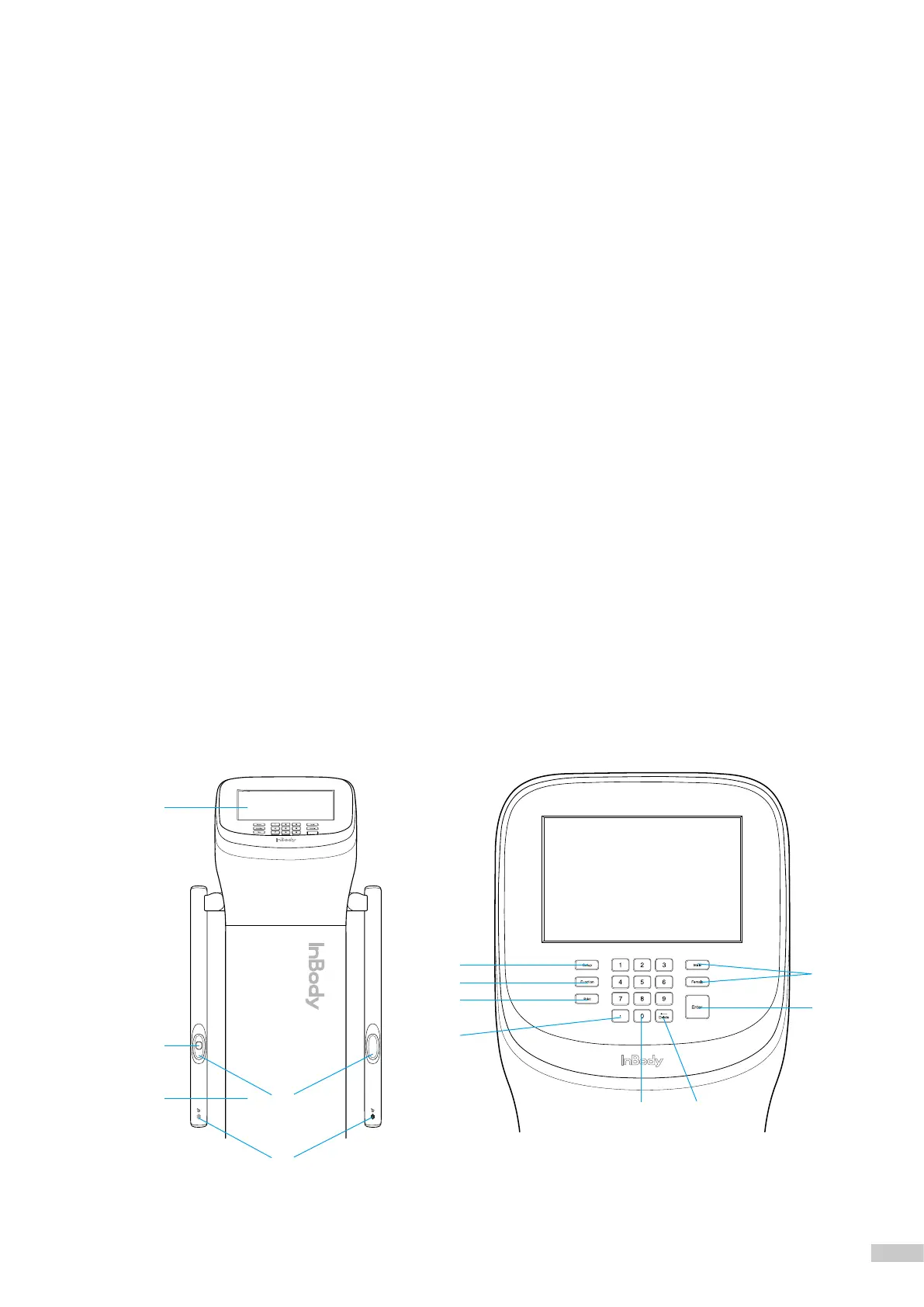
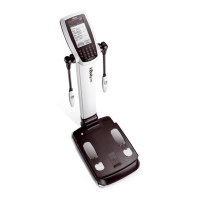
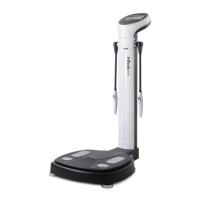
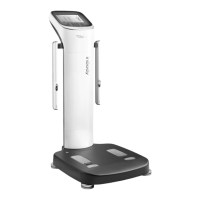
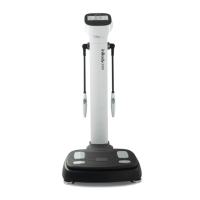
The names and functions of each part of the InBody970 are as followings.
*
Please check each component for damage prior to installation.
1. Upper Section
❶
Hand Electrode: For testing, all four ngers must wrap around the hand electrode to contact the surface, and the thumb
touches the thumb electrode.
❷
Fingerprint Recognition Sensor: The sensor recognizes the left thumb ngerprint and saves or loads the personal
information automatically.
❸
InBody BAND Recognition Sensor: Receives personal information in wireless connection with InBody BAND.
❹
Body: Connects the upper section and the lower section.
❺
Display: It displays each step of test, guide, and test result. It enables to enter the data required for the test, set
the test environment, and check the test results by touching the screen.
❻
Number Button: Enter numeric data such as age and height.
❼
Setup Button: Enter the "Setup" in Administrator Menu from the test standby screen.
❽
Function Button: Enter the "FAQ" screen directly from the test standby screen.
❾
Print Button: Reprint test results.
❿
Decimal Point Button: Enter the decimal point in ID, height, age and weight.
⓫
Gender Button: Select the gender. (Male:Man, Female:Woman)
⓬
Enter Button: Used when input is completed or changes are saved in the Administrator Menu.
⓭
Delete Button: Used to delete the saved data.
V.
❺
❹
❷
❶
❸
❼
❽
❾
❿
❻ ⓭
⓫
⓬



 To Next Page