4 5
B. Installation Environment
Check the environment before installing the InBody970. This device is suitable for indoor use.
If installing this device outdoors, the following requirements must be fullled.
C. Installation Instructions
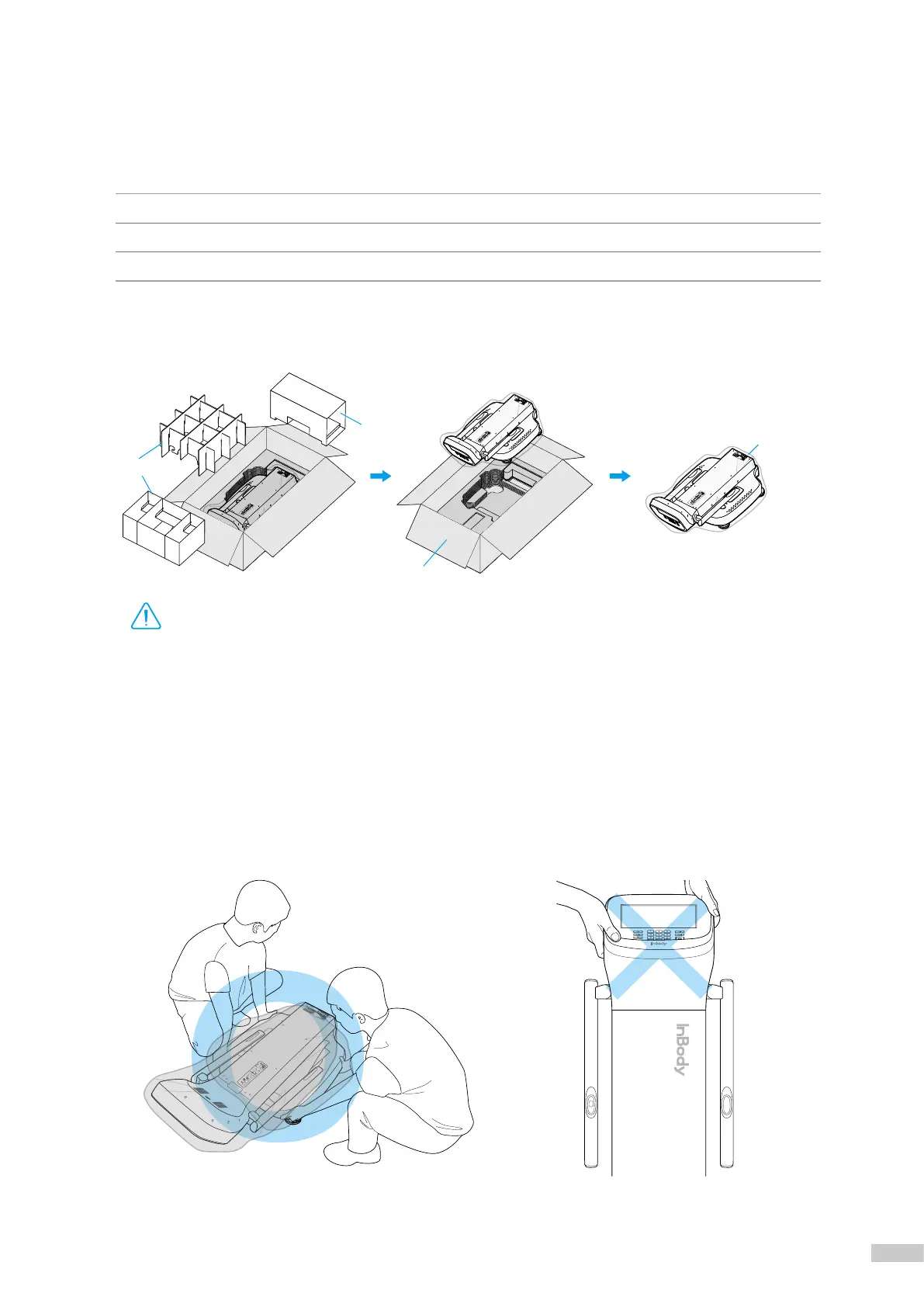
1. Open the InBody970 packing box and remove the packaging pad. Take the InBody970 out of the packing box.
* Refer to the figure below when transporting InBody970.
* Do not transport InBody970 by holding the head.
• When transporting the device, do not grab upper section (LCD) or hand electrode connection area.
• For repackaging InBody970 at a later time, the supplied packing materials must be kept. Other wastes should be disposed
according to relevant local laws and regulations.
• Be careful not to get your hands or feet caught by the packing box.
• Be careful for children not to enter the packing box.
• Do not put protective packaging vinyl on your face.
Caution
Temperature 10 ~ 40°C (50 ~ 104°F)
Relative humidity 30 ~ 75% RH
Atmospheric pressure 70 ~ 106kPa
BoxCap
PackagingPad
Protective
PackagingVinyl
PackagingPad
I. InBody Installation
A. Product Components
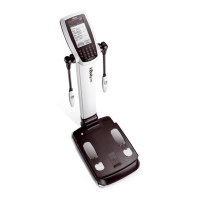
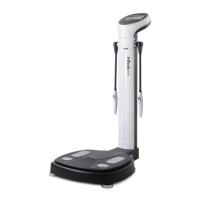
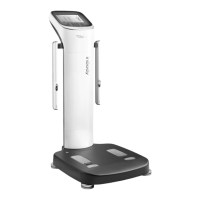
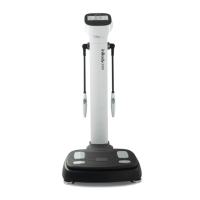
InBody970 consists of the following components. Make sure all of the following components are present.
* Please check if the InBody970 has any damage prior to installation.
❶
InBody970
❷
Power Adapter
❸
Power Cable
❹
User's Manual
❺
Hinge Cover



 To Next Page