32 33
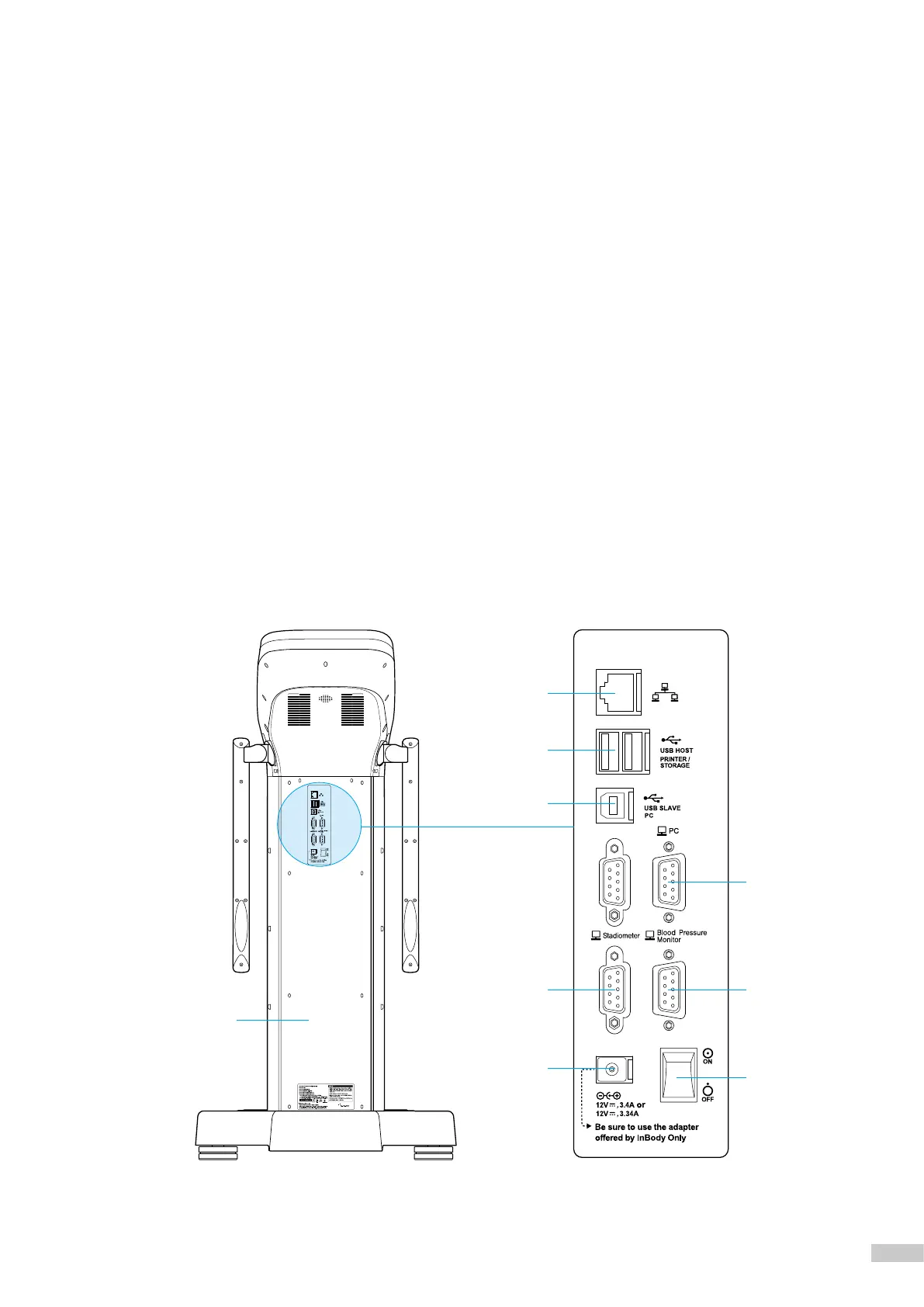
3. Rear view
❶
Rear Cover: Used for inspecting internal inspections, etc. Verified InBody service engineer can only open it.
❷
LAN Port (10/100T-Base): Connect the InBody970 to the Internet or LookinBody120 installed on the PC
via wire connection.
*
You can connect the InBody970 to LookinBody120 installed on the PC if at least one of
❷
,
❹
,
❺
ports is connected.
❸
USB HOST Port: Connect printer, USB thumb drive and barcode reader.
❹
USB SLAVE Port: Connect the InBody970 to LookinBody120 installed on PC.
*
You can connect the InBody970 to LookinBody120 installed on the PC if at least one of
❷
,
❹
,
❺
ports is connected.
❺
PC 9-pin Serial Terminal (Female, RS-232C): Can be used to connect the InBody970 with LookinBody120 installed on
the PC.
*
You can connect the InBody970 to LookinBody120 installed on the PC if at least one of
❷
,
❹
,
❺
ports is connected.
❻
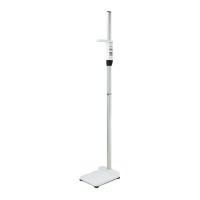
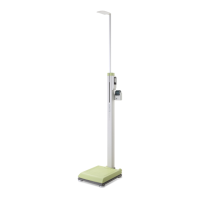
Stadiometer 9-pin Serial Terminal (Female, RS-232C): Connect the InBody970 with a stadiometer.
* Make sure to connect only InBody stadiometer.
❼
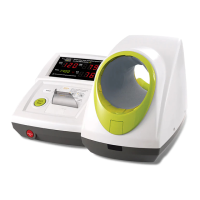
Blood Pressure Monitor 9-pin Serial Terminal (Female, RS-232C): Connect the InBody970 with a blood
pressure monitor.
* Make sure to connect only InBody Blood Pressure Monitor.
❽
Power Jack: Connect a power adapter.
* Use the adapter provided by only InBody.
❾
Power Switch: Turn the device on and off.
❶
❷
❸
❹
❻
❺
❼
❾
❽



 To Next Page