6 7
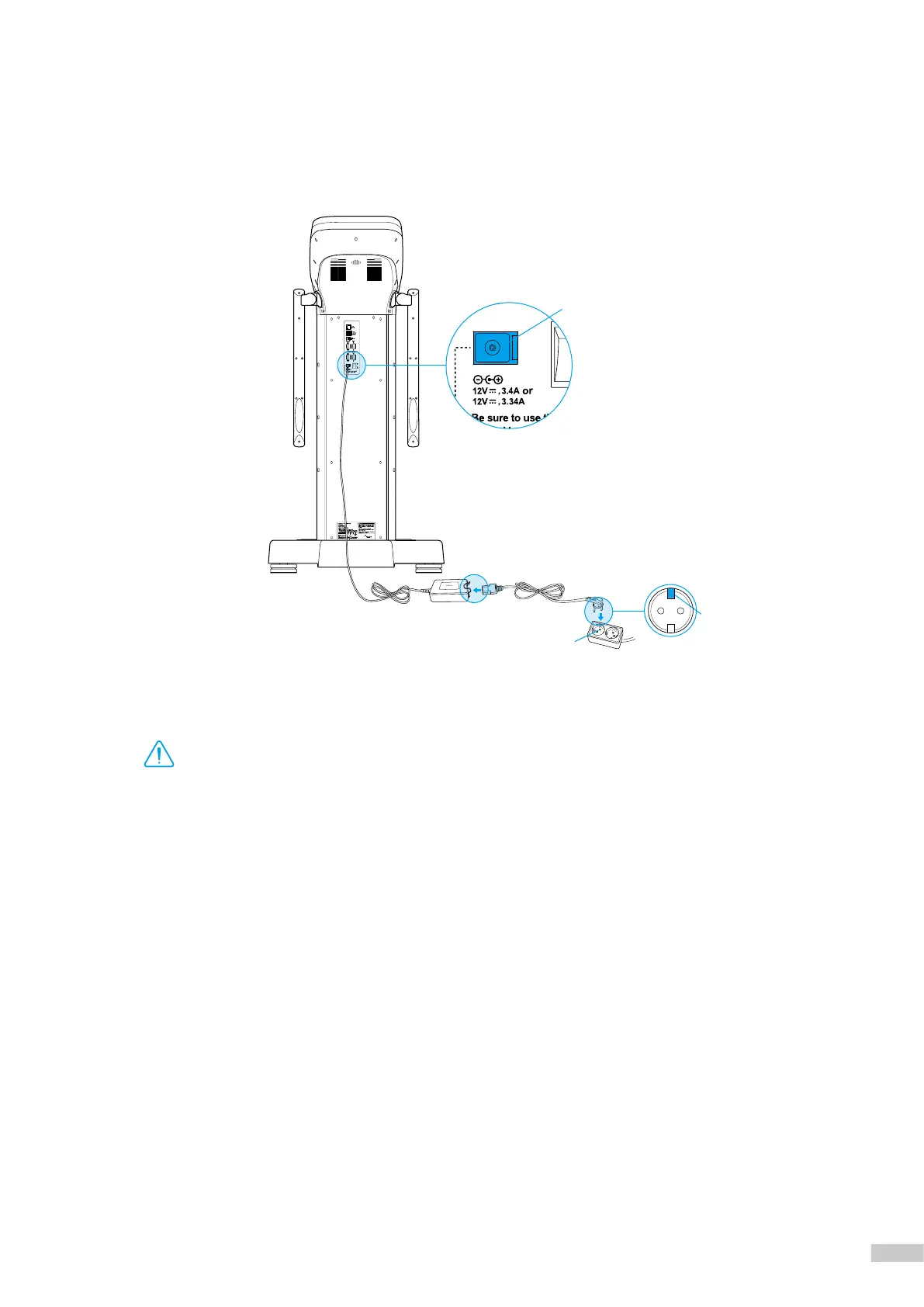
5. Connect the power adapter
❷
to the power inlet on the rear of InBody970
❶
. Connect the power cable
❸
to the connected
power adapter
❷
. Connect the plug of the power cable
❸
to a 3-terminal outlet with a ground terminal.
*
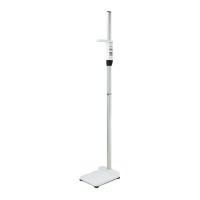
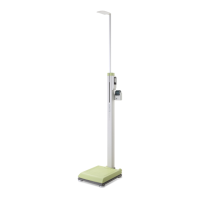
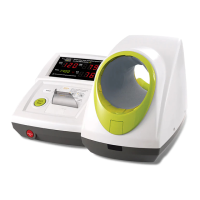
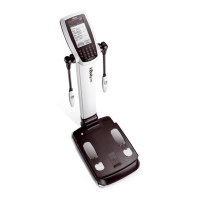
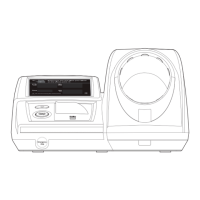
The InBody970 can be connected to optional devices such as stadiometer, blood pressure monitor, and Yscope and PC program, LookinBody120.
Please refer to "E.Connecting Compatible Device" in "I.InBody Installation" in this User's Manual.
Warning
Power Inlet
Terminal Outlet
❸
❷
❶
Ground Terminal
•
Do not pull the power cord violently.
•
Do not plug in or pull out the power cord with wet hands. There is a risk of an electric shock.
•
Always use an outlet connected to the rated power (AC 100 - 240 V). Using other power rated outlets may result
in fire or malfunction.
•
When using a power surge protector, make sure that the outlet or the extension cable has adequate power capacity.
•
Do not disassemble or modify the device including internal parts without written consent from the
manufacturer. This may cause electric shock or injury, product malfunction, inaccurate results, and will void the
manufacturer’s warranty.
•
Do not directly contact the InBody970 with any other electronic devices when the InBody970 is on.
This may result in an electric shock.
•
If you are not using the InBody970 for a long time, unplug the power code.



 To Next Page