9
2.0 PROGRAMMING
The Model 1250-LTC has three methods of programming: numeric menu (traditional
1250); alphanumeric menu; and serial port programming commands. The 1250-LTC can be
ordered with either RS-232 or RS-485 serial port hardware. The serial programming
commands can be in the form of ASCII characters or MODBUS packets, depending upon the
position of DIP switch #2. See Tables 2.1, 2.2 & 2.3 for a full listing of all programming
menu items, commands, and syntax. See the simplified programming flowchart for tap
position on page 12, Figure 2.1.
2.1 Front Panel Programming
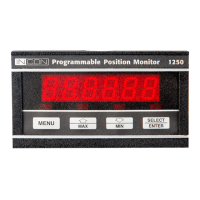
To access the numeric or alphanumeric programming menu, press the MENU key for
several seconds until the display goes blank, then press the SELECT/ENTER key. The
display should read “OP 0”. The default menu is the numeric menu. To choose the
alphanumeric menu, press the DOWN key to select OP 99. Press the SELECT/ENTER key,
the display should read “to OP”. Press the UP key. The display should read “run”. You are
now in the alphanumeric menu mode.
To change a parameter using the numeric or alphanumeric menus, select the parameter
to be changed from the menu, press the SELECT/ENTER key. The parameter’s present
setting will now be displayed. You can change the setting by pressing the UP or DOWN key.
To store the new setting, press the SELECT/ENTER key, the display will return to the menu.
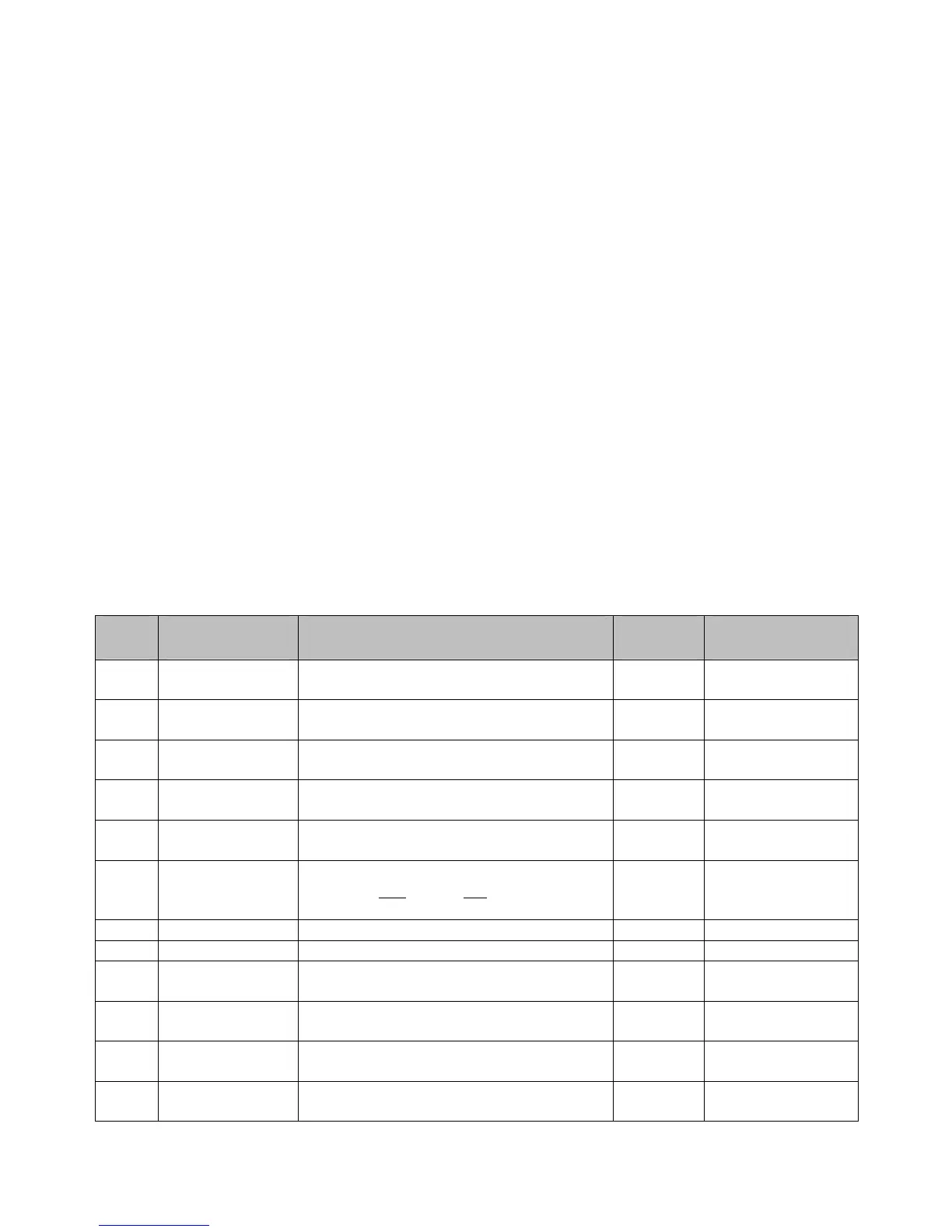
Table 2.1 Numeric and Alphanumeric Menu Items:
Num-
eric
Alpha-numeric
Protocol
Function: Default
Value:
Programmable
Range:
OP 0 run Press the SELECT/ENTER key to exit the
Program mode
OP 2 Func Select Operating Mode (see pages 34-37) 21 16, 17, 18, 19, 20,
21
OP 3 tCrLY Selects which relay will assert
momentarily, after each tap change
OFF OFF, LO, HI
OP 4 tCrdL Sets the delay time before Tap Change
Acknowledge Relay turns on (Seconds)
0.0 0.0 to 9.9
OP 5 tCrLt Sets duration of time the Tap Change
Acknowledge Relay stays on (Seconds)
0.0 0.0 to 9.9
OP 6 dHF-L Selects which visit to the Draghand
positions (first
time or last time) will begin
the day counters
LASt “FirSt”, “LASt”
OP 10 LtCLr Low Tap Alarm Clear CL
OP 11 HtCLr High Tap Alarm Clear CL
OP 15 rL Lt Sets low relay limit tap -16 Any valid tap
number
OP 16
LtrLY
Selects which relay will assert when the
“Low Tap” alarm limit is reached
OFF OFF, LO, HI
OP 17 rL Ht Sets high relay limit tap +16 Any valid tap
number
OP 18
HtrLY
Selects which relay will assert when the
“High Tap” alarm limit is reached
OFF OFF, LO, HI


 To Next Page