30
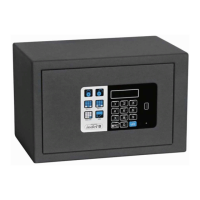
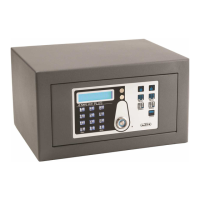
SAFE 10 E PLUS SMART
SAFE 10 E PLUS SMART_IM_20190905
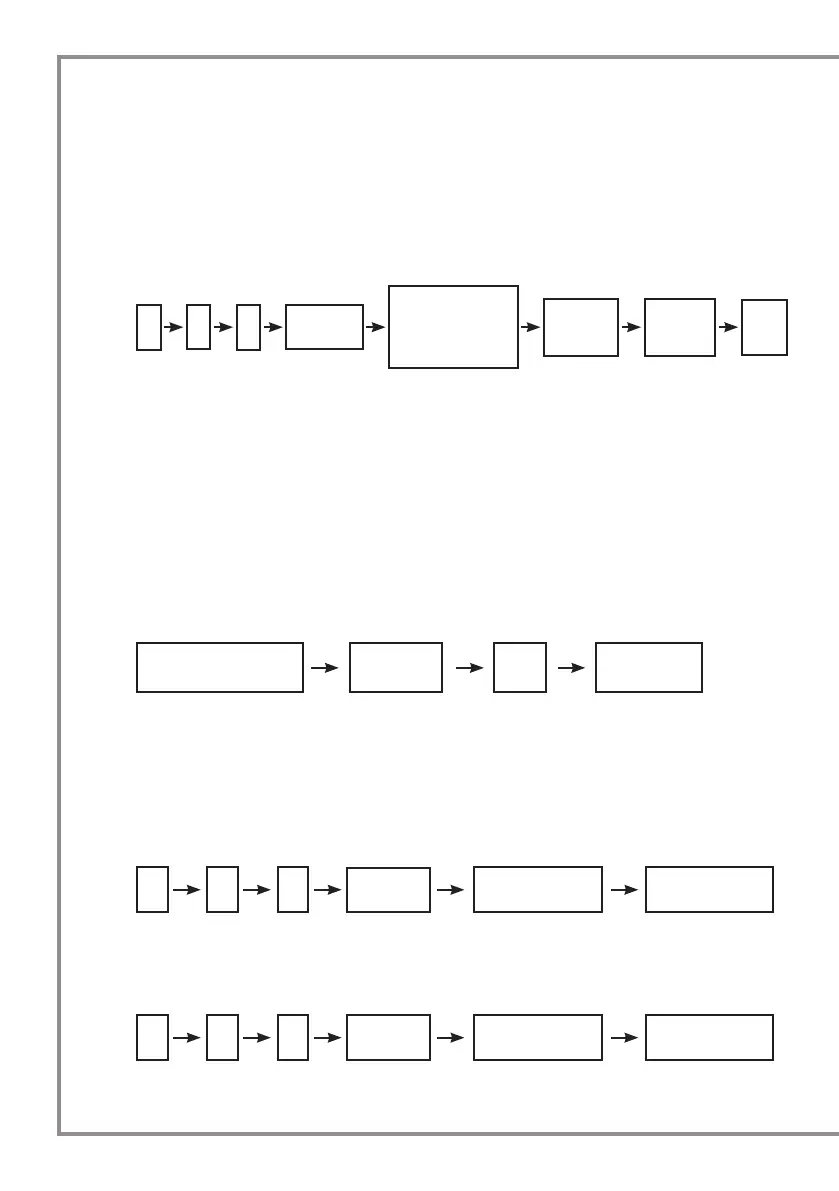
* 66 #
Place the
owner key
Place the data
card
P_Ed/Copy
complete
* 55 #
Place the
owner key
Place the data
card
Setting copy to
other SAFE/P_Ed
* 4 #
Place the
owner key
Input the
corresponding
ID (1-5) of the
master key/PIN+#
New pin
code
4-6 digits
New pin
code
4-6 digits
Pin
code
Place the IB key Pin code # SAFE open
2 BEEP
• For setting and amend PIN code, if second time pin code entered is not same as rst time, LCD
display “ERROR”;
5. Delete MasterKEYs
• Same as MODE 1;
• The PIN code for each master key will be deleted at the same time when you delete the
corresponding master key.
• The PIN code will be deleted while all master keys are erased at one time.
6. Open the safe at Mode 2 with IB key IB key + PIN code + #
1 BEEP + LCD display “CODE” 1 BEEP
TO READ THE MASTER KEY ID PRESS *11# AND PLACE THE MASTER KEY, LCD DISPLAY “ID (1-5)”
FOR 4 SECONDS. This function must be used under MODE 1 as well.
• Synchronous function (this function must be used under MODE 1 as well)
• Synchronous setting to data card (yellow)
3 BEEP
• Copy setting to SAFES
3 BEEP
AMEND
1. Press *4# + place “Owner key” on the receiver: lights will flash for 4sec;
2. While lights keep ashing input the corresponding ID for PIN code which you want to amend
followed by #: lights will flash for 4sec;
3. While lights keep ashing enter new PIN code followed by #: LCD will display ”rEPE”;
4. Enter again new PIN code followed by #: LCD will display ”Succ”;
5. PIN CODE will update to new one.


 To Next Page