10 of 20
Service Manual UK
Indesit
Company
English
AUTO TEST CYCLE
Activation of the Auto Test Cycle:
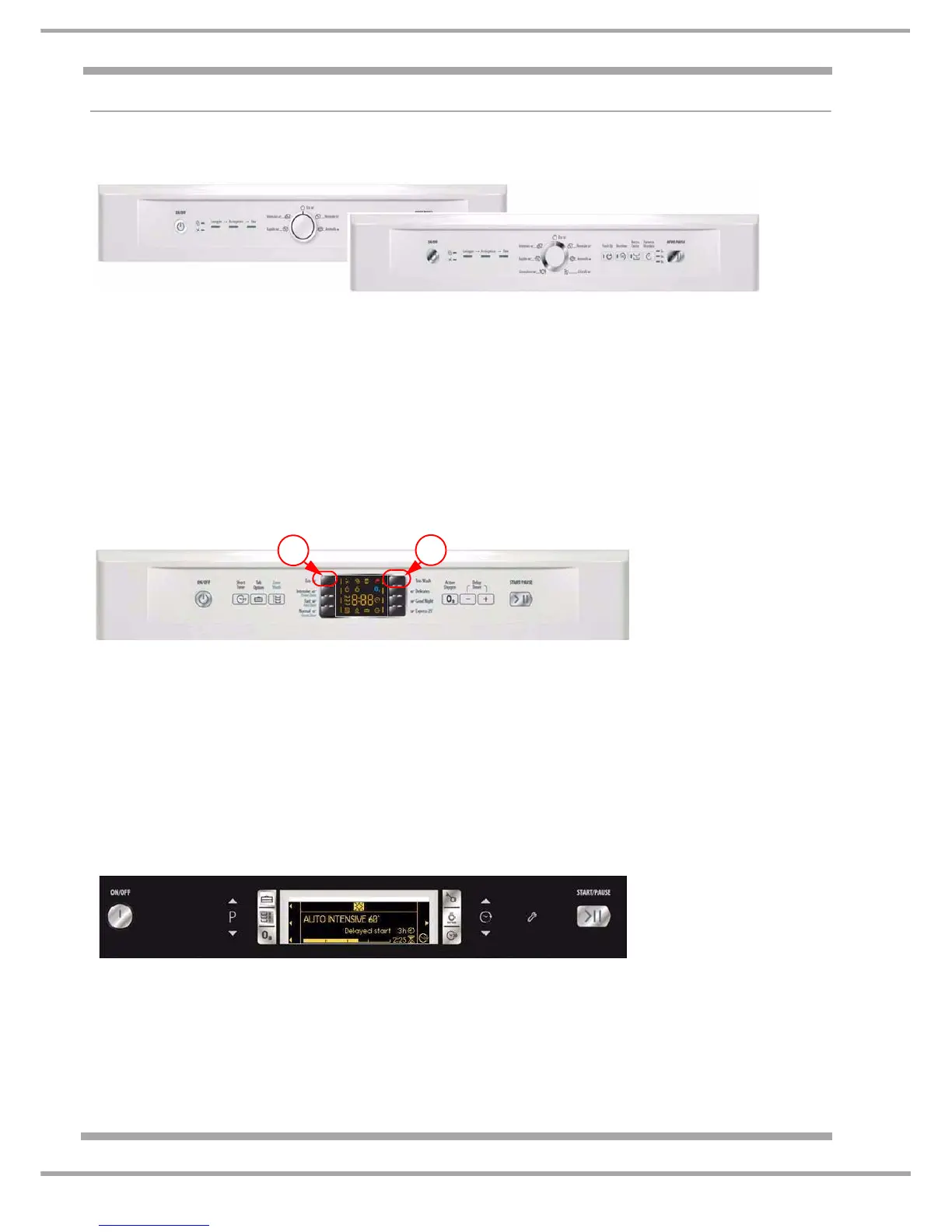
Dishwashers with LED displays and Programme Knob
1 With the machine switched off, position the knob anywhere other than on program 5 and close
the door.
2 Switch the machine on (On/Off button).
3 Switch the machine off (On/Off button).
4 Turn the knob to Position 5 (position 3 in the case of machines with three programs).
5 Turn the knob to Position 1.
6 Turn the knob to Position 5 (position 3 in the case of machines with three programs).
7 Switch the machine On (On/Off button).
8 Press the "Start/Pause" to start the autotest sequence. See next page for details.
Dishwashers with DIGIT User Interface:
1 Start with the appliance Off and the door closed.
2 Switch the machine On (On/Off button).
3 Switch the machine Off (On/Off button).
4 Press button "P5" (Program 5) - Duo Wash button.
5 Press the "ECO" button (Program 1).
6 Press button "P5" (Program 5) - Duo Wash button.
7 Switch the machine On (On/Off button).
8 The display lights up all LED segments and At appears in the display.
9 Press the "Start/Pause" to start the autotest sequence. See next page for details.
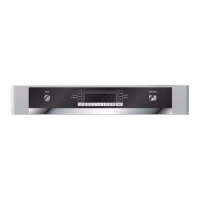
Dishwashers with LCD User Interface:
1 Start with the appliance Off and the door closed.
2 Switch the machine On (On/Off button).
3 Switch the machine Off (On/Off button).
4 Press the P up button
and release, press P up button again - an audible beep will be heard.
5 Press the P down button
(Program 1).
6 Switch the machine On (On/Off button) - "SELF TEST" appears in the display.
7 Press the “Start/Pause” to start the auto test sequence. See next page for details.
P1
P5


 To Next Page