Indesit Company
27 of 33
Service Manual UK English
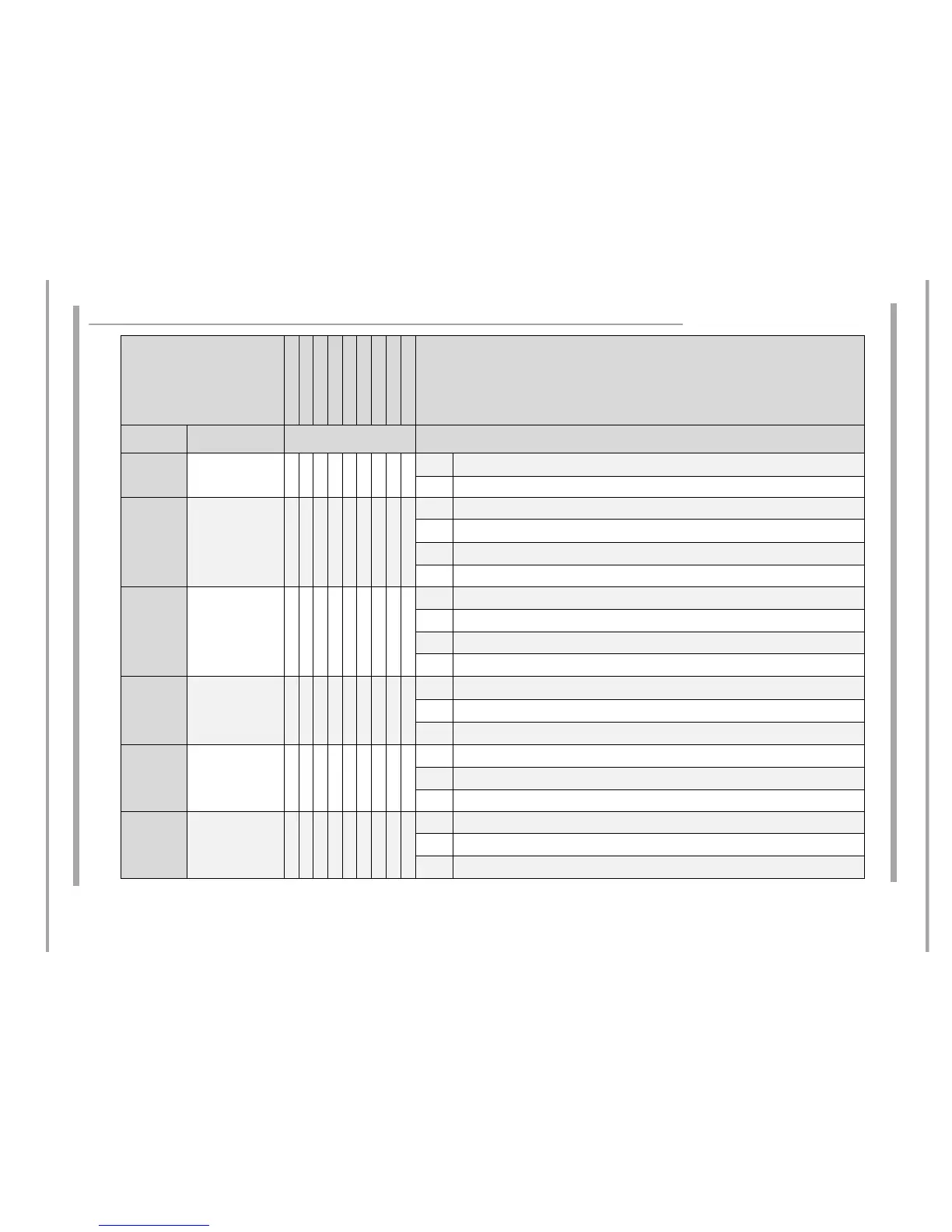
FAULT CODES
USER INTERFACE
POWER BOARD
FILTER
FAN
TERMINAL BLOCK
COIL 145 S
COIL 210 S
COIL 210 L
POWER CORD
Hob Status
Codes
Fault Description Service Steps
Step 2 If fault persists, service visit required.
Step 3 Change user interface.
F / 1
Induction heater
temperature sensor
(NTC) error
Ɣ Ɣ Ɣ Ɣ
Step 1 Ask the user to switch the power off and on (try to reset the system).
Step 2 If fault persists, service visit required.
Step 3 Check heater temperature sensor (NTC) connections. If OK replace appropriate coil.
Step 4 If fault persists replace Power board.
F / 2
Induction heater
temperature sensor
(NTC) error
ƔƔƔƔ
Step 1 Ask the user to switch the power off and on (try to reset the system).
Step 2 If fault persists, service visit required.
Step 3 Check heater temperature sensor (NTC) connections. If OK replace appropriate coil.
Step 4 If fault persists replace Power board.
F / 3
Induction generator
heatsink temperature
sensor (NTC) error
Ɣ
Step 1 Ask the user to switch the power off and on (try to reset the system).
Step 2 If fault persists, service visit required.
Step 3 Check heatsink temperature sensor (NTC) connection. If OK replace Power board.
F / 4
Induction generator
heatsink temperature
sensor (NTC) error
Ɣ
Step 1 Ask the user to switch the power off and on (try to reset the system).
Step 2 If fault persists, service visit required.
Step 3 Check heatsink temperature sensor (NTC) connection. If OK replace Power board.
F / 5 Communication error
Ɣ Ɣ Ɣ
Step 1 Ask the user to switch the power off and on (try to reset the system).
Step 2 If fault persists, service visit required.
Step 3 Check harness connections. Replace cables if necessary.



 To Next Page