Troubleshooting
Powerline adapters
PowerlineadaptersshouldnotbeusedonchargersthatwillserviceanMG.
4G
4GdongleshaveanindicatingLEDonthefront,whichshowswhatthedongleisdoing.
To enable you to see the dongle status LED without exposing live conductive parts, dangle
thedongleoutofthesideofthechargerandlooselysecurethefrontofthechargerinplace.
The4Gdonglemaytakeuptosevenminutestoconnecttotheinternet.Ifithasnot
connectedwithinsevenminutes,powercyclethechargerandtryagain.
If the dongle connects to a 2G signal, consider using another means of internet connection as
thismaynotbereliable.
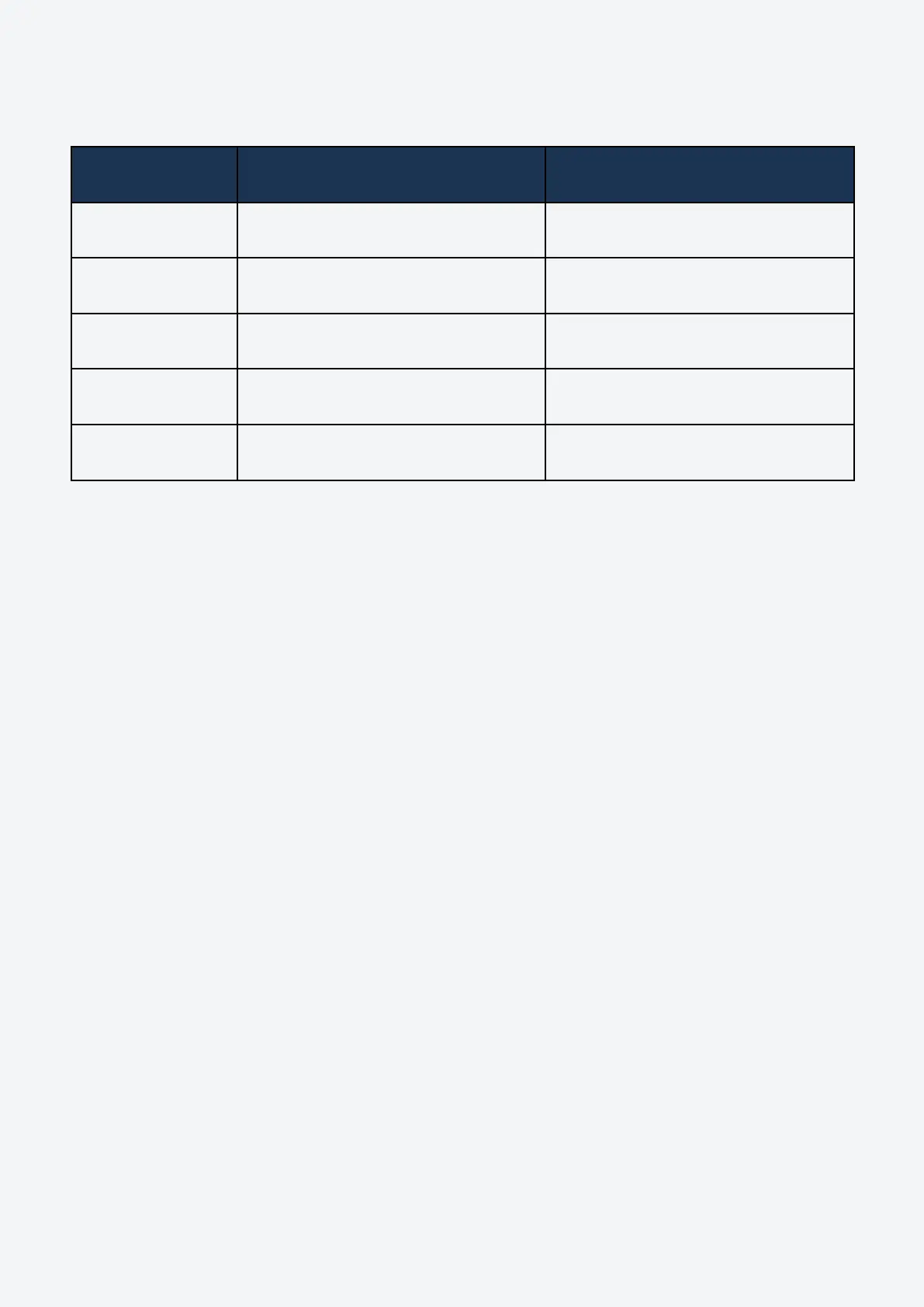
Wire Cut Lengths
Smart LUX™ Smart PRO
Live 385mm 200mm
Neutral 340mm 200mm
CPC 310mm 240mm
REF 315mm 200mm
CT 295mm 180mm
34
Indra Smart Range Installation Guide


 To Next Page