Inepro Metering – PRO Series 1 – 13
6.6 Scrolling function
6.6.1 Automatic scrolling
Every 10 seconds the meter will display the next programmed data page (depending on the setting)
6.6.2 Change scrolling time by button
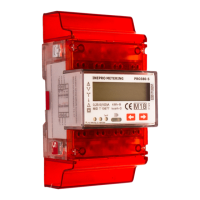
Press one of the buttons for 5 seconds during the display of page rt 00 and release the button
After releasing the button the backlight will blink twice OFF/ON to indicate you are in programming
mode.
Press the buttons to select the scrolling time (01 to 30 seconds)
After choosing the desired scrolling time release the button and wait 10 seconds to program the new
data in the meter
6.6.3 Manual scrolling
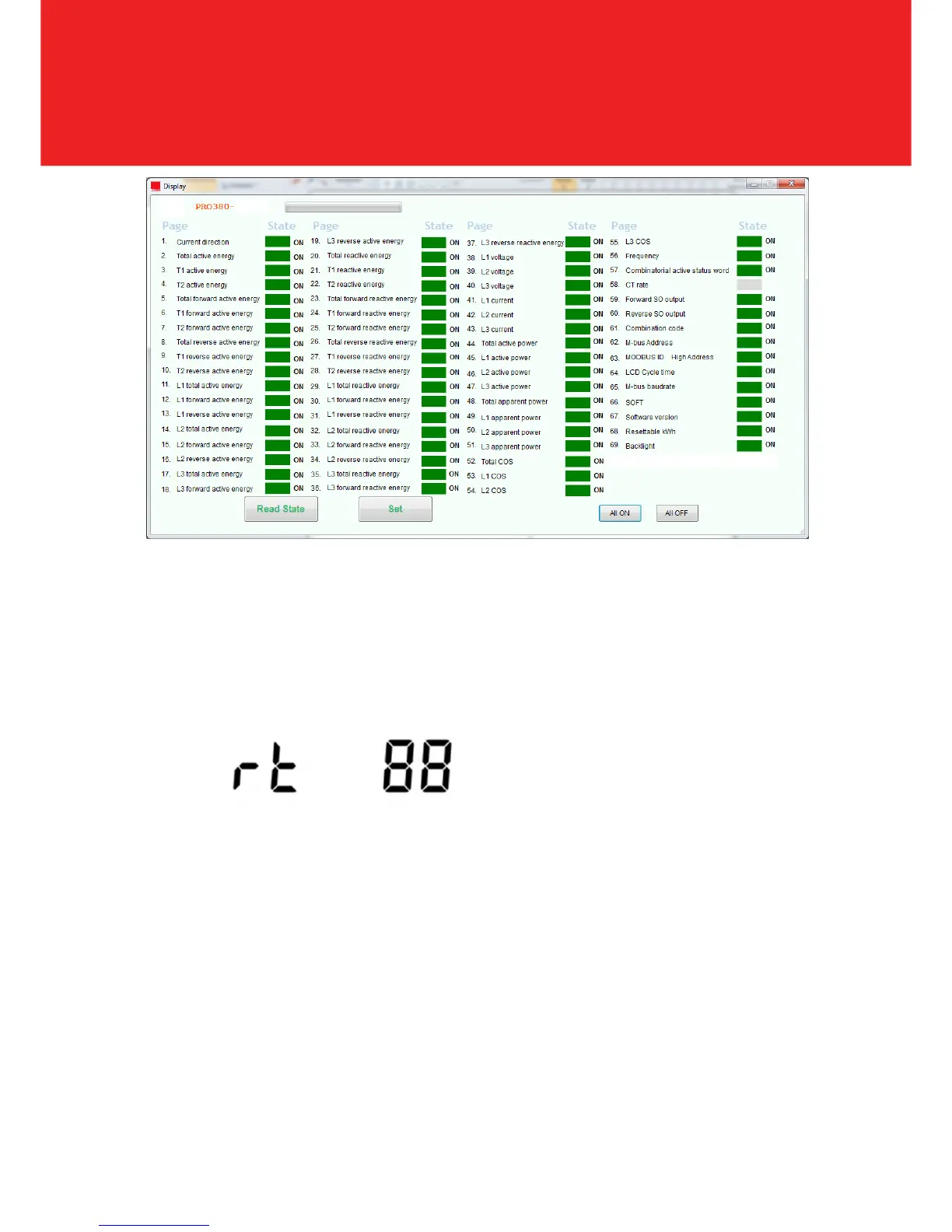
By pressing the button you will go through all data pages one by one starting from page 1 (sequence
see in above table and is depending on the version of PRO380)
6.6.4 Data table pages
Data tables can be selected ON or OFF for automatic scrolling mode. See IR-manual.



 To Next Page