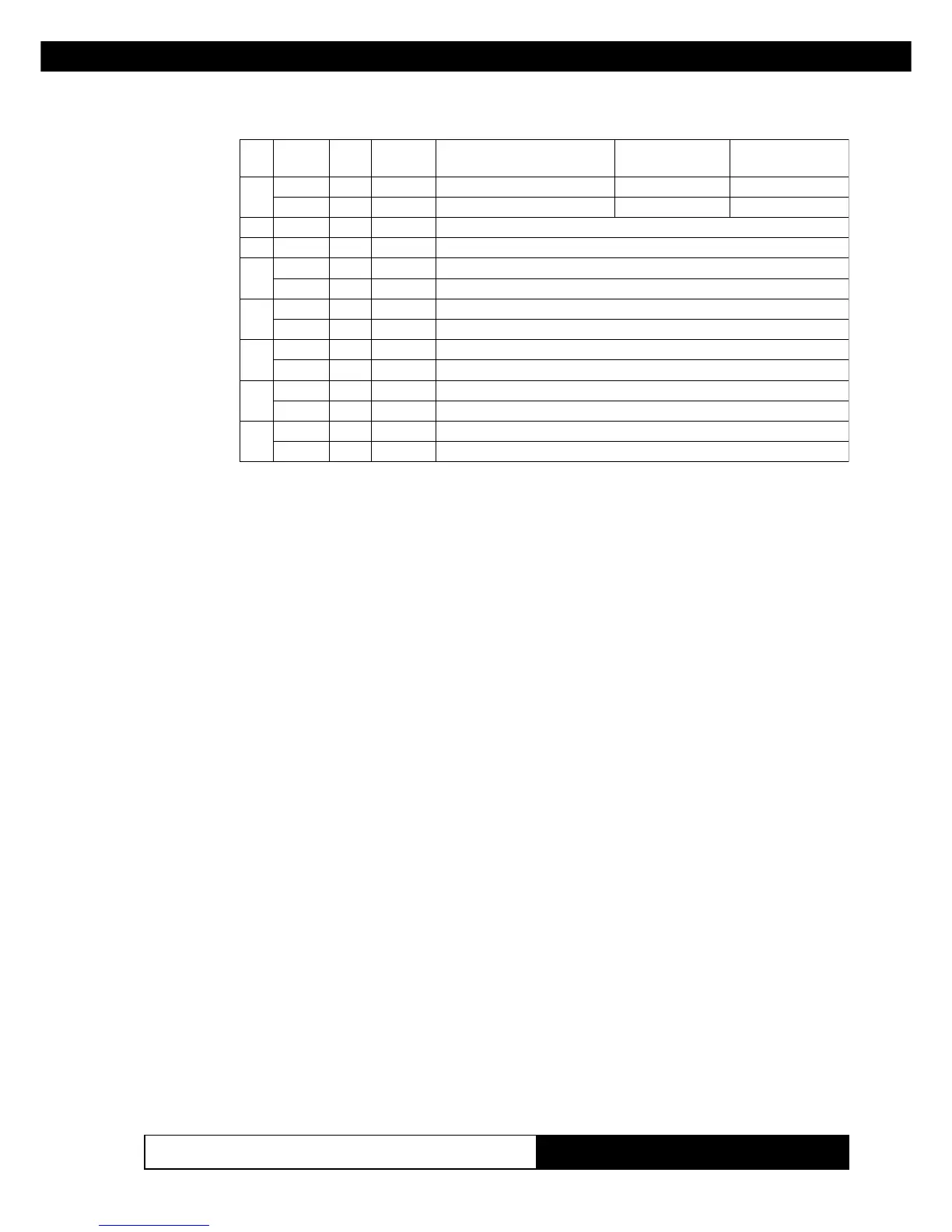
3. PRINTER FUNCTIONS3. PRINTER FUNCTIONS
KPM210/216
133-
tiBnO/ffOxeHlamiceD
nuFnoitc
)ipd002(ipc51/11
)ipd003(ipc32/71
)ipd002(ipc02/51
)ipd003(ipc03/32
0
ffO000
.detcelesAtnofretcarahC
42x8142x31
nO101
.detcelesBtnofretcarahC
42x3142x01
1- - -
.denifednU
2- - -
.denifednU
3
ffO000
.detcelestonedomdednapxE
nO808
.detcelesedomdednapxE
4
ffO000
.detcelestonedomthgieh-elbuoD
nO0161
.detcelesedomthgieh-elbuoD
5
ffO000
.detcelestonedomhtdiw-elbuoD
nO0223
.detcelesedomhtdiw-elbuoD
6
ffO000
.detcelestonedomcilatI
nO0446
.detcelesedomcilatI
7
ffO000
.detcelestonedomenilrednU
nO08821
.detcelesedomenilrednU
[Notes] • The printer can underline all characters, but cannot under-
line the spaces set by HT, ESC $, ESC \ and 90°/270° ro-
tated characters.
• When characters are enlarged to different heights on one
line, the characters are aligned at the baseline or topline (see
GS ~).
• This command resets the left and right margin at default
value (see GS L, GS W).
• ESC E can also be used to turn the emphasized mode on/
off. However, the last-received setting command is the effec-
tive one.
• ESC - can also be used to turn the underlining mode on/off.
However, the last-received setting command is the effective
one.
• ESC 4 can also be used to turn the italic mode on/off. How-
ever, the last-received setting command is the effective one.
• GS ! can also be used to select character height/width.
However, the last-received setting command is the effective
one.
[Default] n = 0
[Reference] ESC -, ESC E, ESC 4, GS !
[Example]
www.ipcprint.com



 To Next Page