INTRODUCTION
KPM210/216
3
2
1
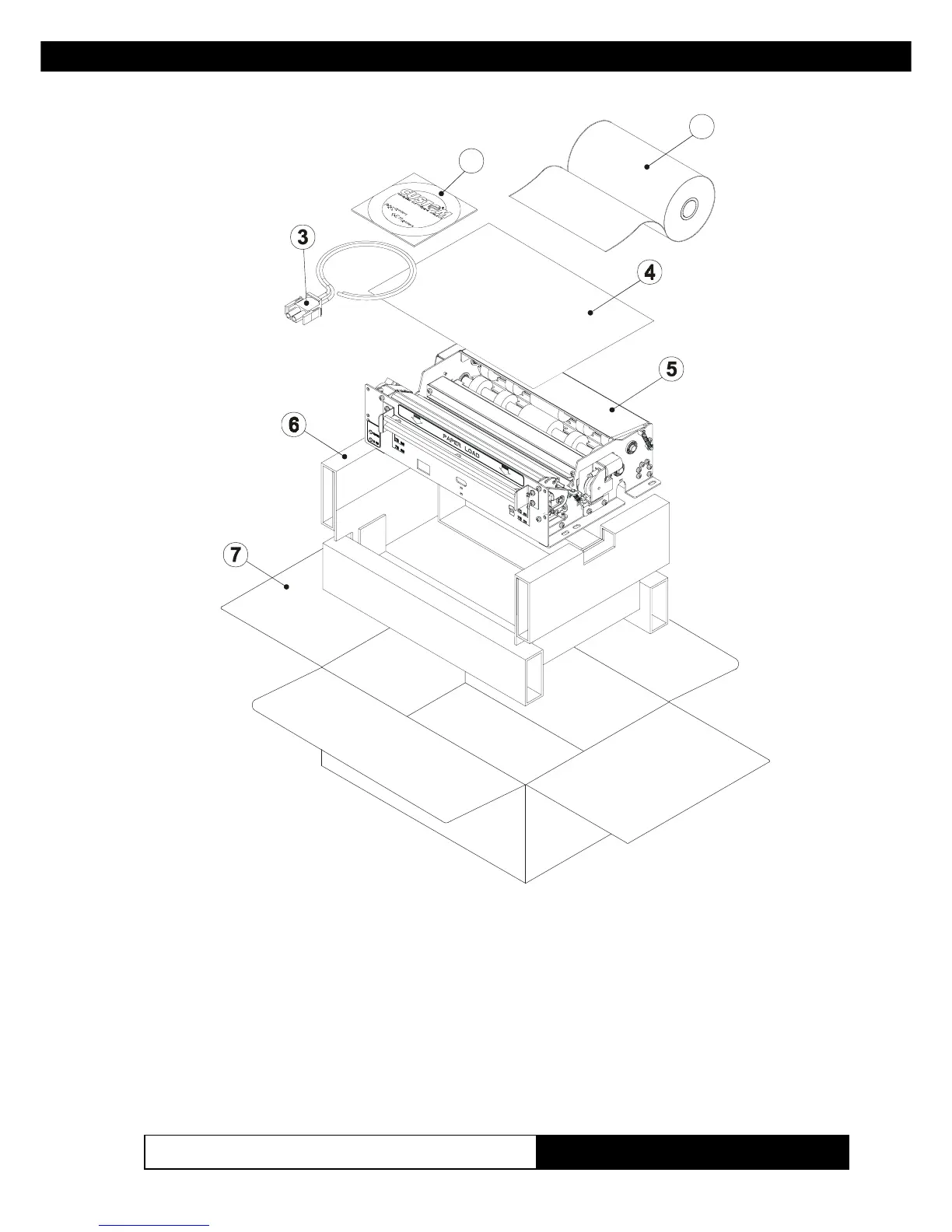
• Open the printer packaging
• Remove the paper roll
• Remove the manual (or CD-Rom)
• Remove the electrical power cable
• Remove the upper tray
• Take out the foam packing shell
• Take out the printer and remove it from its plastic covering.
• Keep the box, trays and packing materials in the event the printer must
be transported/shipped in the future.
(Fig.1)
www.ipcprint.com



 To Next Page