EasyManua.ls Logo

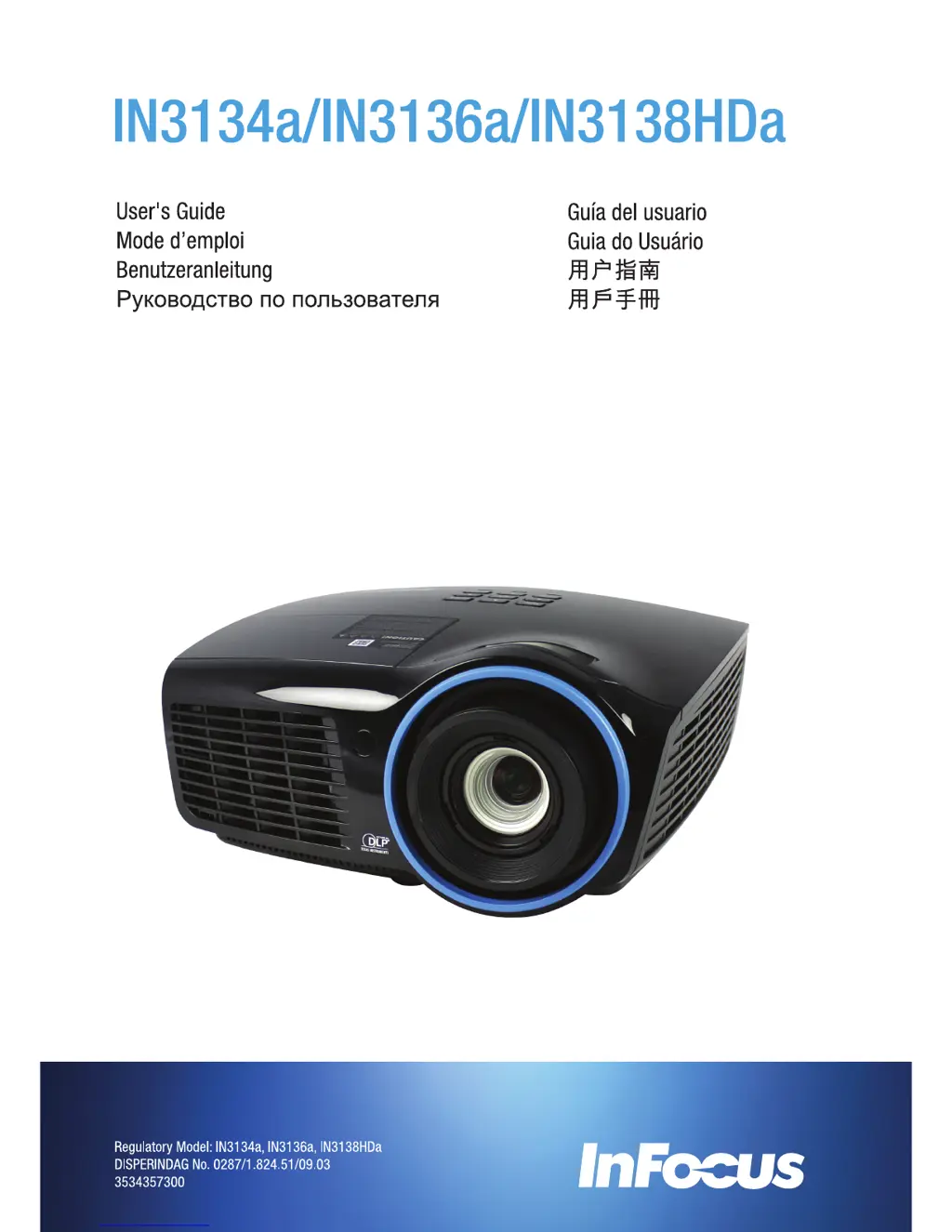
InFocus IN3138HDa - User Manual

InFocus IN3138HDa
71 pages
Print Icon
To Next Page IconTo Next Page
Loading...

Table of Contents

Questions and Answers

  • O
    oconnormichaelAug 18, 2025
    What to do if the InFocus IN3138HDa lamp goes off?
    • C
      christina05Aug 18, 2025
      If the lamp goes off, it could be due to power surges. Try re-plugging the power cord and, when the Power LED is on, press the power button. Alternatively, replace the lamp module or put the old lamp back in the projector and have the projector serviced.
  • D
    David KellyAug 20, 2025
    How to fix a blurred image on an InFocus Projector?
    • A
      Amy JuarezAug 20, 2025
      To fix a blurred image, adjust the focus on the projector. You can also press the Auto button on the remote control. Ensure the projector-to-screen distance is within the specified range and check that the projector lens is clean.
  • W
    William ReynoldsAug 23, 2025
    What to do if no image appears on the screen of InFocus IN3138HDa Projector?
    • A
      Alexis RodriguezAug 23, 2025
      If no image appears on the screen, verify the settings on your notebook or desktop PC. Also, try turning off all the equipment and powering everything up again, ensuring the projector is turned on last.
  • P
    Patricia MorenoAug 26, 2025
    Why is the image reversed on my InFocus IN3138HDa Projector and how to fix it?
    • J
      jeffrey74Aug 26, 2025
      If the image is reversed, check the Projection setting on the Settings 1 menu of the OSD.
  • D
    Dr. Peter OrtegaAug 28, 2025
    How to fix flat image with no contrast on InFocus Projector?
    • L
      laurahammondAug 28, 2025
      To fix a flat image with no contrast, adjust the Contrast setting on the Image menu of the OSD.
  • B
    benjamin54Aug 30, 2025
    What to do if there is no light from the InFocus IN3138HDa Projector?
    • J
      Justin Castro MDAug 30, 2025
      If there is no light from the projector, check that the power cable is securely connected and ensure the power source is working by testing with another electrical device. Restart the projector and check that the Power LED is on. If you have replaced the lamp recently, try resetting the lamp connections. If not, replace the lamp module or put the old lamp back in the projector and have the projector serviced.
  • R
    Ryan GarciaSep 2, 2025
    What to do if the InFocus IN3138HDa does not respond to the remote control?
    • M
      Megan JohnsonSep 2, 2025
      If the projector isn't responding to the remote, start by pointing the remote control directly at the remote sensor on the front of the projector, ensuring nothing is blocking the path between the remote and the sensor. Try turning off any fluorescent lights or other infrared-enabled devices in the room. Check the battery polarity, and if necessary, replace the battery. If problems persist, replace the remote control.
  • F
    fieldsmichaelSep 5, 2025
    What to do if there is no sound from InFocus Projector?
    • L
      Lisa HodgesSep 5, 2025
      If there is no sound, first adjust the volume on the remote control and then adjust the volume of the audio source. Check the audio cable connection and test the source audio output with other speakers. If the problem persists, have the projector serviced.
  • D
    Douglas ClarkSep 7, 2025
    How to correct trapezoid effect on InFocus IN3138HDa Projector?
    • J
      Jerry EstradaSep 7, 2025
      To correct the trapezoid effect, position the projector so it is as perpendicular to the screen as possible. Alternatively, use the Keystone button on the remote control to correct the problem.
  • A
    Aaron WardSep 10, 2025
    What to do if the InFocus IN3138HDa Projector image is streaked?
    • K
      Keith GutierrezSep 10, 2025
      If the image is streaked, set the Frequency and Tracking settings on the Image->Computer menu of the OSD to the default settings. To ensure the problem is not caused by a connected PC’s video card, connect to another computer.

Summary

Important Safety Information

General Safety Information

Provides essential safety guidelines and precautions for operating the projector.

Projector Installation Notice

SETUP AND OPERATION

Turning the projector on and off

Detailed steps for powering the projector on and off, including sequence.

Setting an Access Password (Security Lock)

Guide to setting up a password to prevent unauthorized projector use.

ON-SCREEN DISPLAY (OSD) MENU SETTINGS

Navigating the OSD

Explains how to use the remote control buttons to navigate OSD menus.

Image Menu

Details on adjusting image display modes, brightness, contrast, and other visual settings.

Settings 1 Menu

Overview of settings for source, projection, aspect ratio, keystone, and advanced options.

Settings 2 Menu

Overview of settings for auto source, power, lamp mode, status, and advanced options.

MAINTENANCE AND SECURITY

Replacing the Projection Lamp

Instructions and safety precautions for replacing the projector lamp.

Cleaning the Projector

Guidelines for cleaning the projector lens and case safely.

TROUBLESHOOTING

Common problems and solutions

General tips and common issues with their solutions for projector operation.

LED Error Messages

Explanation of projector status indicated by LED lights and corresponding error codes.

SPECIFICATIONS

Projection Distance vs. Projection Size (XGA)

Table showing projection distances and screen sizes for XGA resolution.

Timing Mode Table

Lists supported video signal timing modes and resolutions.

APPENDIX I

Serial Communication

Configuration details for serial communication interface and CLI commands.

InFocus IN3138HDa Specifications

General IconGeneral
BrandInFocus
ModelIN3138HDa
CategoryProjector
LanguageEnglish

Related product manuals