7
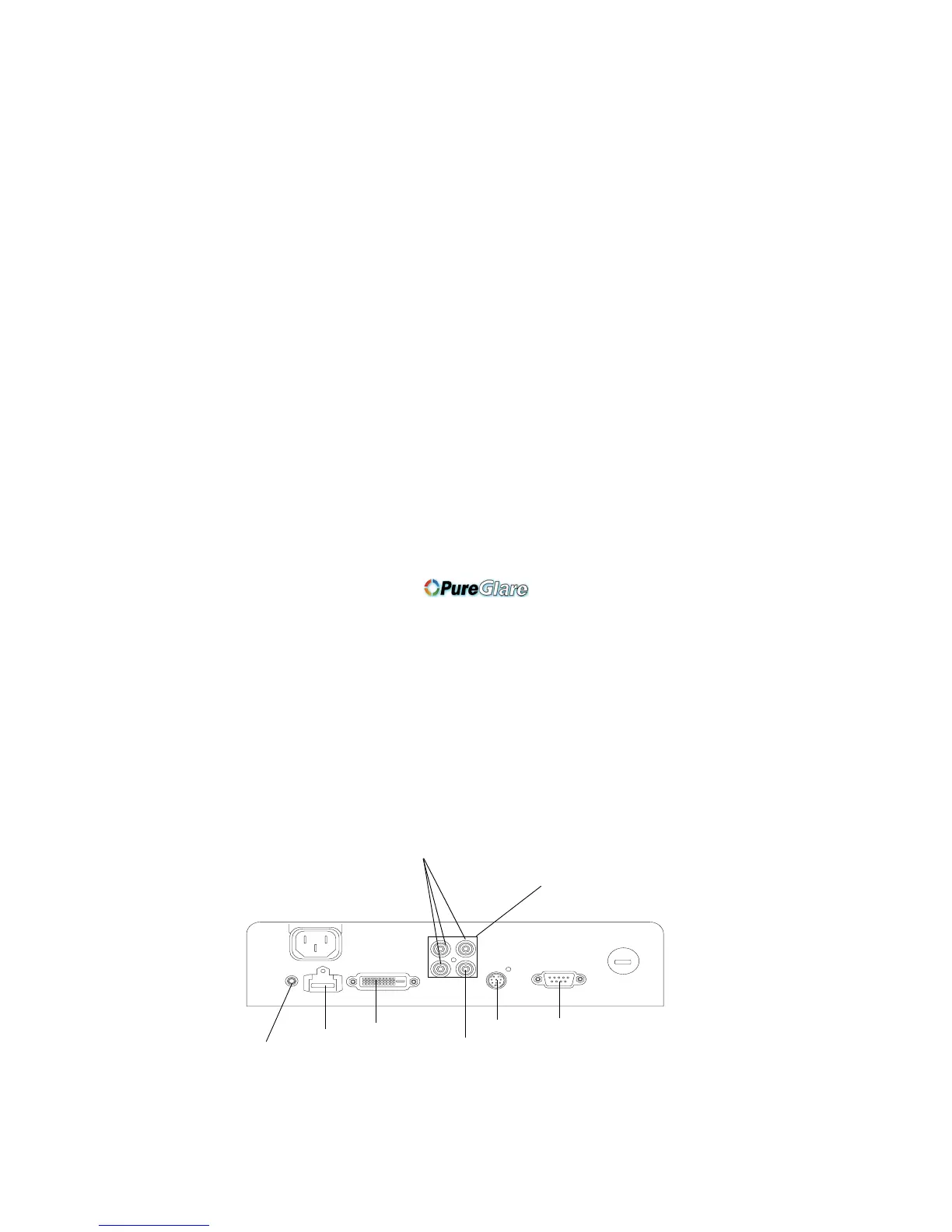
Video connectors
The first step for connecting video is determining what type of output con-
nectors your video device has. If there is more than one output, select the
one with the highest quality. The best quality ranking, with 1 being the
highest, is:
1 M1-DA/DVI or HDMI (both are digital inputs)
2 component /SCART RGB video (RCAs)
3 S-video
4 composite video (RCA)
If your device has a VGA connector, you can use the M1-DA/DVI connector
for a high quality image. Many PC game systems have VGA connectors.
For detailed information on supported video formats, see page 35.
M1-DA/
S-video
12 volt
DC output
component RCA
composite
HDMI
RS-232
(not on IN72)
DVI
RCA
SCART (all 4 connectors)



 To Next Page