EasyManua.ls Logo

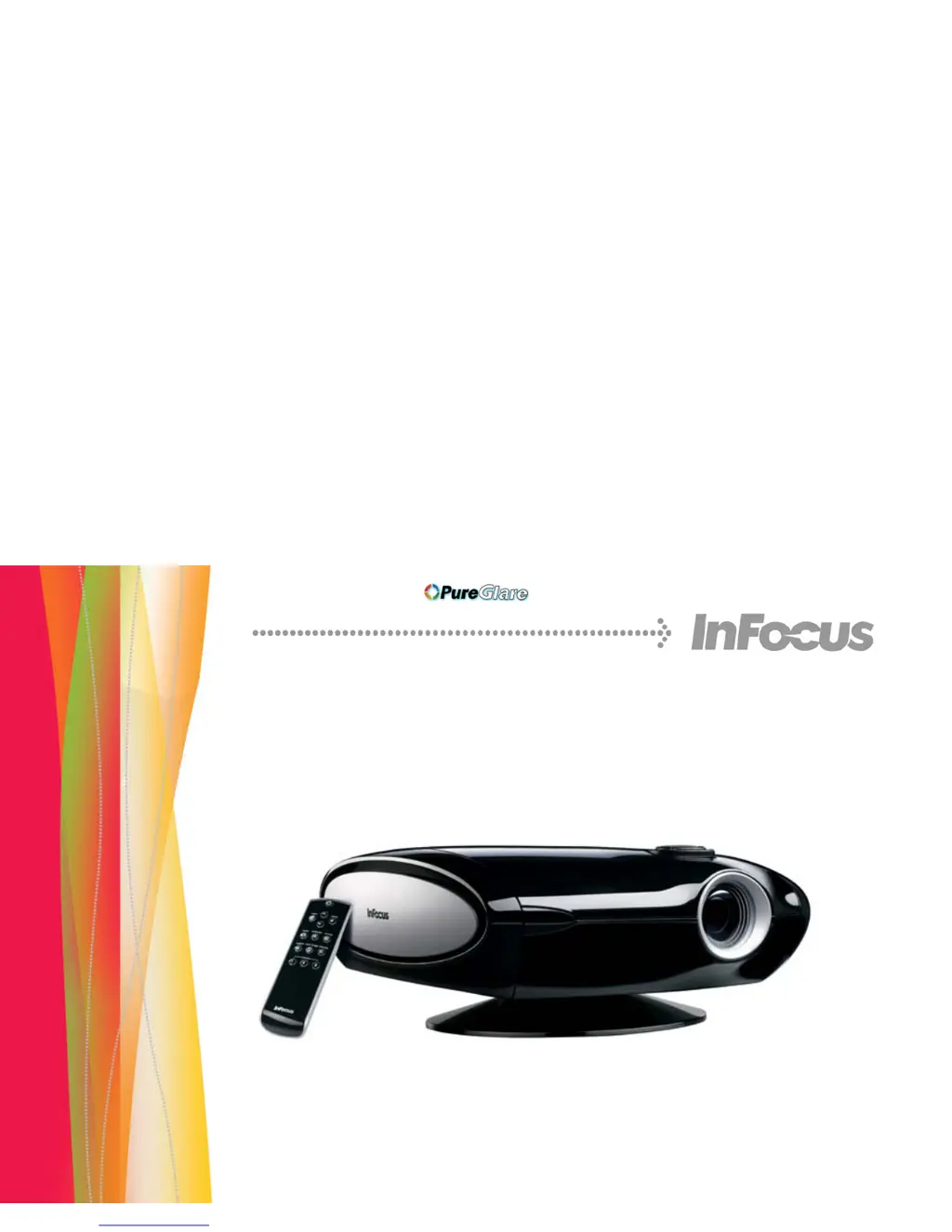
InFocus IN78 - User Manual

InFocus IN78
43 pages
Print Icon
To Next Page IconTo Next Page
Loading...
Trident
IN72/IN74/IN76/IN78
Reference Guide
http://www.pureglare.com.au

Other manuals for InFocus IN78

Questions and Answers

  • J
    Jennifer DiazAug 15, 2025
    What to do if a 'Change lamp' message appears at startup or LED is blinking red on InFocus IN78 Projector?
    • J
      Jose DavisAug 15, 2025
      If the 'Change lamp' message appears when you start your InFocus Projector, or the LED is blinking red, the lamp must be replaced. Replace the lamp and reset the lamp timer.
  • L
    Linda FisherAug 18, 2025
    How to flip image on InFocus Projector?
    • J
      Jennifer LangAug 18, 2025
      If the image on your InFocus Projector is upside down, turn off the ceiling setting in the Settings>System menu.
  • G
    Grace CamachoAug 22, 2025
    How to fix not square image on InFocus IN78?
    • J
      Justin Diaz PhDAug 22, 2025
      If the image on your InFocus Projector is not square, tilt the projector up or down, or adjust the Keystone setting in the Picture menu.
  • P
    priceheatherAug 25, 2025
    How to center image on InFocus Projector?
    • G
      Gabriel PinedaAug 26, 2025
      To center the image on your InFocus Projector screen, move the projector, adjust the zoom, or adjust the height.
  • J
    Jamie McdonaldAug 28, 2025
    How to fix no start up screen on InFocus Projector?
    • R
      robert25Aug 28, 2025
      To fix a no start up screen issue on your InFocus Projector, plug the power cord into the back of the projector and press the power button.
  • N
    nedwardsSep 1, 2025
    What to do if only start up screen appears on InFocus Projector?
    • J
      jhillSep 1, 2025
      If only the startup screen appears on your InFocus Projector, connect an active source and press the Source button.
  • J
    James HartSep 3, 2025
    How to correct image reversed left to right on InFocus IN78 Projector?
    • S
      Susan TerrySep 4, 2025
      If the image on your InFocus Projector is reversed left to right, turn off the rear setting in the Settings>System menu.
  • J
    James PageSep 7, 2025
    How to fix if projected colors don’t match source on InFocus Projector?
    • B
      Barry HollowaySep 7, 2025
      If the projected colors on your InFocus Projector don’t match the source, adjust the color, tint, color temperature, brightness, and contrast in the menus.
  • S
    Sandy BrownSep 12, 2025
    How to adjust sharpness on InFocus IN78 Projector?
    • M
      millerkristinaSep 12, 2025
      To adjust the sharpness on your InFocus Projector, go to the Picture>Advanced menu and adjust the Sharpness setting.

InFocus IN78 Specifications

General IconGeneral
Display TechnologyDLP
Brightness1300 ANSI lumens
Zoom Ratio1.2:1
InputsHDMI, Composite, S-Video, VGA
Projection Size30 - 300 inches
Resolution720p (1280x720)
Throw Ratio1.85 - 2.1:1

Related product manuals