Page 30 View & Share File Management
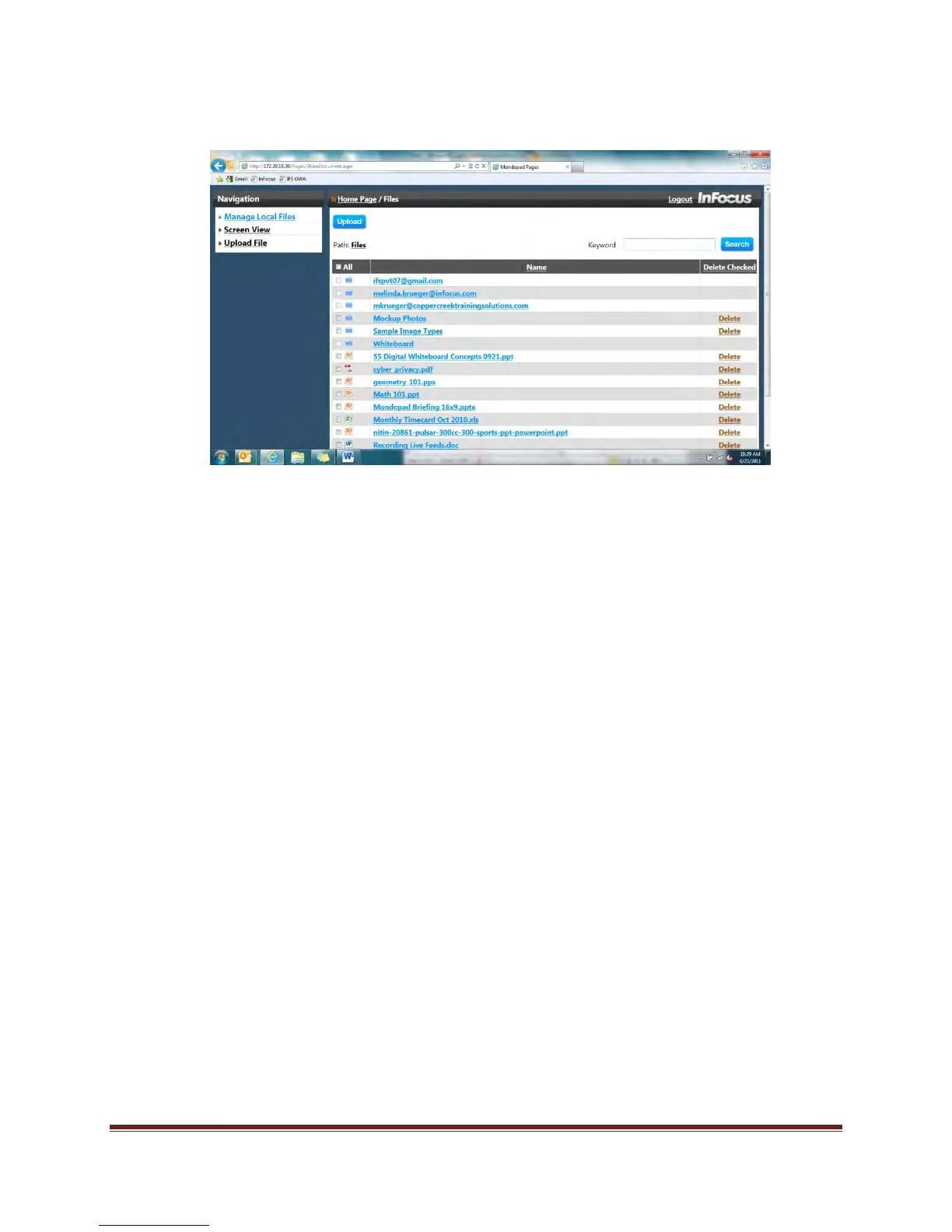
10. To upload without emailing:
a. Click Manage Local Files.
b. Click Upload.
c. Click Browse.
d. Locate the desired file on your computer (or smart device) and click the Open
button.
e. Click Upload.
f. Locate the document and click to open.
To delete file/folder(s) from the View & Share folder:
Method A: Click and hold the file/folder until a file/folder ghost appears. Then drag the
file to the Delete icon and release. Click Yes to confirm deletion.
Method B: Click the Delete icon and then click the file/folder(s) you wish to delete. Once
all file/folder(s) have been selected, click the OK button.


 To Next Page