Page 54 Troubleshooting
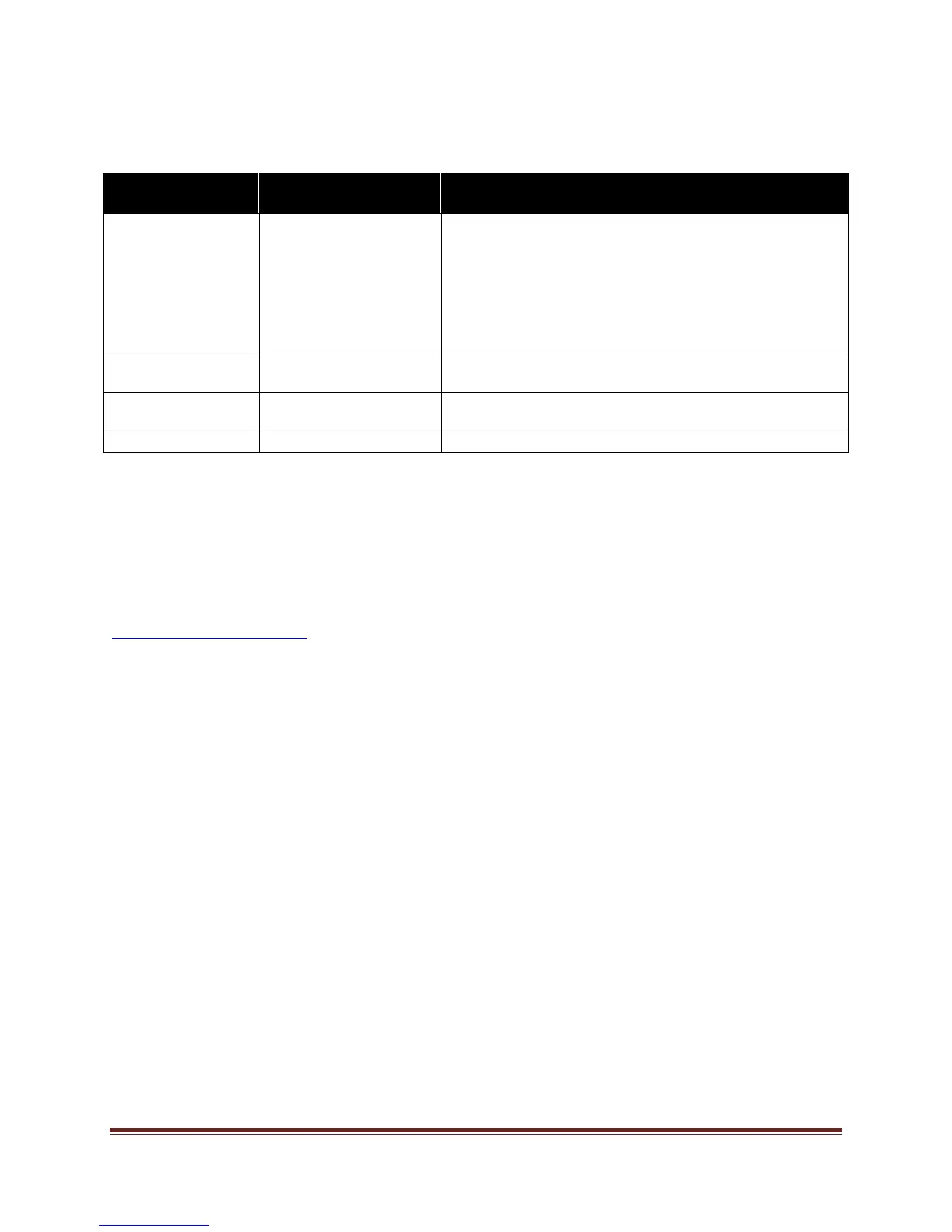
LED Indicators
Front LED
(near IR sensor)
PC LED
(back of the tablet)
Solution
Off Off The tablet is completely shut-down. Verify the
power cord is properly connected to the power
outlet and to the Mondopad™. Verify that the
power switch on the back of the unit is turned on.
Plug another electrical device to the power outlet to
verify that the outlet is supplying the proper
voltage.
Red Off The tablet is hibernating. Press the Power button
on the remote or keypad.
Orange Blinking Green The tablet is in standby mode. Press the Power
button on the remote or keypad.
Green Green The tablet is powered on.
For Additional Troubleshooting Support, please contact:
InFocus Corporation
Technical Support
6am-5pm PST
877-388-8385
www.infocus.com/support


 To Next Page