Page 10
LED Error Codes
1 2 3 4 5 6 7 8 9 10
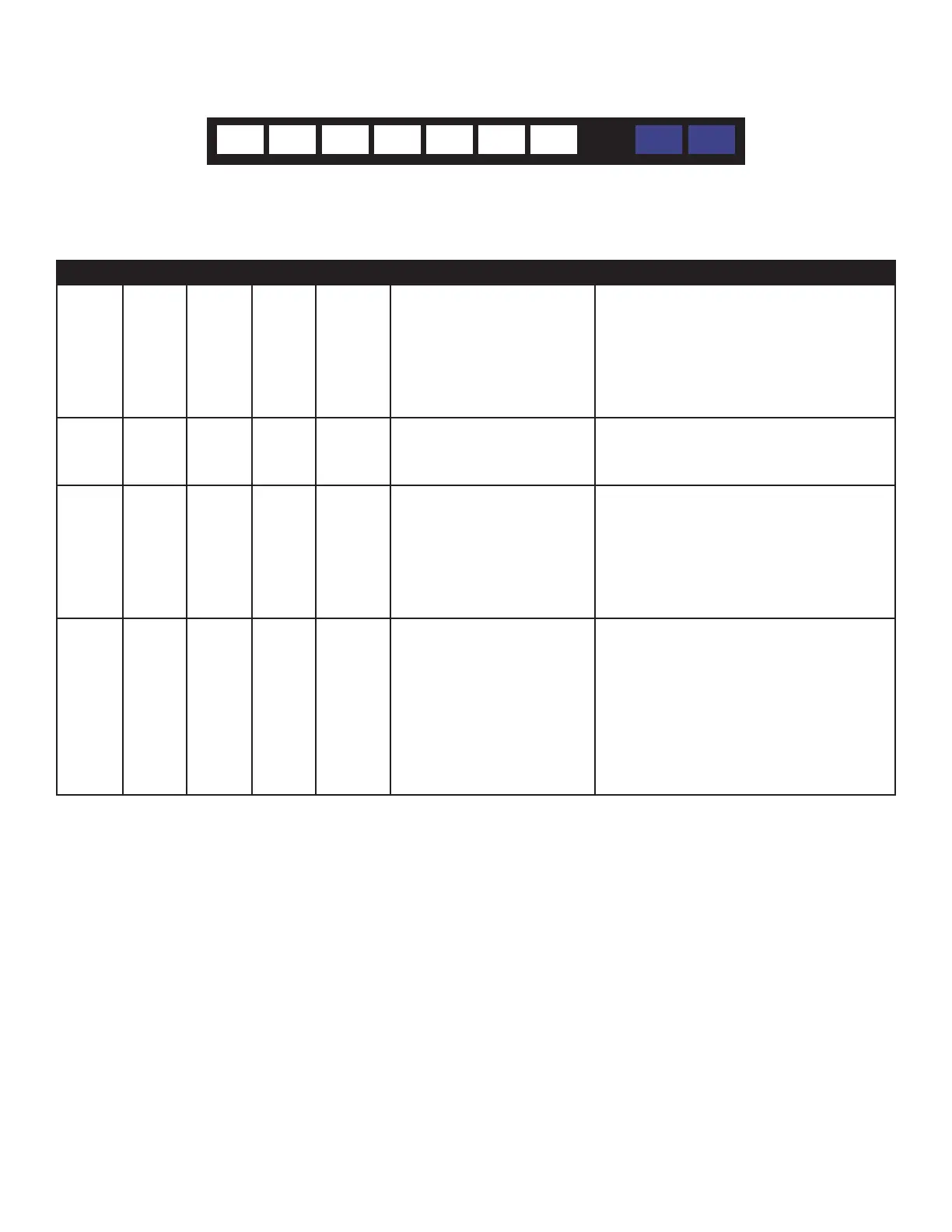
When an error occurs, the volume strip (LEDs #1 - 7) turns solid except for the LED which indicates which error condion is occurring
(that LED will be ashing). LEDs #8-10 are not used for error condions.
LED 1 LED 2 LED 3 LED 4 LEDs 5-7 Error Type Troubleshoong Tip
Blinking Solid Solid Solid Solid An SPDIF compressed format
detected
Congure the DVD player (or audio source
device) audio output format seng to PCM
or PCM stream. Otherwise, use the Analog
RCA inputs from the audio source to the
sound bar without conguraon of the audio
source device.
Solid Blinking Solid Solid Solid The SPDIF rate is unsupported Congure the audio sample rate of the audio
source device to be either 44.1 KHz or prefer-
ably 48KHz.
Solid Solid Blinking Solid Solid An over-current error has
been detected
Reduce the volume seng of the sound bar
and subwoofer temporarily, and turn the unit
o for a short period and back on to reset
the circuitry. If this indicaon connues to
occur, then reduce the volume level for the
parcular source content being played.
Solid Solid Solid Blinking Solid Thermal Shutdown has oc-
curred.
Turn o the sound bar and verify the ven-
laon slots in the sound bar are clear, the
sound bar has proper venlaon and is not
being operated in an environment
that is too hot. If these condions exist,
reduce the volume level for the parcular
source content being
played.
For addional troubleshoong support, please contact:
InFocus Corporaon
Technical Support
6am-5pm PST
877-388-8385
www.infocus.com/support



 To Next Page