Page 5
Mounting the Sound Bar
IMPORTANT:
The INF7020 must be mounted to a stand or placed on feet before following these instrucons. Review the stand/feet manufactur-
er's user documentaon for more informaon.
1) Remove the exisng feet from the sound bar and set the feet aside. NOTE: The feet can be used to oor or wall mount the
sound bar, if you do not want to aach the sound bar to the monitor.
2) Remove the screws which hold the two plasc covers on the back of the monitor. Remove the covers.
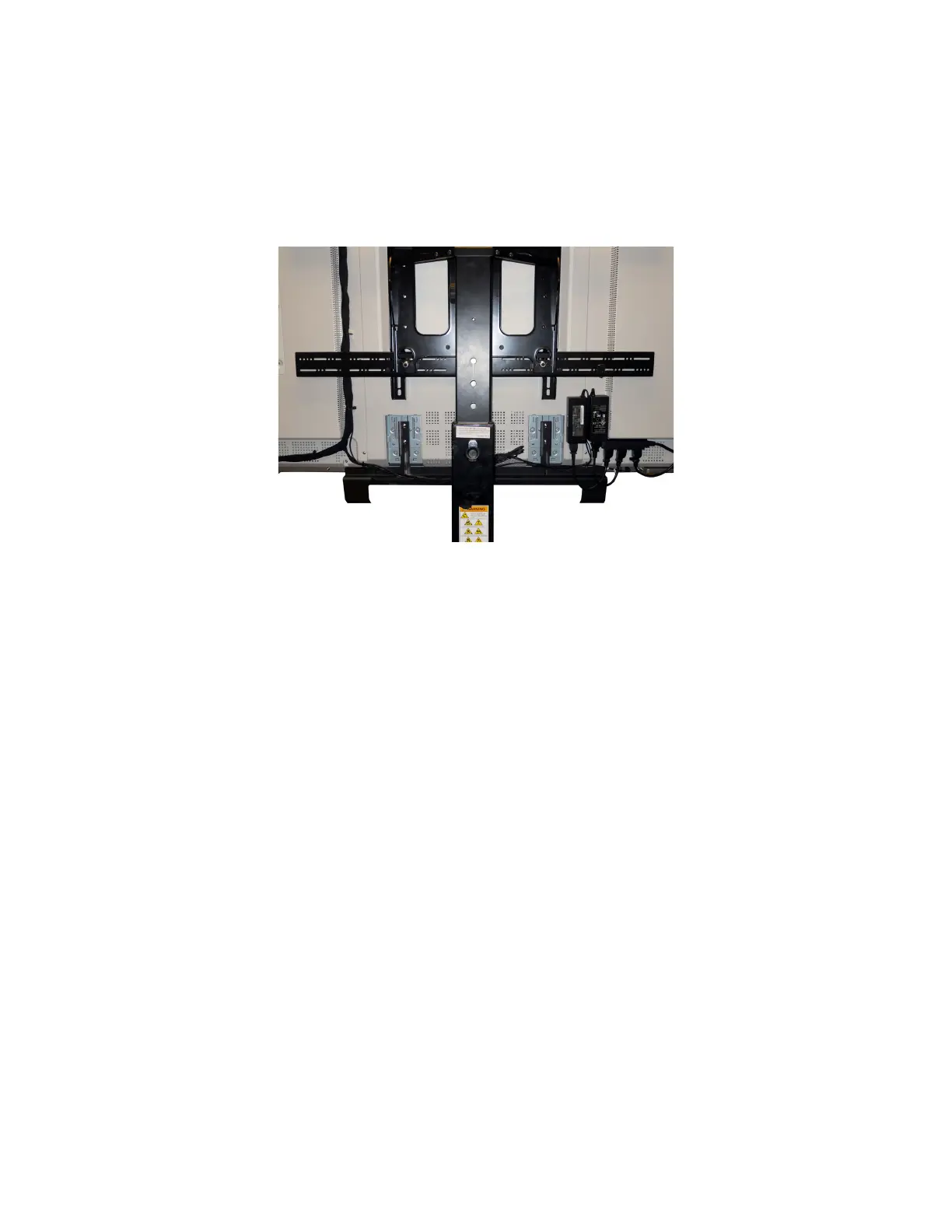
3) From the back of the monitor, slide the ush-side of the sound bar bracket mounng arms underneath the cables and align the
arms with the screw holes. NOTE: The sound bar bracket ships with the INF7020.
4) Aach the bracket to the back of the monitor using the provided screws.
5) From the front of the monitor, aach the sound bar to the mounng bracket with the provided screws, being careful not to
pinch the cables.
6) Tighten all the screws securely.



 To Next Page