34
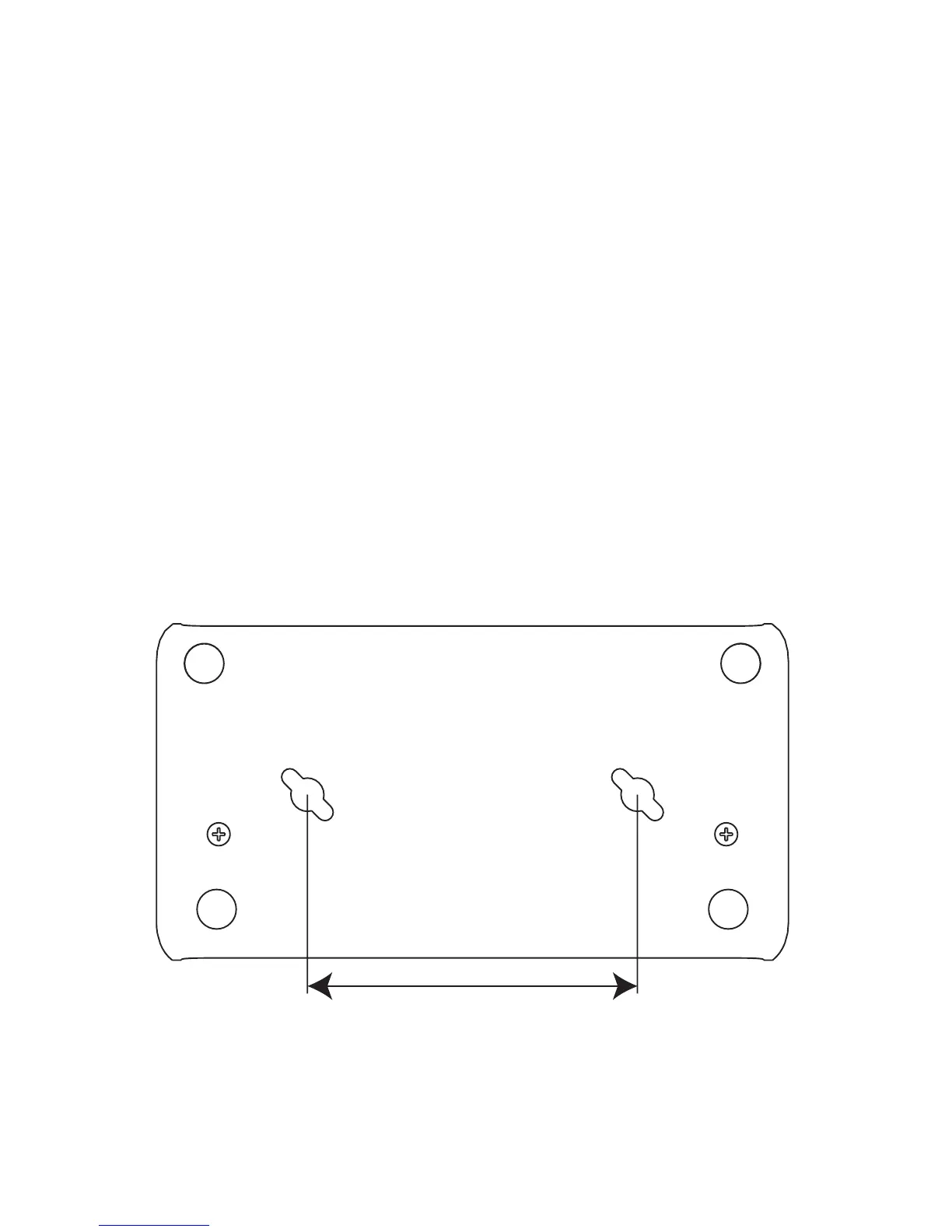
Adapter Mounting Template
If you want to mount the adapter, you can cut this template out to help you locate the holes to drill.
Mounting Instructions
1. Drill two 5.5mm (7/32”) holes per the template.
2. Insert the two provided plastic mounts into the holes.
3. Install the two provided mounting screws into the plastic mounts. Do not screw these in tight. Leave a 1-2mm (.04-.08”) space between the screw heads and the plas-
tic mounts.
4. Line up the mounting holes on the bottom of the LiteShow II with the screw heads and insert the screw heads into the bottom of the LiteShow II.
5. Slide the LiteShow II either to the front or the back, locking the screw heads into place.
8 cm









 To Next Page